---
title: "Usage in Fluid"
manual: "kreXX Debugger"
version: "6.1"
permalink: "https://docs.typo3.org/permalink/brainworxx/includekrexx:fluid@6.1"
source: "Quickstart/Fluid/Index.rst"
rendered: "2026-10-19T14:39:25+00:00"
---
# Usage in Fluid {#fluid}
## The debugging ViewHelpers {#the-debugging-viewhelpers}
Using the ViewHelpers is pretty much straight forward:
```html
{_all}
{_all}
```
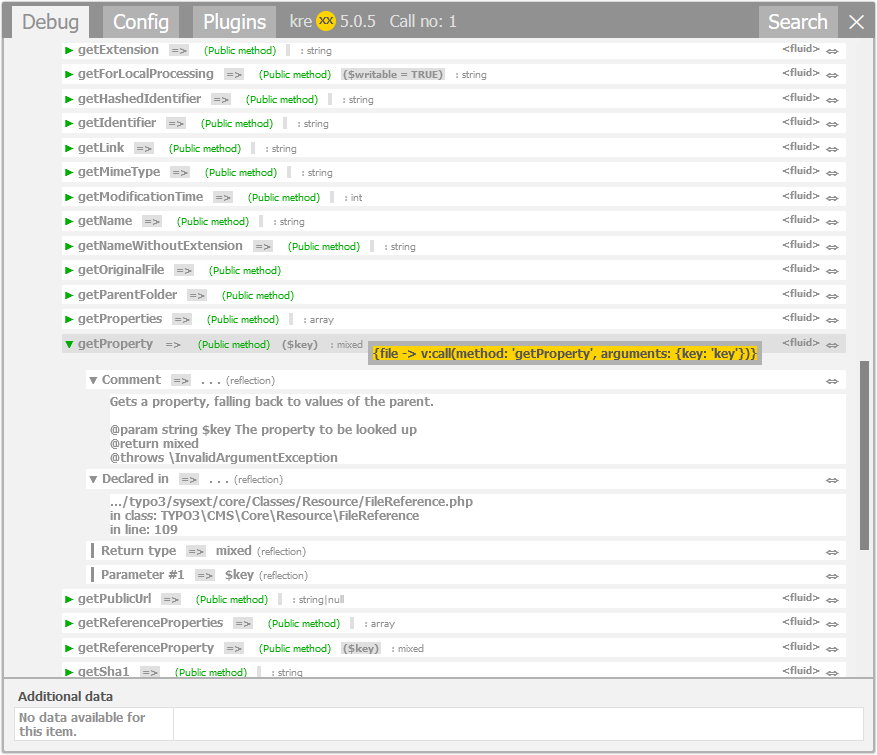
kreXX will then try to analyse everything inside the variable given to it. All reachable properties will be shown in the
debugger output.
From a Fluid template point of view, array, object getters and object public methods are handeld in the same way. kreXX
will do the same when displaying them.
## Benchmarking ViewHelpers {#benchmarking-viewhelpers}
```html
. . . .
. . . .
```
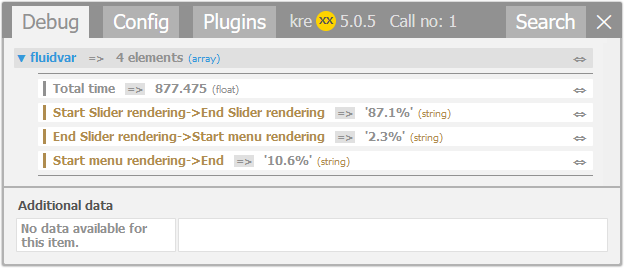
kreXX measures the time between every call, and then outputs it as a benchmark.
> [!WARNING]
> As seen in the example screenshot, the rendering order may not be what you expect. When using the benchmarking
> ViewHelpers across different template files, make sure to call them in the correct order. kreXX will stop to
> measure the time when you call the end ViewHelper ``.