How pages are indexed
First of all a page must be cacheable. For pages where the cache is
disabled, no indexing will occur.
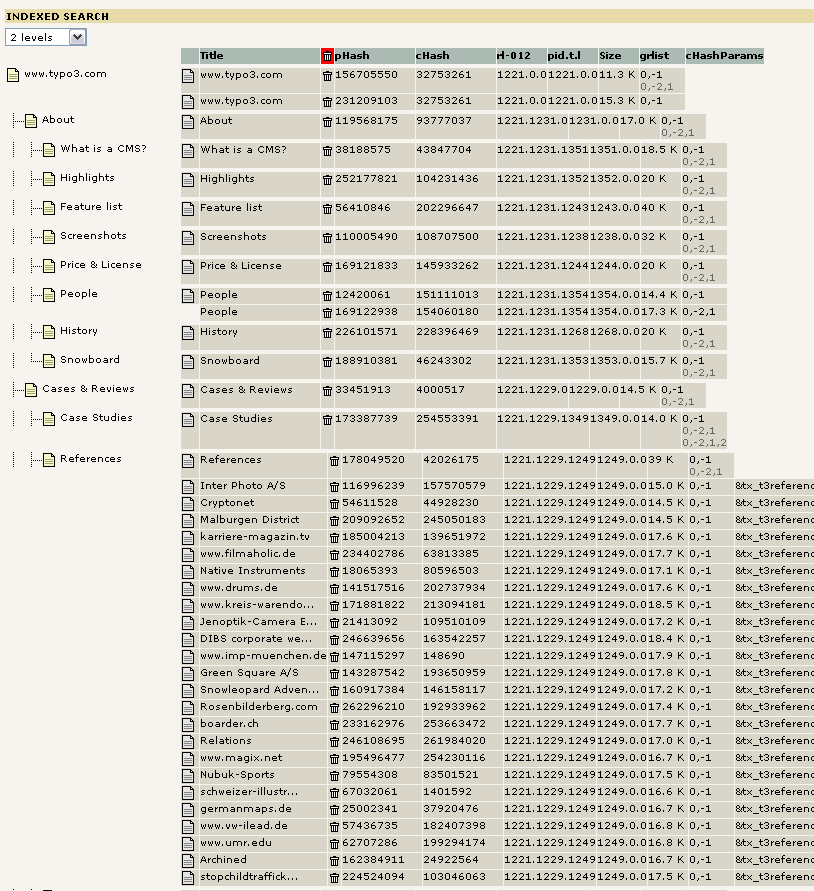
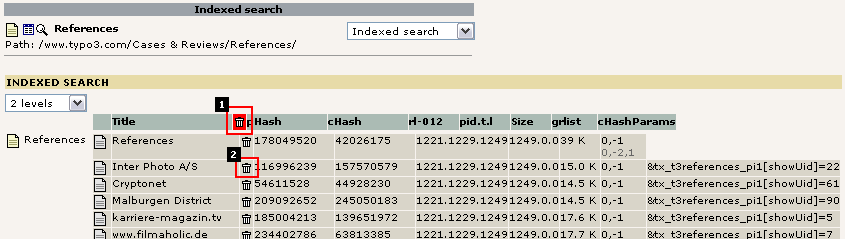
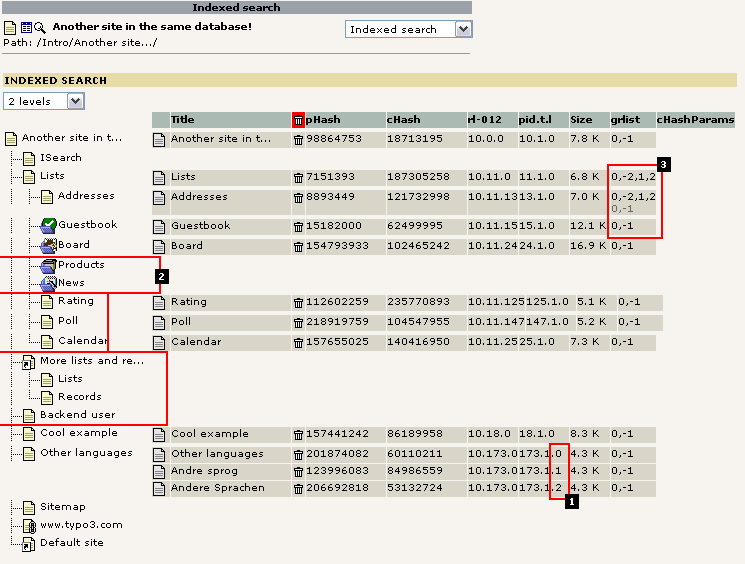
The "phash" is a unique identification of a "page" with regard to the
indexer. So an entry in the index_phash table equals 1 resultrow in
the search-results (called a phash-row).
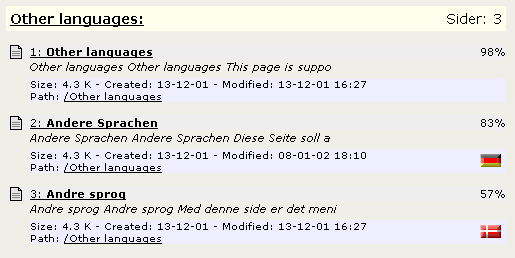
A phash is a combination of the page-id, type, sys_language id,
gr_list, MP and the cHash parameters of the page (function
setT3Hashes()). If the phash is made for EXTERNAL media (item_type >
0) then it's a combination of the absolute filename hashes with any
"subpage" indication, for instance if a PDF-document is splitted into
subsections.
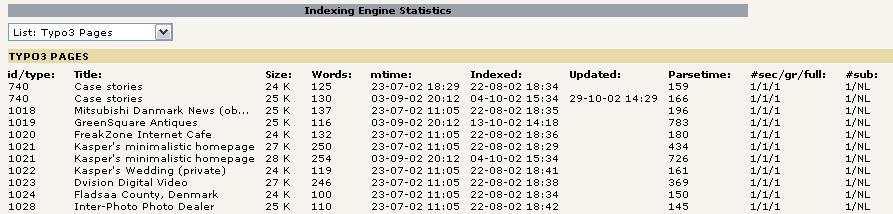
So for external media there is one phash-row for each file (except
PDF-files where there may be more). But for TYPO3-pages there can be
more phash-rows matching one single page. Obviously the type-parameter
would normally always be only one, namely the type-number of the
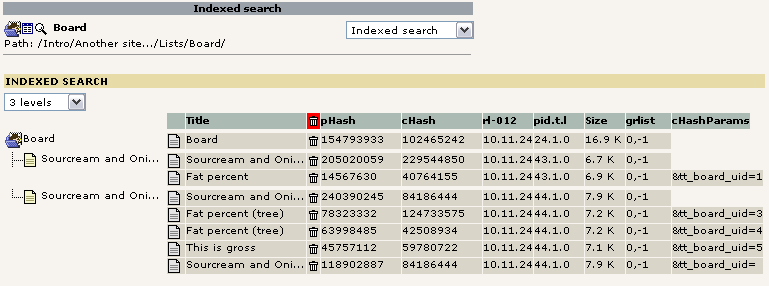
content page. And the cHash may be of importance for the result as
well with regard to plugins using that. For instance a message board
may make pages cacheable by using the cHash params. If so, each cached
page will also be indexed. Thus many phash-rows for a single page-id.
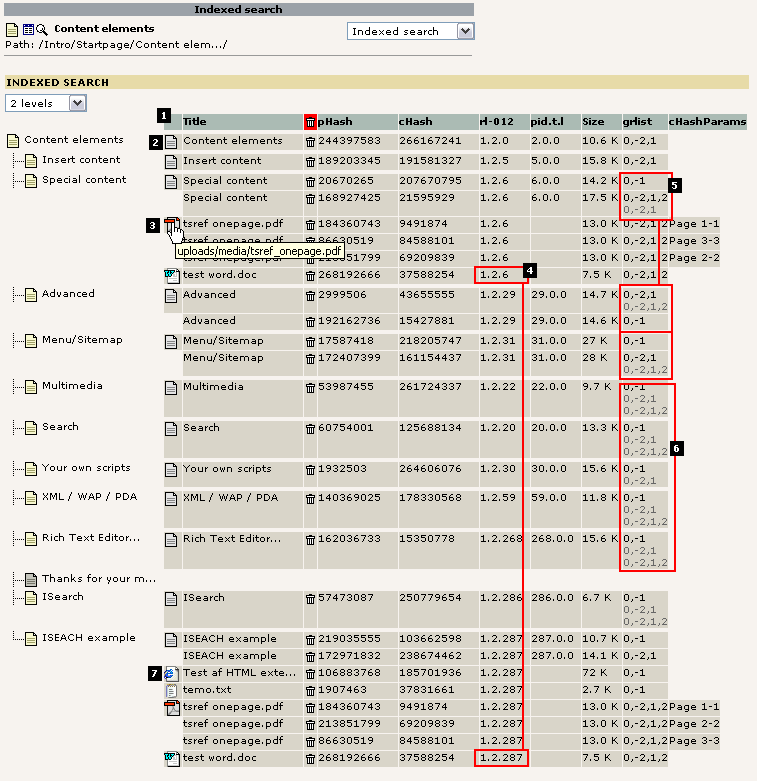
But the most tricky reason for having multiple phash-rows for a single
TYPO3-page id is if the gr_list is set! This works like this: If a
page has exactly the same content both with and without logins,
then it's stored only once! If the page-content differs whether a user
is logged in or not - it may even do so based on the fe_groups! -
then it's indexed as many times as the content differs. The phash is
of course different, but the phash_grouping value is the same.
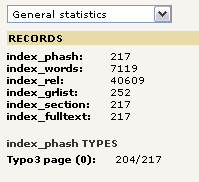
The table index_grlist will always hold one record per phash-row (of
item_type=0, that is TYPO3 pages). But it may also hold many more
records. These point to the phash-row in question in the case of other
gr_list combinations which actually had the SAME content - and thus
refers to the same phash-row.