TYPO3 CMS System Notes 

Extension key

sys_note

Package name

typo3/cms-sys-note

Version

12.4

Language

en

Author

TYPO3 contributors

License

This document is published under the Open Content License.

Rendered

Tue, 14 Apr 2026 10:57:49 +0000


Records with messages which can be placed on any page and contain instructions or other information related to a page or section.


Table of Contents:
Introduction 

What does it do? 

The goal of the sys_note extension is to keep the backend more organized. You can add notes for yourself or for other backend users.

The sys_note table in TYPO3 is a database table used for storing notes or annotations related to records within your TYPO3 installation. These notes can be added by administrators or users to provide additional context or information about a specific record.

For Editors 

Target group: Editors

The internal notes are a useful feature for adding context and notes to pages. It provides a way for users to document important information related to specific pages.

Usage 

Table of Contents

Adding a note 

To add a note to a page:

  1. Log in to the TYPO3 backend as a user with appropriate permissions.
  2. Navigate to the page where you want to add a note.
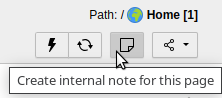
  3. Click on Create internal note for this page .

    Creating a new sys_note note

    Button to create a new internal note

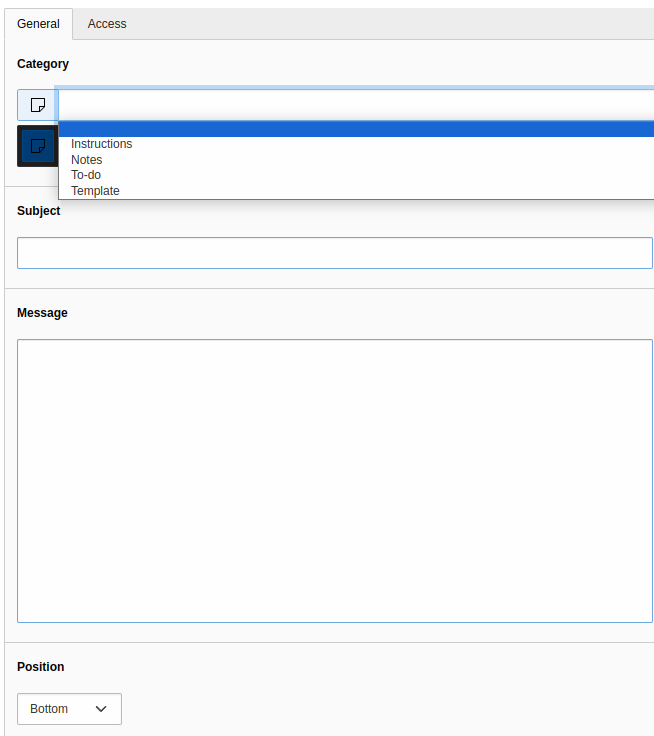
  4. Create a new internal note, select the appropriate category and add the desired text content.
  5. Save the note.

Categories 

You can choose between:

Instructions
Used to provide instructions to the backend user.
Notes
Used for simple notes.
To-Do
Used to allow a backend user to see and complete pending to-dos.
Template
Used to output a template.
Creating a new internal note

Create a new internal note

Describing the note 

Enter the title of your note in the Subject field and the description in the Message field.

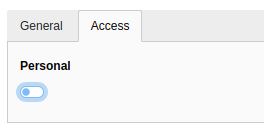
Activate the Personal toggle in the Access tab, if the note should be displayed only for you.

Personal field

Using the Personal feature

How does the internal note look in the backend? 

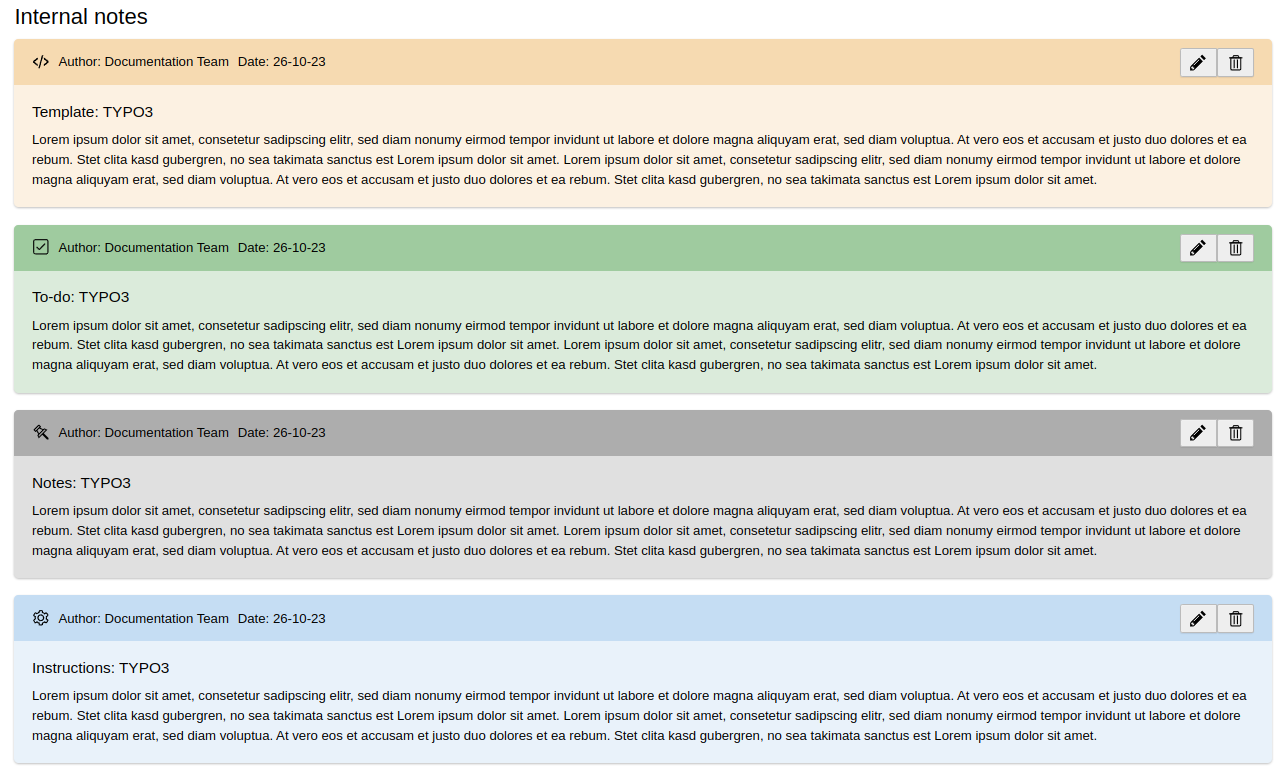
When a backend user opens the corresponding page, they will see a box displaying the internal note, if at least one is available. The various colors represent the different categories.

Different internal note categories

Different internal note categories

Installation 

Target group: Administrators

This extension is part of the TYPO3 Core.

Installation with Composer 

Check whether you are already using the extension:

composer show | grep sys-note
Copied!

This should either give you no result or something similar to:

typo3/cms-sys-note       v12.4.9
Copied!

If it is not installed, use the composer require command to install the extension:

composer require typo3/cms-sys-note
Copied!

The version installed depends on which version of the TYPO3 Core you are using.

Installation without Composer 

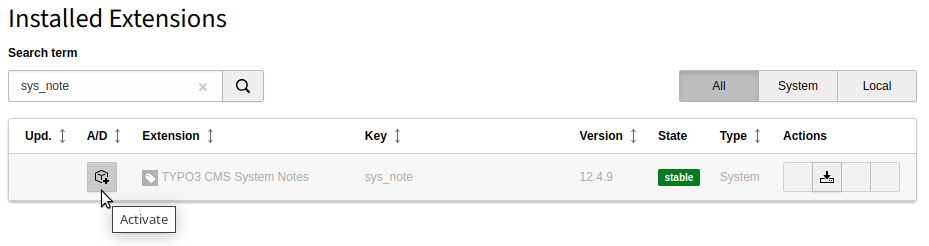
In an installation without Composer, the code of EXT:sys_note is already shipped. You just have to activate the extension. Head over to the Admin Tools > Extensions module and activate the extension.

Extension Manager showing System Notes extension

Extension manager showing System Notes extension

For integrators 

Properly configuring access permissions to the sys_note table is essential to enable editors to effectively utilize this system extension. Internal notes allow editors to document important information related to specific pages, enhancing the overall usability and functionality of TYPO3 for your organization.

Administration / configuration 

To ensure smooth operation of the "Internal notes" extension, it is important to configure the necessary access permissions for editors. Editors must have read and/or write access to the sys_note table in TYPO3. Without the appropriate access permissions, editors may encounter issues when trying to create, view, or modify notes.

Access configuration 

Access to the sys_note table can be configured through TYPO3's backend user access settings. Here is how you can configure the necessary permissions:

  1. Log in to the TYPO3 backend as an administrator.
  2. In the backend, navigate to the System > Backend Users module.
  3. Create a new Backend user group, if you do not have one already.
  4. Activate the Internal note checkbox for both Tables (listing) and Tables (modify).

    Access to the sys_note table

    Giving access to the sys_note table

  5. Save the changes.

By configuring access rights in this way, editors will have the necessary permissions to create, edit, and view notes using the "Internal notes" extension. This ensures that they can effectively use this feature to add context and notes to pages within your TYPO3 installation.

Remember to regularly review and update access permissions as needed to maintain security and compliance with your organization's requirements.

Sitemap