sessionplaner: TYPO3Camp Session planer 

Extension key

sessionplaner

Version

main

Language

en

Description

TYPO3camp session planing inside TYPO3

Keywords

forIntegrator

Copyright

2013-2022

Author

evoWeb

License

Open Content License available from http://www.opencontent.org/opl.shtml

Rendered

Tue, 03 Feb 2026 17:03:05 +0000

The content of this document is related to TYPO3, a GNU/GPL CMS/Framework available from http://typo3.org

Table of Contents

Introduction 

What does it do? 

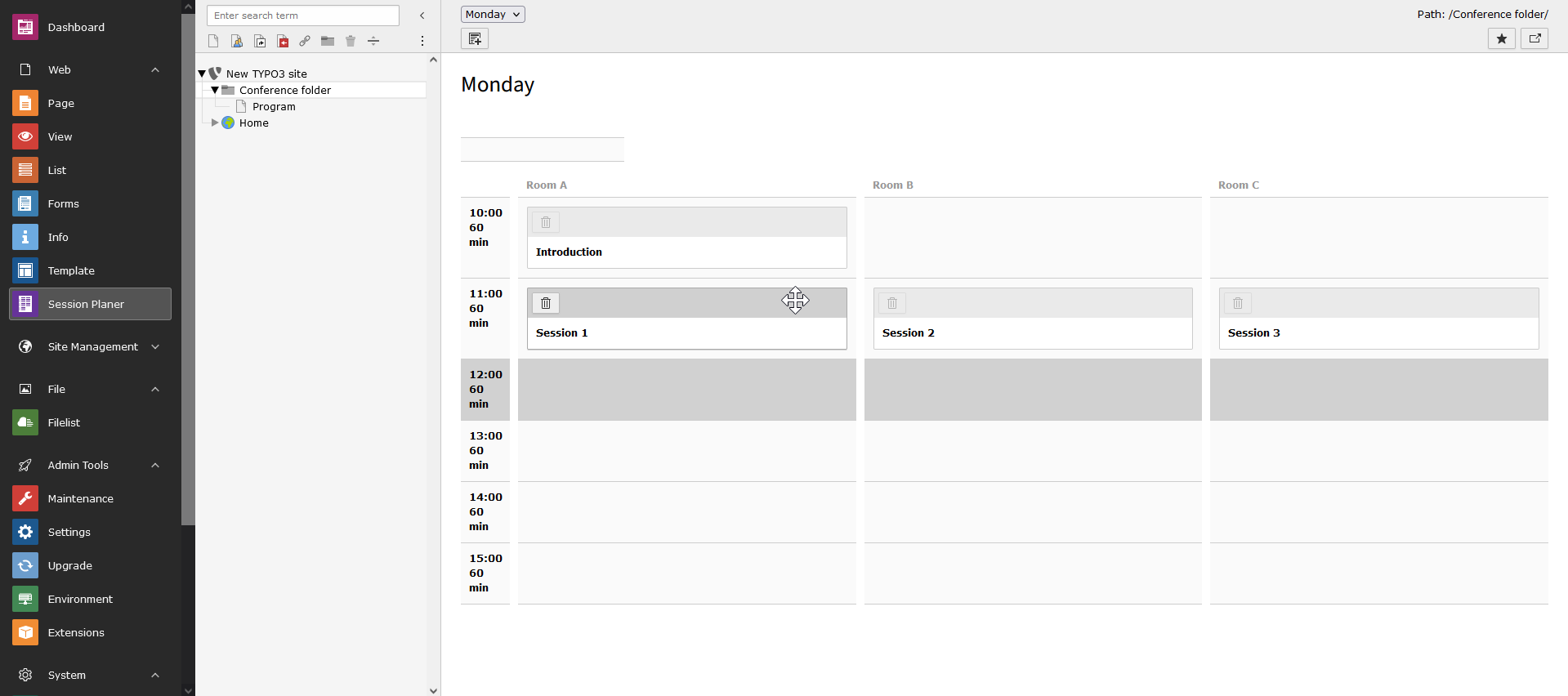
In the backend a module assists the planing process by adding sessions in a grid of all possible time slots and available rooms. It helps keeping an overview of which slots are booked and which are free.

Example of the frontend rendering with sessionplaner

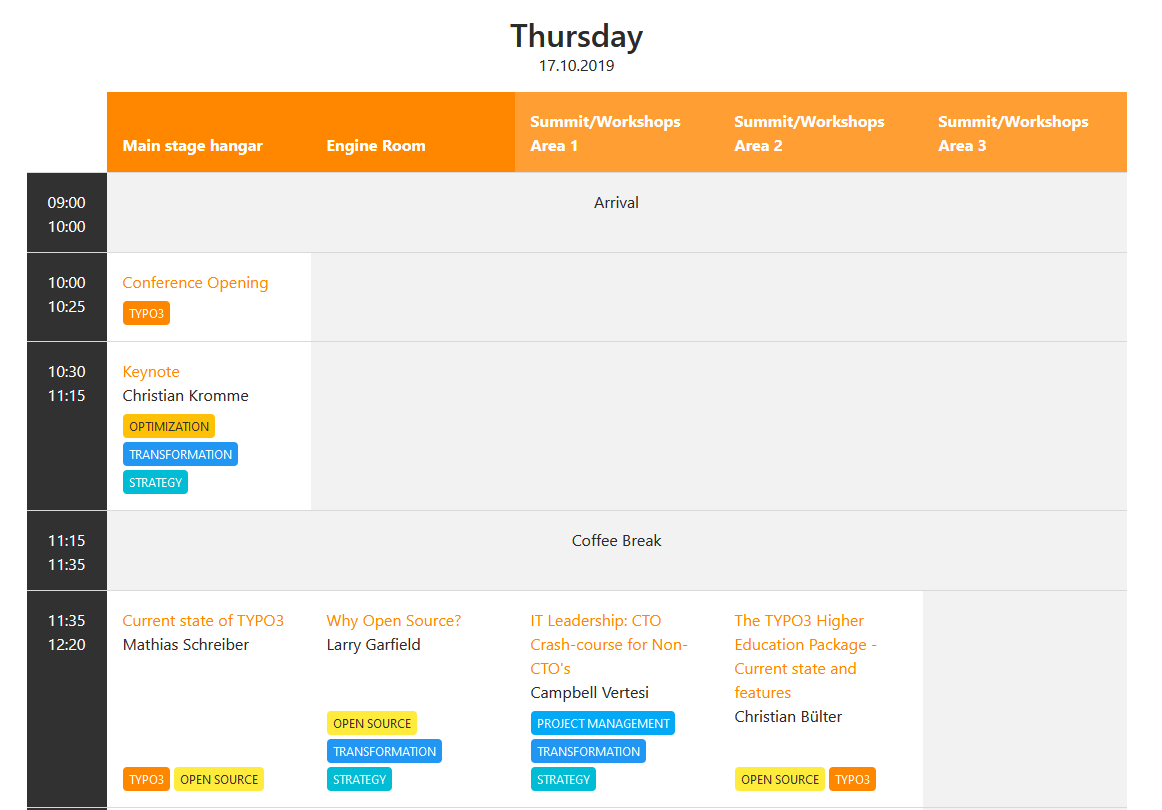
In frontend the session plan is rendered in a table style. For example look at the following screenshot from the T3CON19:

Example of the frontend rendering with sessionplaner

Features 

  • supports multi-day conferences
  • mobile-friendly view of the program schedule
  • separate page for each session and each speaker
  • detailed speaker information can be entered like affiliation, bio, social media information as well as a picture
  • list of speakers
  • each session can have one or several tags in different colors
  • link external or internal material for a session
  • download all data as CSV or JSON from the backend

Installation 

Download via Extension Manager 

In the TYPO3 Backend go to Admin Tools > Extensions. Change in the dropdown on the top left to 'Get Extensions', enter the extension key 'sessionplaner' in the text field below the headline 'Get Extensions' and hit go. In the result list install the extension by hitting the action for that.

Download via Composer 

Add evoweb/sessionplaner to the require in your composer.json like in the following example and run 'composer install'.

{
	"require": {
		"typo3/cms-core": "^10.0",
		"evoweb/sessionplaner": "*",
	}
}

Copied!

Alternatively if you have an existing project with a configured composer.json you can add sessionplaner with the command by running 'composer require evoweb/sessionplaner'.