t3_linkfree 

Version

1.0

Language

en

Authors

Christoph Werner

Email

info@itfoo.de

License

This extension documentation is published under the CC BY-NC-SA 4.0 (Creative Commons) license

Description

Easy to use solution to realise a simple "linktree" in TYPO3 (based on https://github.com/MichaelBarney/LinkFree).

TYPO3

The content of this document is related to TYPO3 CMS, a GNU/GPL CMS/Framework available from typo3.org .

Community Documentation

This documentation is community documentation for the TYPO3 extension t3_linkfree

It is maintained as part of this third party extension.

If you find an error or something is missing, please: hhttps://github.com/criwe/t3_linkfree/issues/new

Extension Manual

This documentation is for the TYPO3 extension t3_linkfree.

For Contributors

You are welcome to help improve this guide. Just click on "Edit me on GitHub" on the top right to submit your change request.
Introduction 

What does it do? 

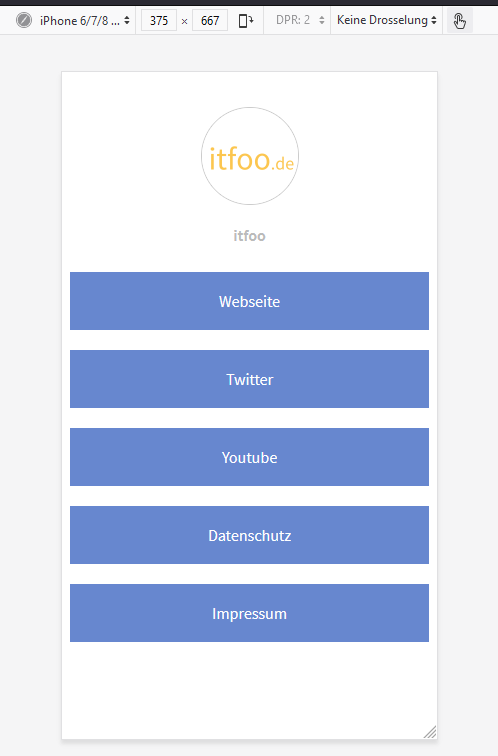
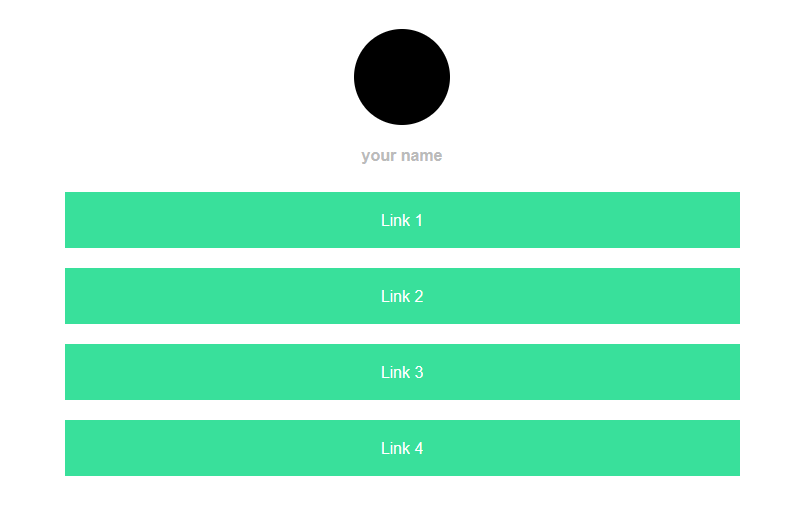
Adds a simple method to create "linktrees" (see screenshot below) and customizethem in your own style. Linktress can be used in social media profiles to make all needed links available within one link.

It is based on https://github.com/MichaelBarney/LinkFree Have a look at templates there. You can easily adopt these template by using the corresponding css-file or implement your own style.

See Configuration

Screenshots 

Basic example

Basic style without configuration (desktop)

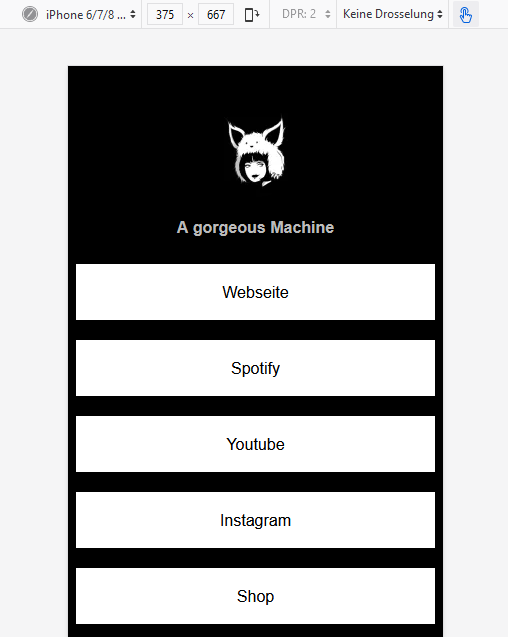
Real world example

a real world example (mobile)

Real world example 2

another real world example (mobile)

The screenshots show how the frontend could look like.

For Editors 

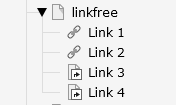
Adding Links to your linktree is quite simple: just add subpages to your main linkfree-page:

Example

Simple expample with four links.

Installation 

  1. Import and install the extension
- via the extension manager
  • composer
  1. Add "t3linkfree" to your Site Set (Sets for this Site template)

.. figure:: ../Images/Installation/addsiteset.png :class: with-shadow :width: 800px :alt: add site set

  1. Do some configurations (Important: set Root ID!)

See Configuration

  1. Start adding pages

See For Editors

Configuration 

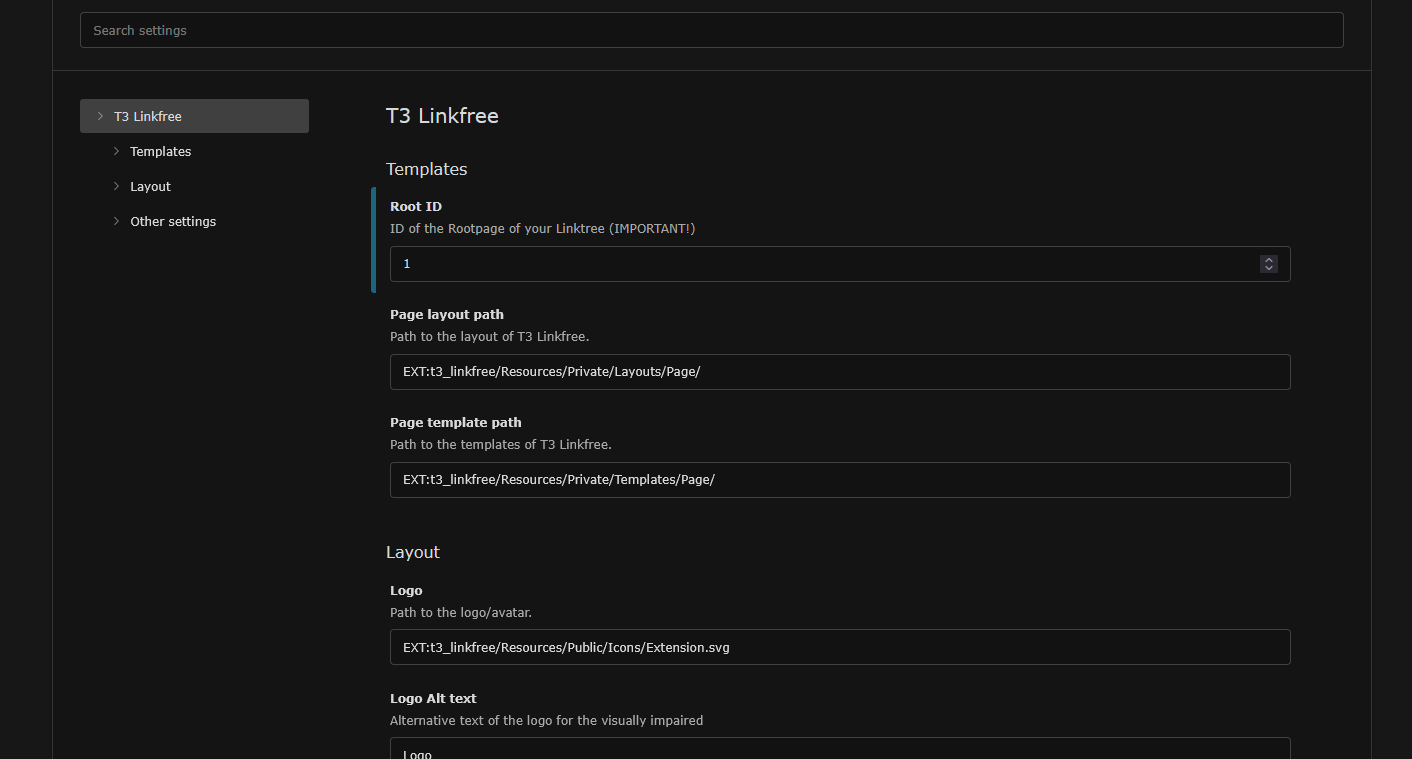
New in 1.0.6: The extension can be configured via site set:

configuration

You can set all needed values via siteset.

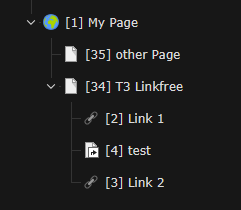
Important set Root ID to page where T3 Linkfree should work. The screenshot show how it work: you kann place T3 Linkfree anywhere in your pagetree, just add the right Root ID (34 in that case)

configuration
  • Path to CSS file: use your own linkfree-css-file. If set, its used instead of the standard CSS. You might copy the standard-css-file, put it in your sitepackage and change everything you need to (i.e. colors, fonts...)
  • Logo: the image on the top of you linktree
  • Favicon: the favicon of your linktree
  • Link: used for linking logo and name
  • Name: the name you see beneth the logo
  • alt Logo: alt-tag of your logo
  • usespaceless: if checked, redundant spaces between HTML tags are removed. So the output is a bit smaller. Is checked by default

Change log 

Version 1.0.6 

Add support for TYPO3 13 (remove support for TYPO3 12)

Breaking: Using Site Sets (you need to put your former constants settings to "Site Settings for "Linkfree")

Minor Cleanups

Version 1.0.5 

Add support for TYPO3 12

Remove Google Fonts @import from css

Remove some unneeded files

Formating this file

Thanks to Protein Revolution for supporting this update :-)

Version 1.0.4 

Add <spaceless> to template (optional)

Add FAQ section in documentation

Version 1.0.3 

Add infos for TYPO3 11 compatibility

Works with TYPO3 10 + 11 and PHP 7.4 + 8

Version 1.0.2 

Add documentation

Update composer.json

Version 1.0.1 

Small bugfix (Remove call of noexistend all.tsconfig in ext_localconf)

Version 1.0.0 

Initial upload

Sitemap 

FAQ 

Error (white page) when calling the main linktree? 

Check if path to your logoimage is set right (plugin.tx_t3_linkfree.settings.logoFile)

Choose Backendlayout "Default" or create one, that uses Default.html