
Configuration
New in 1.0.6: The extension can be configured via site set:
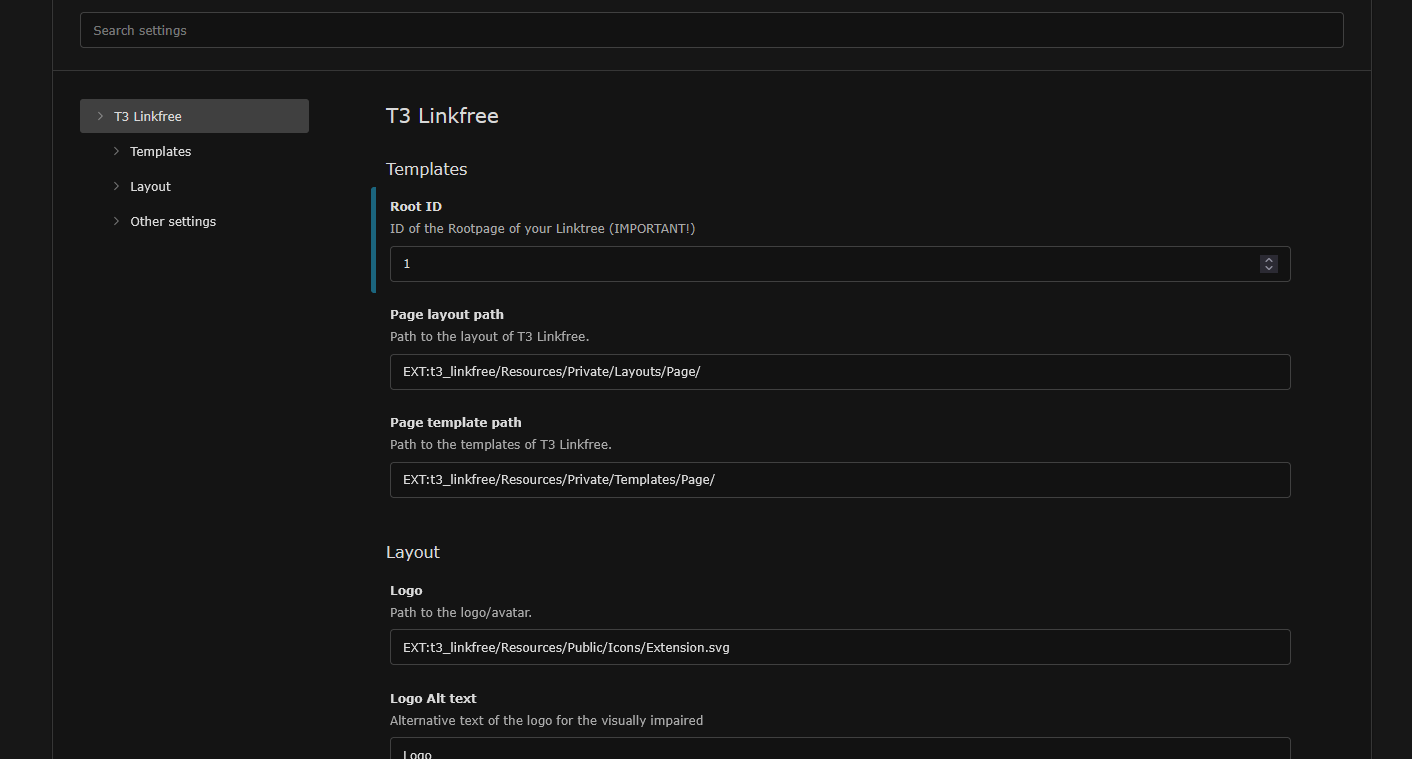
You can set all needed values via siteset.
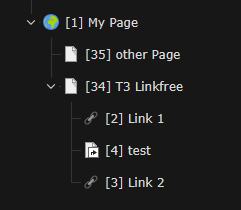
Important set Root ID to page where T3 Linkfree should work. The screenshot show how it work: you kann place T3 Linkfree anywhere in your pagetree, just add the right Root ID (34 in that case)
- Path to CSS file: use your own linkfree-css-file. If set, its used instead of the standard CSS. You might copy the standard-css-file, put it in your sitepackage and change everything you need to (i.e. colors, fonts...)
- Logo: the image on the top of you linktree
- Favicon: the favicon of your linktree
- Link: used for linking logo and name
- Name: the name you see beneth the logo
- alt Logo: alt-tag of your logo
- usespaceless: if checked, redundant spaces between HTML tags are removed. So the output is a bit smaller. Is checked by default