Introduction 

What does it do? 

This extension loads HTML content only after the user has clicked on a short note expressing his/her agreement to see it.

It is useful for embedding HTML snippets (often called widgets) from social media content providers like Facebook, Twitter and others. If the user does not agree, no widget is shown and no personal data (IP number etc.) is transferred to the social media provider.

The extension provides a new content element called "Media Consent Opt-In" which has two specific fields: one for the HTML snippet embedding the content, another for selecting the content provider (Facebook, Twitter...)

Template Layout 

The extension provides a new content element called "Media Consent Opt-In" which has two specific fields: one for the HTML snippet embedding the content, another for selecting the content provider (Facebook, Twitter...)

Screenshots 

Media Consent Opt-In

Extension provides new content element "Media Consent Opt-In"

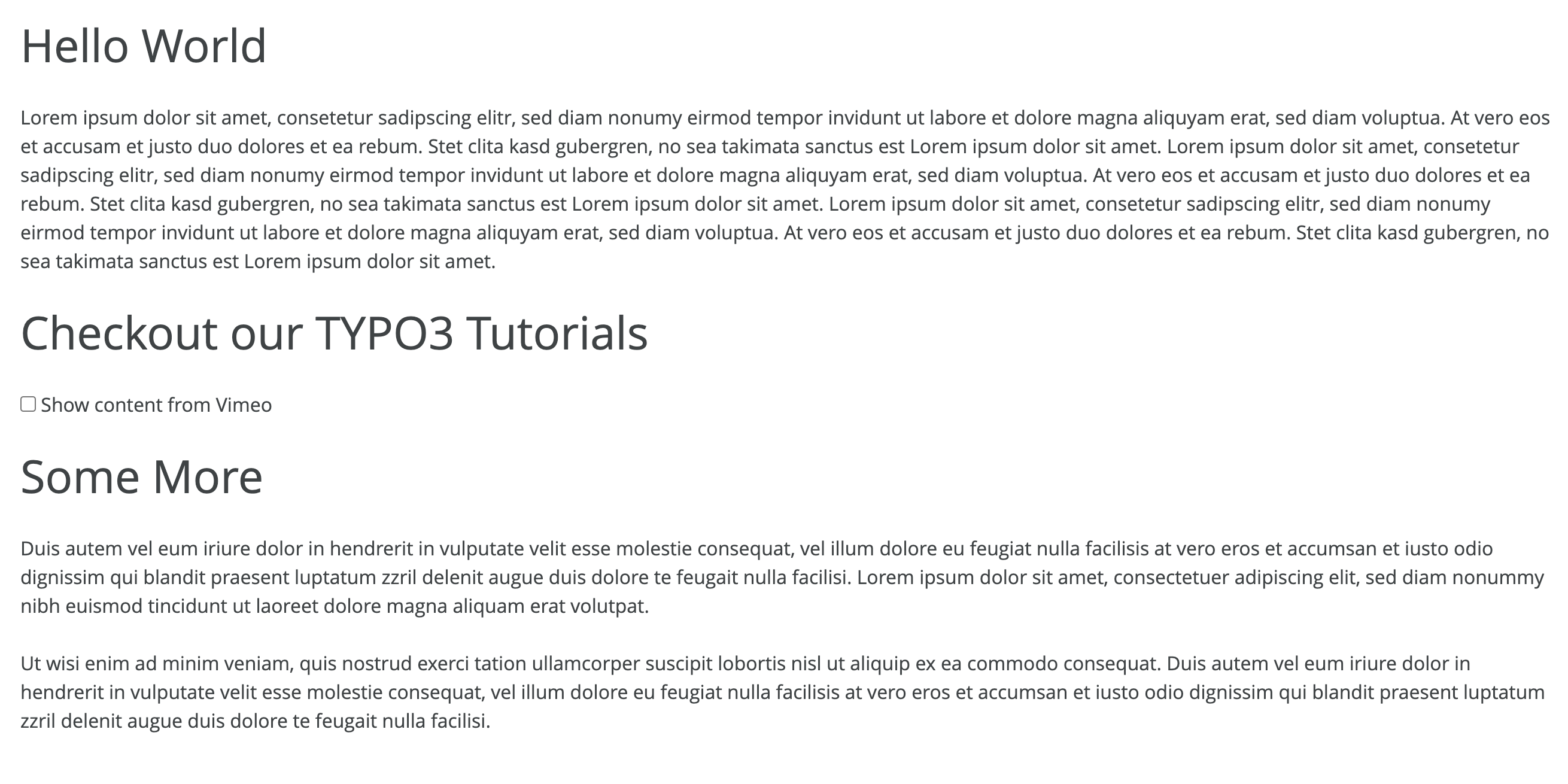
Element in Frontend view

Frontend view: User has to confirm display of content

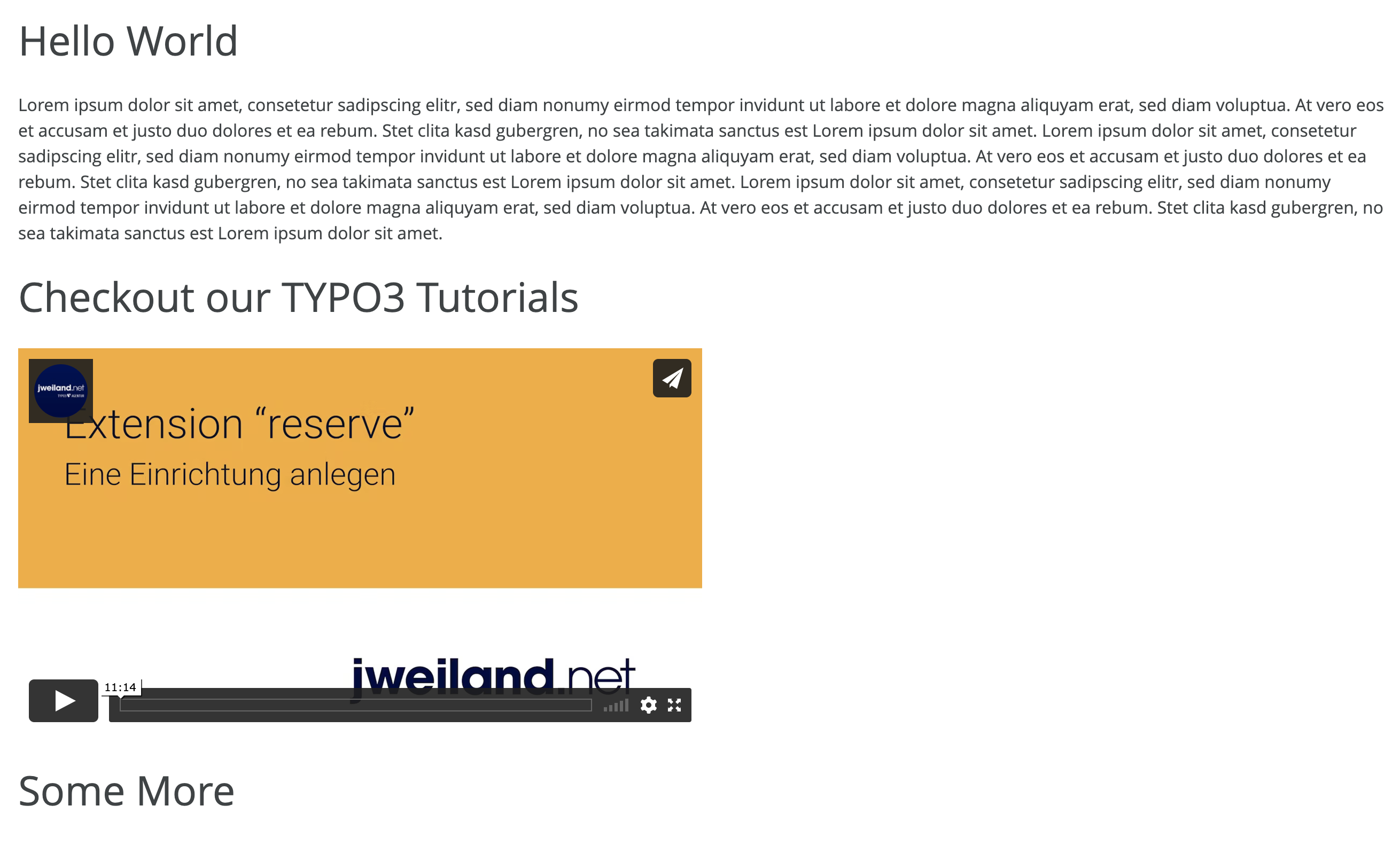
Vimeo content activated

After clicking to agree, content is being loaded and displayed

Users Manual 

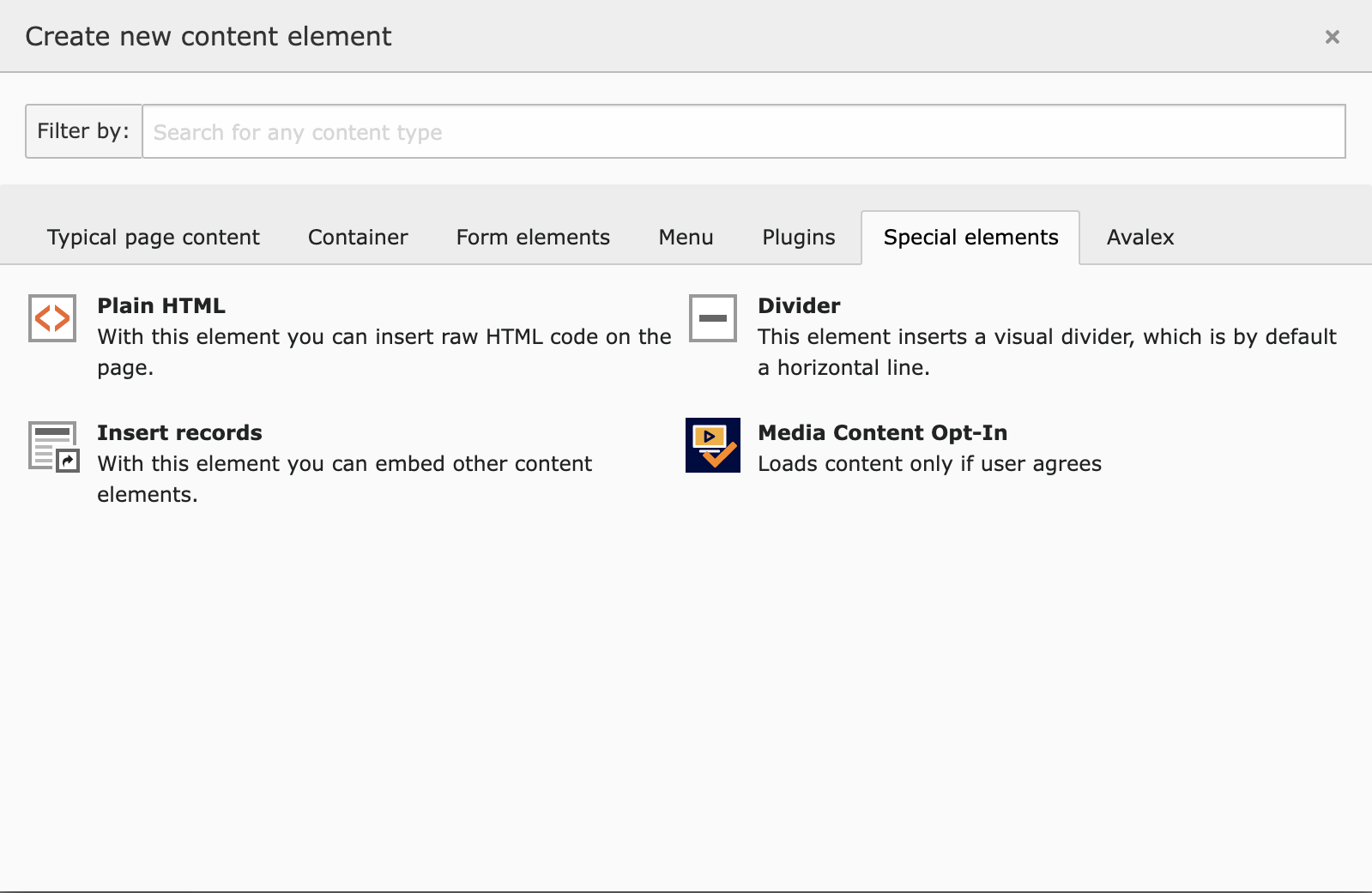
This extension provides a new content element called Media Consent Opt-In. Add it into your page like any other content element, you will find it on the "Special element" Tab:

Media Consent Opt-In

Extension provides new content element "Media Consent Opt-In"

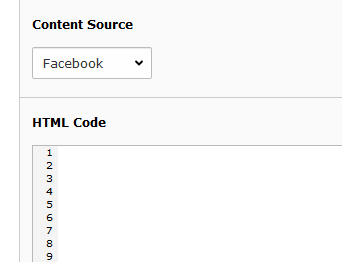
There are two fields, Content Source and HTML Code:

Content Fields

Fields for Content Provider and HTML Content

Use Content Source for selecting the content provider. If it is not listed, choose "Other" which will result in a more general message in frontend.

HTML Code then contains the HTML snippet used to embed the social media content. These snippets can be fetched directly from the Providers as you probably know. After the user has clicked to agree, this HTML will be loaded dynamically.

Administrator Manual 

Installation 

To install the extension, perform the following steps:

  • Go to the Extension Manager
  • Install the extension
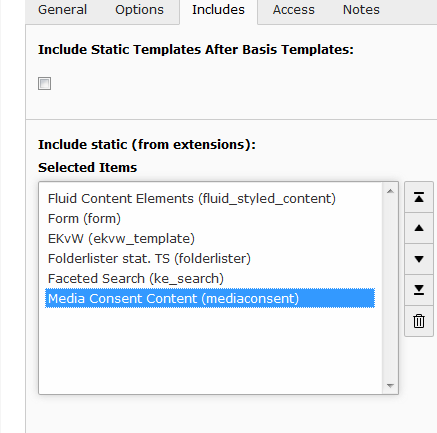
  • Select the static template
Select static template

After install, select the static template

# Include JavaScript functions for reloading Content Element.
# Assumes "page" as name for top level PAGE Object
page.includeJSFooter.tx_mediaconsent = EXT:mediaconsent/Resources/Public/JavaScript/MediaConsent.js
Copied!

Editing Constants 

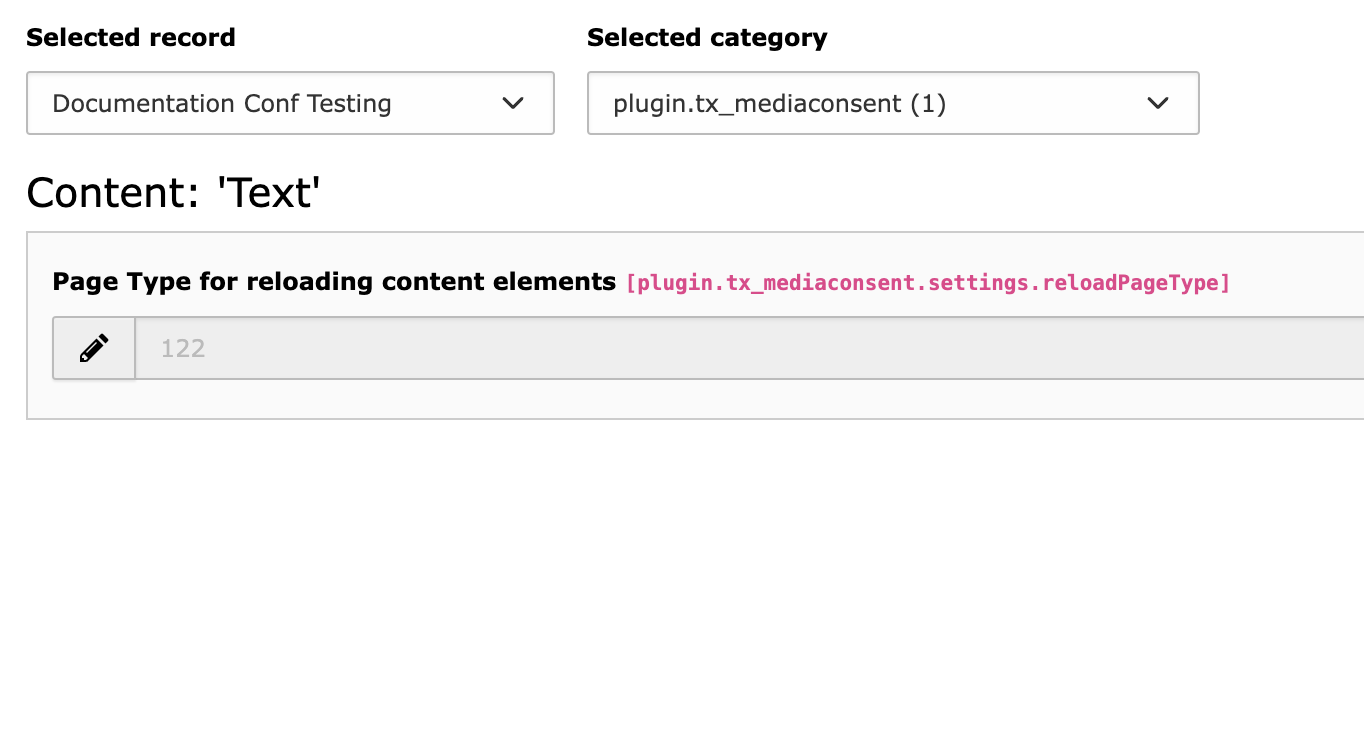
Constants

Constants for the reload page type

Another constant (reloadPageType) deals with the very rare case that you already use a pagetype of 122 somewhere in your typoscript configuration. Then you can change it here.

ChangeLog 

Version 3.0.1 

  • [BUGFIX] SiteSet identifier renamed by removing default

Version 3.0.0 

  • [FEATURE] TYPO3 13 Compatibility Fixes and removed older version compatibilities

Version 2.0.1 

  • [BUGFIX] Fixed issue that provider name not shown in the label
  • [FEATURE] Vite bundler for javascript added in private folder
  • [FEATURE] Bundler build files added to Public/JavaScript/MediaConsent.js
  • Rename template name to MediaConsent.html

Version 2.0.0 

  • TYPO3 12 LTS Support
  • Dropped lower version compatibilities
  • All deprecated calls replaced
  • Removed jQuery from TypoScript and rewrite the implementation with vanilla JavaScript
  • Update path to mediaconsent.js to JavaScript dir
  • Update html header in fluid templates
  • Update indents in Resources/Private/*
  • Remove unused imports
  • Update format of ext_tables.sql
  • Update homepage and keywords in composer.json
  • Update indents in composer.json to tabs
  • Add missing white space at end of file
  • Remove Cns from class header
  • Update link to documentation to main branch
  • Add missing tic in README.md
  • Remove .DS_Store

Version 1.0.0 

The maintainer has changed. The extension development will be continued by jweiland.net.

  • New composer package name jweiland/mediaconsent
  • First Release that supports TYPO3 v11 LTS
  • Support usage of sys folders e.g. for news with content elements

Version 0.1.8 

  • Checked for compatibility with TYPO3 10.4
  • Bugfix in fluid templates

Thanks to Albrecht Köhnlein who made pull requests concerning the bugs and TYPO3 10!

Version 0.1.7 

  • Checked for compatibility with TYPO3 9.5.7
  • Included documentation again

Version 0.1.6 

  • Header field of content element now rendered on page

Version 0.1.5 

  • Change in JavaScript: Now clicking on one content element reloads all elements from the same provider.

Version 0.1.4 

  • Bugfix release. Made documentation external since it was never rendered on extensions.typo3.org.

Version 0.1.3 

  • Bugfix release

Version 0.1.2 

  • Bugfix in composer.json

Version 0.1.1 

  • Added content in README.md

Version 0.1.0 

  • First release

Sitemap