miniorangesaml

Classification

miniorange_saml

Version

1.1

Language

en

Description

SAML SP Single Sign-On(SSO)

Keywords

comma,separated,list,of,keywords

Copyright

2019

Author

miniOrange

Email

info@miniorange.com

License

This document is published under the Open Content License available from http://www.opencontent.org/opl.shtml

Rendered

Tue, 16 Sep 2025 11:15:22 +0000

The content of this document is related to TYPO3, a GNU/GPL CMS/Framework available from www.typo3.org.

Table of Contents
Installation

Extension Installation

  • Download the zip file of the SAML extension.
  • Go to your TYPO3 backend, go to Extensions.
  • Upload the zip file.
  • Now You will be able to activate extension in the list of extensions.

Prerequirements Before Configuring

You must have atleast two pages before configuring the extension.

Follow the given steps to set up for extension.

  • Add a Standard page and select "Website Users" in "Behavior Tab" while editing the page.Add "fesaml" plugin by adding the content.
  • Add another standard page and select "Website Users" in "Behavior Tab", just like before. Add "response" plugin on this by adding content.
  • Add a folder where website users will be stored.
  • Add a "SSO" button and set its onclick

If you already have all the pages set up. Follow these steps given below.

  • Add fesaml plugin to a newly constructed standard page.
  • Put response plugin to a newly constructed standard page.
  • Put an SSO button where your login form is present.
  • It is adviced to put a login form on the page where you have put the response plugin.

Administrator Manual

Target group: Administrators

Describes how to manage the extension from an administrator point of view. That relates to Page/User TSconfig, permissions, configuration etc., which administrator level users have access to.

Language should be non / semi-technical, explaining, using small examples.

Installation

  • How should the extension be installed?
  • Are they dependencies to resolve?
  • Is it a static template file to be included?

To install the extension, perform the following steps:

  1. Go to the Extension Manager
  2. Install the extension
  3. Load the static template
  4. ...

For a list of configuration options, using a definition list is recommended:

Some Configuration
This option enables...
Other configuration
This other option is for all the rest...
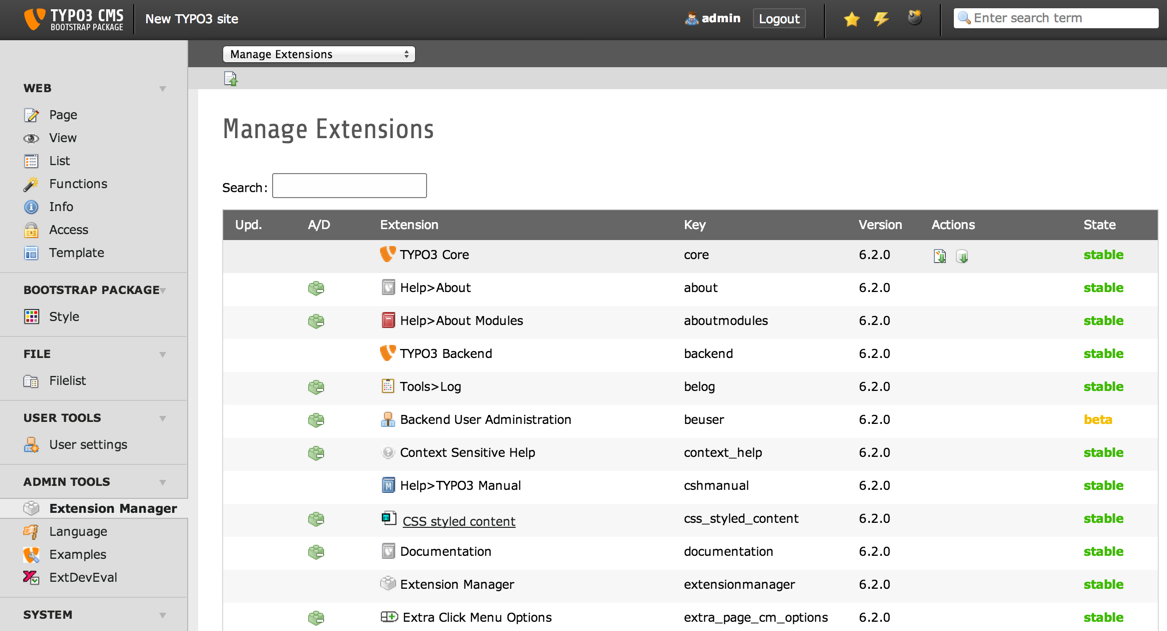
Extension Manager

Extension Manager (caption of the image)

List of extensions within the Extension Manager also shorten with "EM" (legend of the image)

Configuration

  • Where and how the extension should be configured? TypoScript? PHP?
  • Are there other prerequisite to full fill beforehand? For example, configure a setting in a special way somewhere.

FAQ

Possible subsection: FAQ

Subsection

Some subsection

Sub-subsection

Deeper into the structure...

Authors

This extension has been made by miniOrange security Pvt. Ltd. miniOrange Single Sign-On (SSO) removes the need to repeatedly type usernames and passwords, which increases productivity and prevents many types of online fraud that is caused by using same or similar passwords across apps, typing in passwords in un-safe environments, password sharing etc. By enabling users to quickly and securely access applications, they can spend less time with technology and more time with their work.

Indices and tables

  • genindex
  • modindex
  • search

ChangeLog

Providing a change log chapter is optional. You can also refer users to the ChangeLog file inside the extension or to some repository's commit listing.

Configuration

Identity Provider Settings

In the Plugin Settings tab, under the Identity Provider Settings column, fill the necessary configuration options provided by your Identity Provider (IdP). ( Identity Provider Name, IdP Entity Id, SAML Login URL, SAML x509 Certificate ) and click on “Save”. You will get all these inputs by your Identity Provider.

For Example:

Service Provider Settings

In this tab you have to give the URLs of the pages where you have put fesaml(frontend saml) and resonse plugins. As you have to configure it and save it.

For Example:

*URL with FESAML - http://--------/typo/index.php?id=4

*URL with response - http://--------/typo/index.php?id=4

*ACS URL - URL with response plugin

*Site Base URL - http://--------/typo3

*SP Entity ID - http://--------/typo3

The Service Provider (SP) Settings column has the data that you will need to provide to your Identity Provider (IdP).

Attribute mapping

Attribute mapping maps the incoming attributes from SAML Response to user profile of TYPO3 website.

Support

miniOrange is best known for its 24/7 support. No matter where you are stuck we are always there for you.You can always mail us at info@miniOrange.com

Developer Corner

Target group: Developers

Use this section for providing code examples or any useful information code wise.

Hooks

Possible hook examples. Input parameters are:

Parameter Data type Description
$table string Name of the table
$field string Name of the field

Use parameter $table to retrieve the table name...

API

How to use the API...

$stuff = \TYPO3\CMS\Core\Utility\GeneralUtility::makeInstance(
	'\\Foo\\Bar\\Utility\\Stuff'
);
$stuff->do();
Copied!

or some other language:

$(document).ready(
	function () {
		doStuff();
	}
);
Copied!

Introduction

What does it do?

This chapter should give a brief overview of the extension. What does it do? What problems does it solve? Who is interested in this? Basically, this section includes everything people need to know to decide whether they should go on with this extension or not.

Screenshots

This chapter should help people figure how the extension works. Remove it if not relevant.

Introduction Package

Introduction Package just after installation (caption of the image)

How the Frontend of the Introduction Package looks like just after installation (legend of the image)

Known Problems

Say where bugs can be reported / followed up. Is it a bug tracker? Use this section for informing about any type of of problem that are not necessarily named in the bug tracker such as performance issues, ...

To-Do list

Give a link pointing to a roadmap. Alternatively, you can dress up a list of things you want to add or fix in this chapter or give a vision about where the extension is heading.

Users Manual

Target group: Editors

Here should be described how to use the extension from the editor perspective.

  • How does it work?

    • works well when doing this.
    • does not work so well when doing that but we can live with it.
    • mind indentation when nesting lists.
  • How to install the plugin on a web page?
  • What options are available?

Language should be non-technical, explaining, using small examples. Don't use to many acronyms unless they have been explained. Don't be confusing by putting information targeting administrators.

Admonitions should be used to warn the users about potential pitfalls, attract their attention to important elements or just add some notes for for information (further reading, for example).

Provide screenshots as needed for making things clear. When creating screenshots, try using the Introduction Package as a neutral TYPO3 CMS instance.

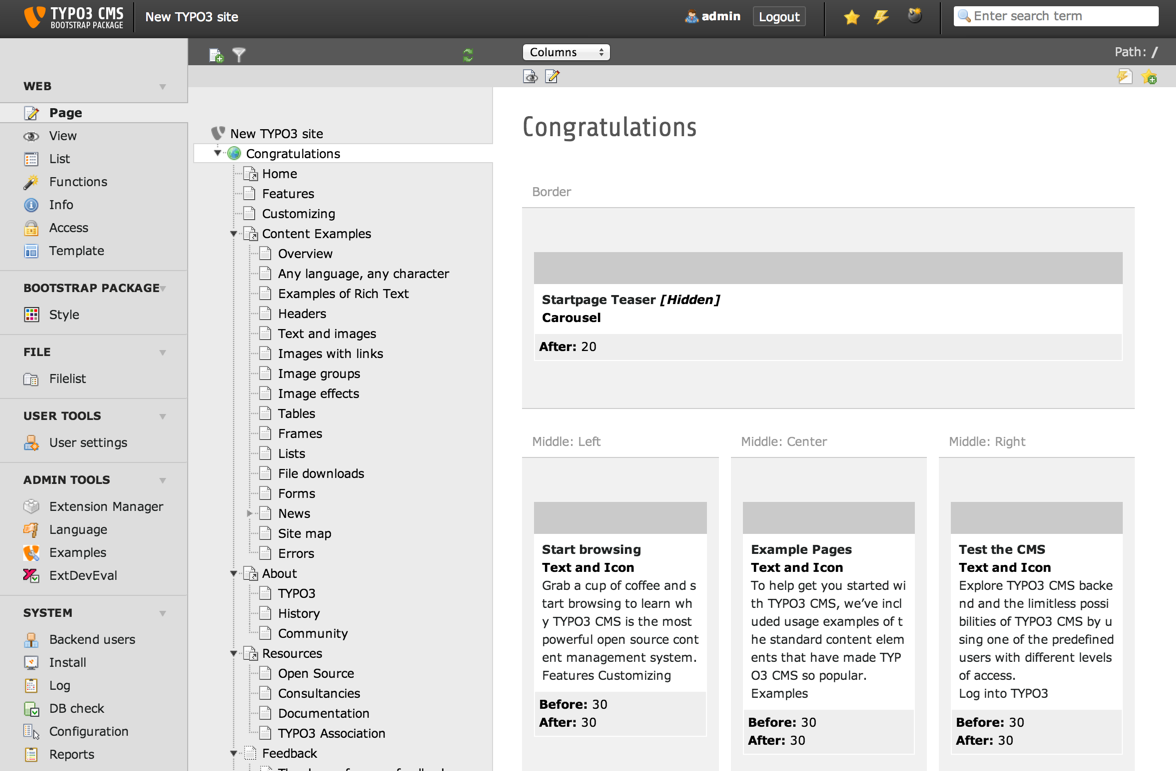
Backend view

Default Backend view (caption of the image)

The Backend view of TYPO3 after the user has clicked on module "Page". (legend of the image)

FAQ

Possible subsection: FAQ