
Introduction
The RTE CKEditor Image extension provides comprehensive image handling capabilities for TYPO3's CKEditor Rich Text Editor. This extension enables editors to insert, configure, and style images directly within the CKEditor interface, with full integration into TYPO3's File Abstraction Layer (FAL).
Key Features
Visual Preview
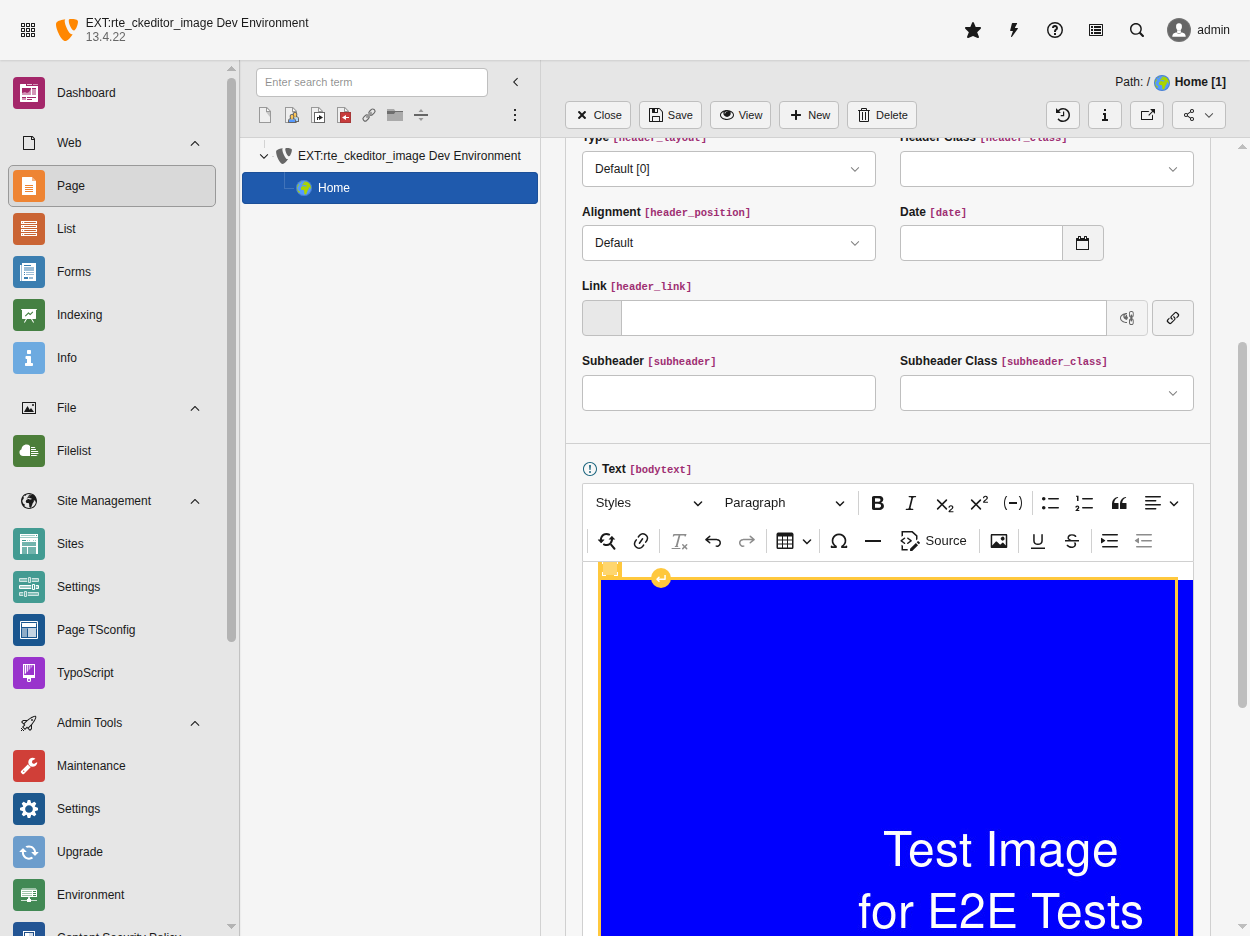
The RTE with image support enabled, showing an inserted image with styling options
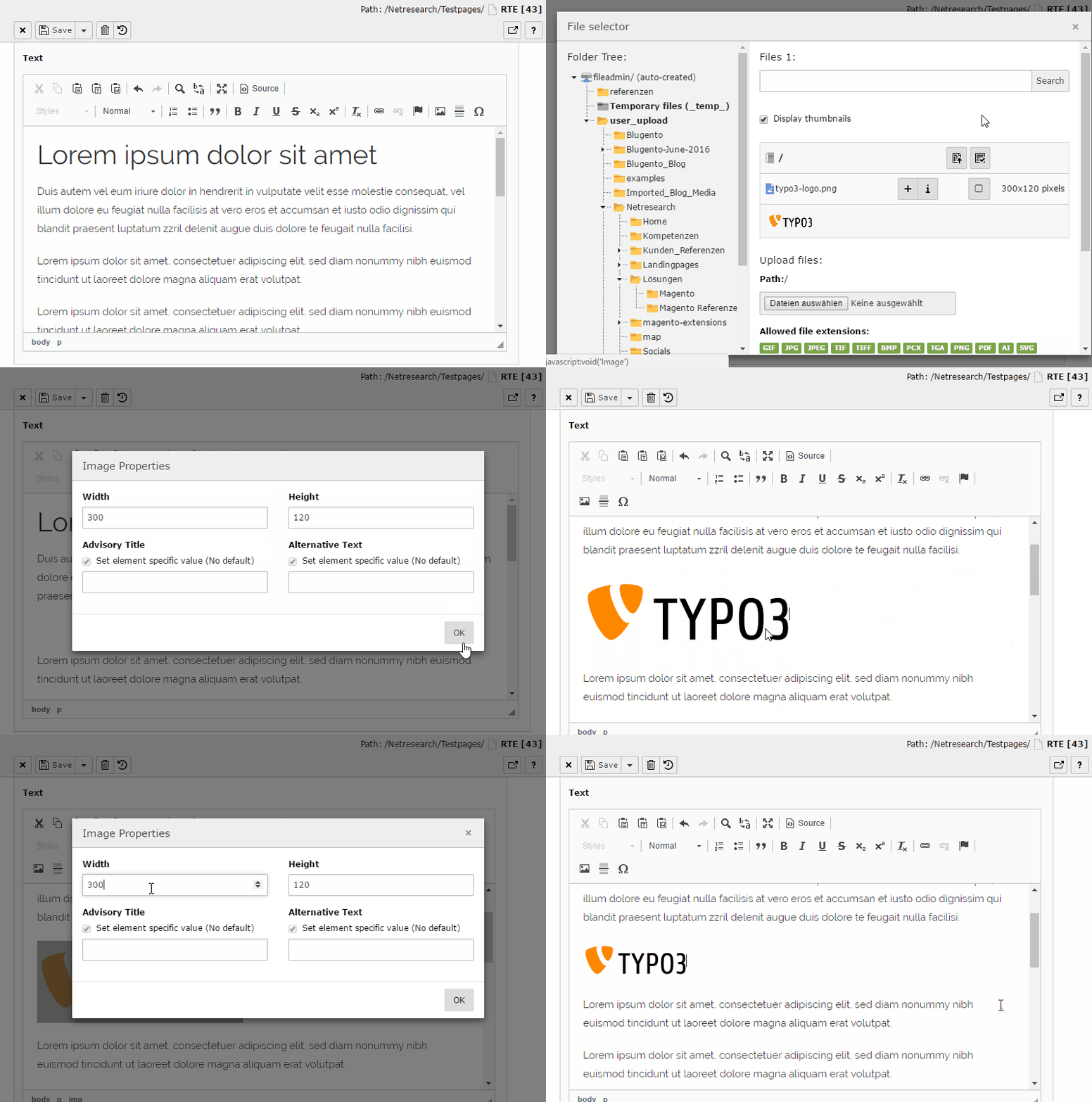
Image insertion and configuration workflow in CKEditor with TYPO3 file browser integration
Version Information
- Supported TYPO3
-
13.4.21+ LTS, 14.0+
- License
-
AGPL-3.0-or-later
- Repository
- Maintainer
Requirements
System Requirements
- TYPO3: 13.4.21+ LTS or 14.0+
- PHP: 8.2 or later
- Extensions: cms-rte-ckeditor (included in TYPO3 core)
Note
The plugin automatically integrates with CKEditor's GeneralHtmlSupport for style
functionality. No additional configuration required.
Quick Start
Installation
Install via Composer:
composer require netresearch/rte-ckeditor-image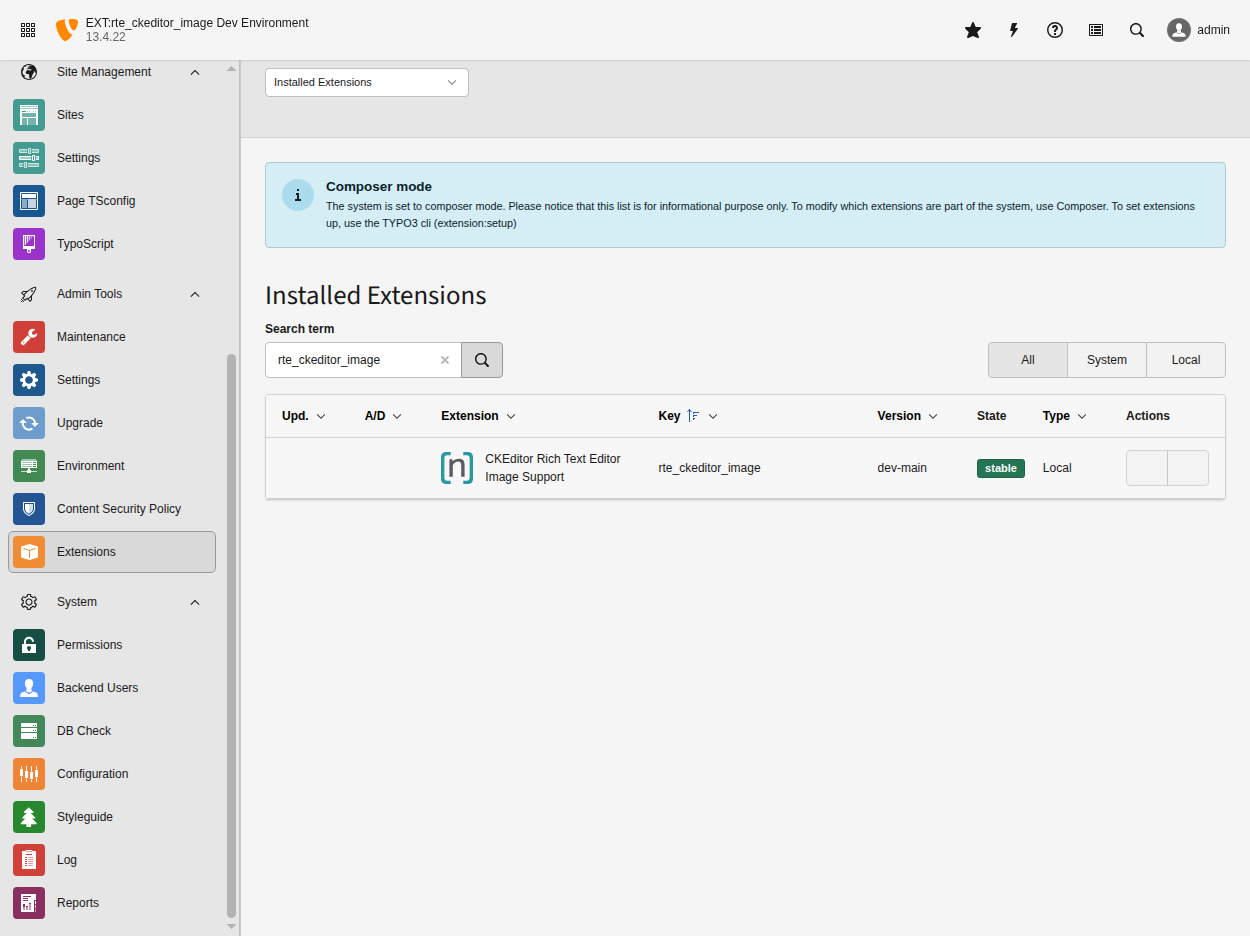
The extension appears in the TYPO3 Extension Manager after installation
The backend RTE works immediately after installation:
- ✅ Backend RTE: Automatically registers the
rteWithImagespreset and configures the toolbar withinsertimagebutton
Important
v13.4.0+: TypoScript is no longer auto-injected. You must include it manually.
For frontend rendering, include the TypoScript:
- Go to WEB > Template module
- Select your root page, edit the template
- In Includes tab, add: CKEditor Image Support (rte_ckeditor_image)
Or add to your site package: @import 'EXT:rte_ckeditor_image/Configuration/TypoScript/ImageRendering/setup.typoscript'
Note
Using Bootstrap Package or other theme extensions?
If your site uses bootstrap_package or another theme extension with Site Sets,
you may need to add this extension to your site dependencies. See
Installation Issues for the one-line fix.
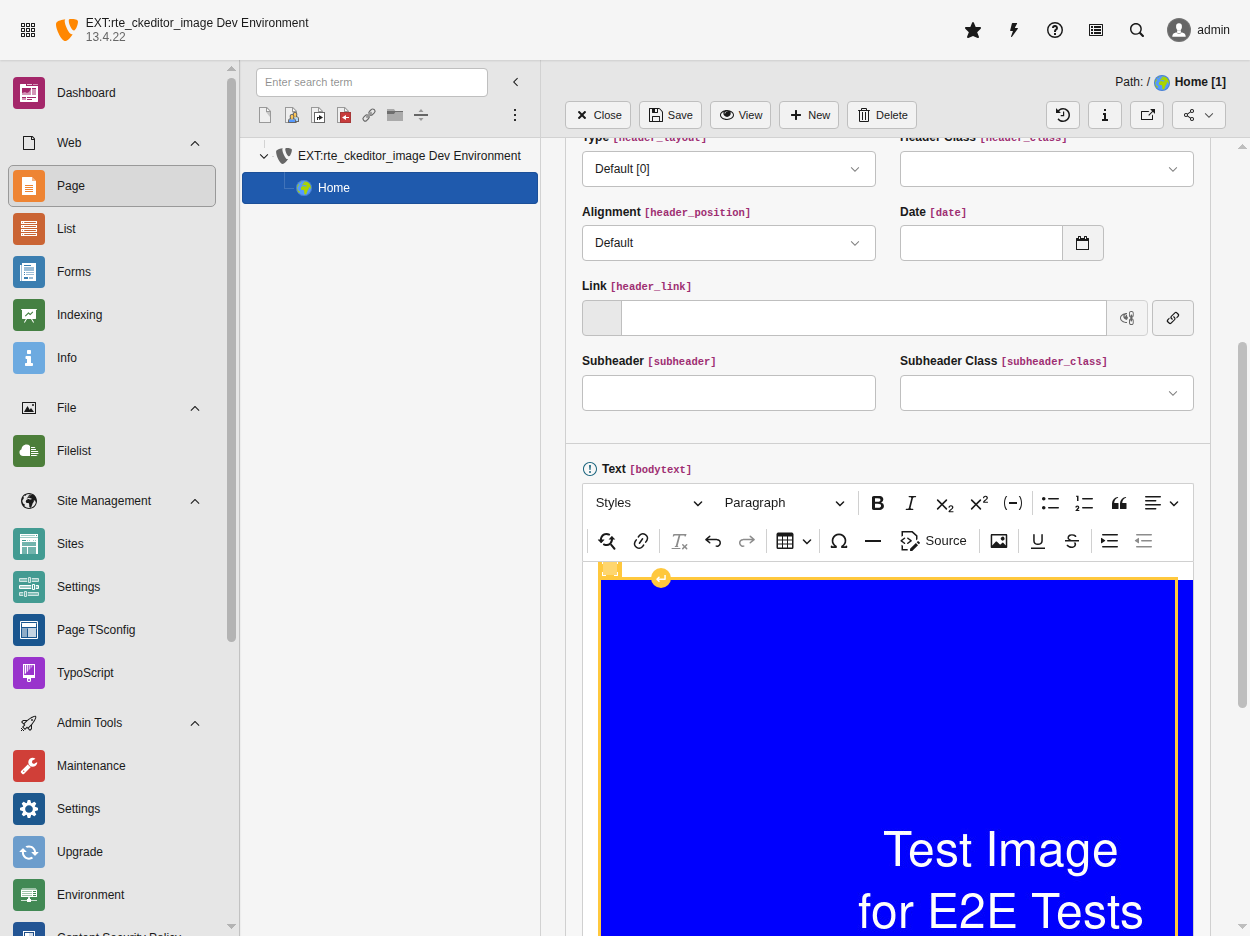
The insertimage button in the CKEditor toolbar opens the TYPO3 file browser for image selection
Custom Configuration (Optional)
If you need to customize the RTE configuration or create your own preset, see the RTE Setup Guide for detailed instructions.
The extension provides a default preset that you can extend or override as needed.
Important
Before using this extension, please read TYPO3 Core Removal & Design Decision to understand why TYPO3 intentionally removed this functionality and whether this extension is the right choice for your project.