
Installation
Target group: Administrators / Integrators
- Install the extension:
composer require proudnerds/laposta. - Include the TypoScript template.
- Add the extension to the relevant backend user groups.
- Add the Laposta
apiKeyin the constants settings. - Create "Laposta newsletter list" records.
- Insert the subscribe and unsubscribe plugins on your pages.
- Select the "Laposta newsletter list" records on each plugin.
- Set the record storage page to the page that holds the list records.
- On laposta.nl you can add custom fields per newsletter. The template ships with email (required), voornaam and achternaam.
- Add or change custom fields in the template by prefixing the field name with
customField.. - A log is kept in
var/.log/ Laposta. log
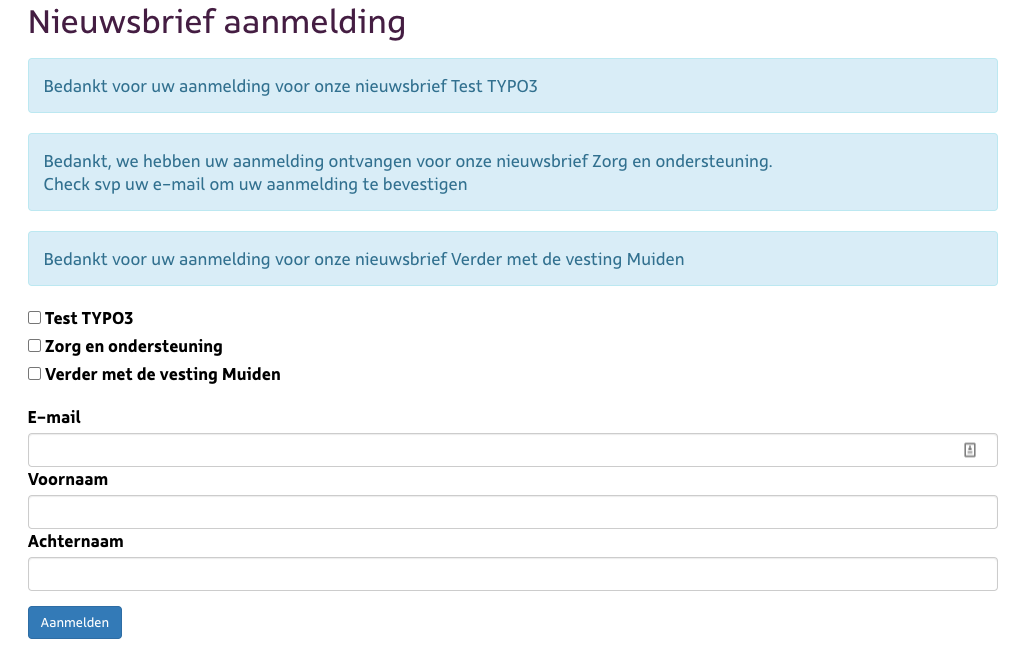
The Laposta newsletter subscription form in the TYPO3 frontend.