libconnect 

Classification

libconnect

Version

main

Language

en

Description

Diese Extension ist von Avonis im Auftrag der Staats- und Universitaetsbibliothek Hamburg entwickelt worden. Mit ihr lassen sich Ergebnisse aus den Informationssystemen EZB und DBIS der Universitaet Regensburg direkt in das TYPO3-System einbinden.

Keywords

dbis,ezb,zdb,library,bibliothek

Author

Torsetn Witt

Email

torsten.witt@sub.uni-hamburg.de

License

GPL-2.0+

Rendered

Wed, 15 Oct 2025 11:16:34 +0000

The content of this document is related to TYPO3, a GNU/GPL CMS/Framework available from www.typo3.org.
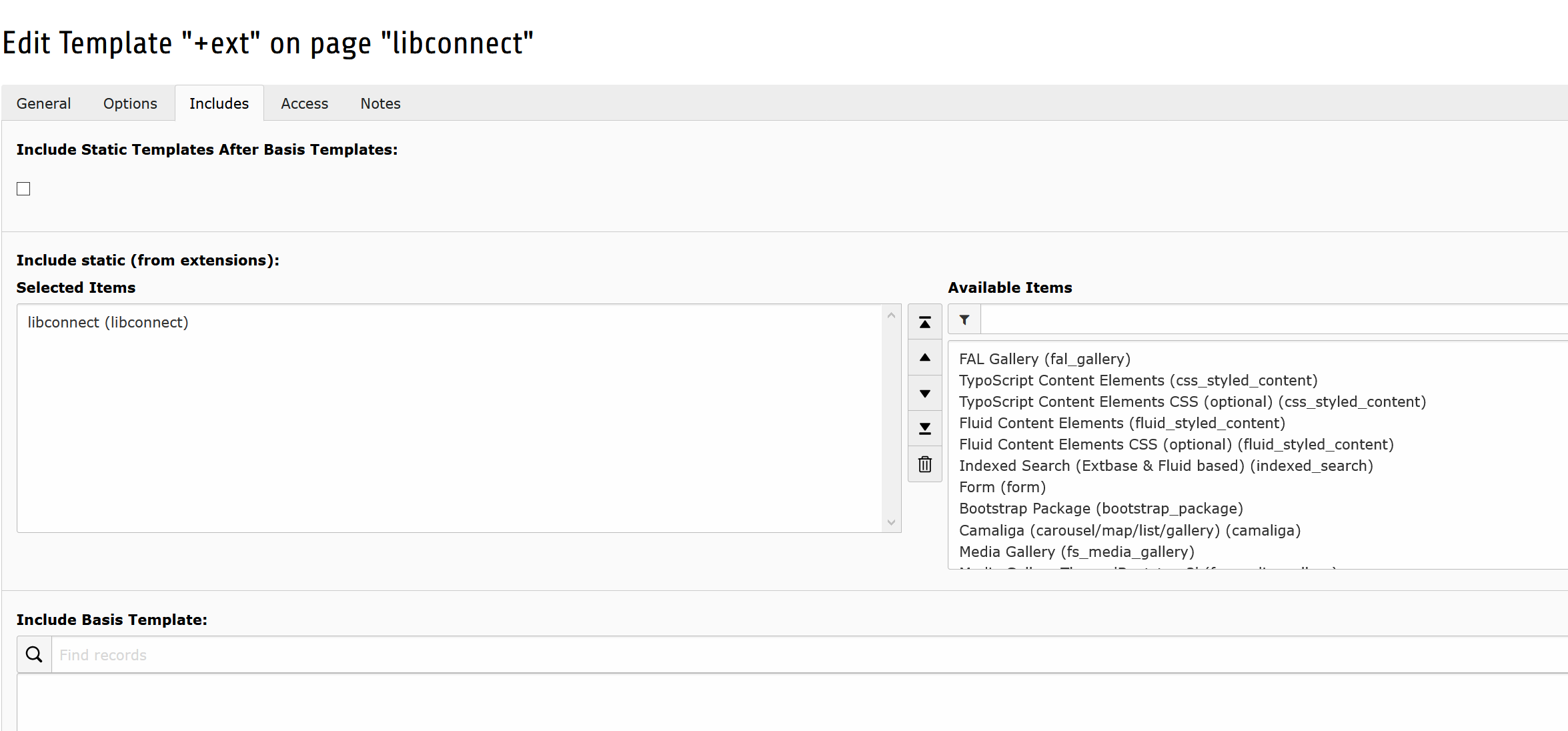
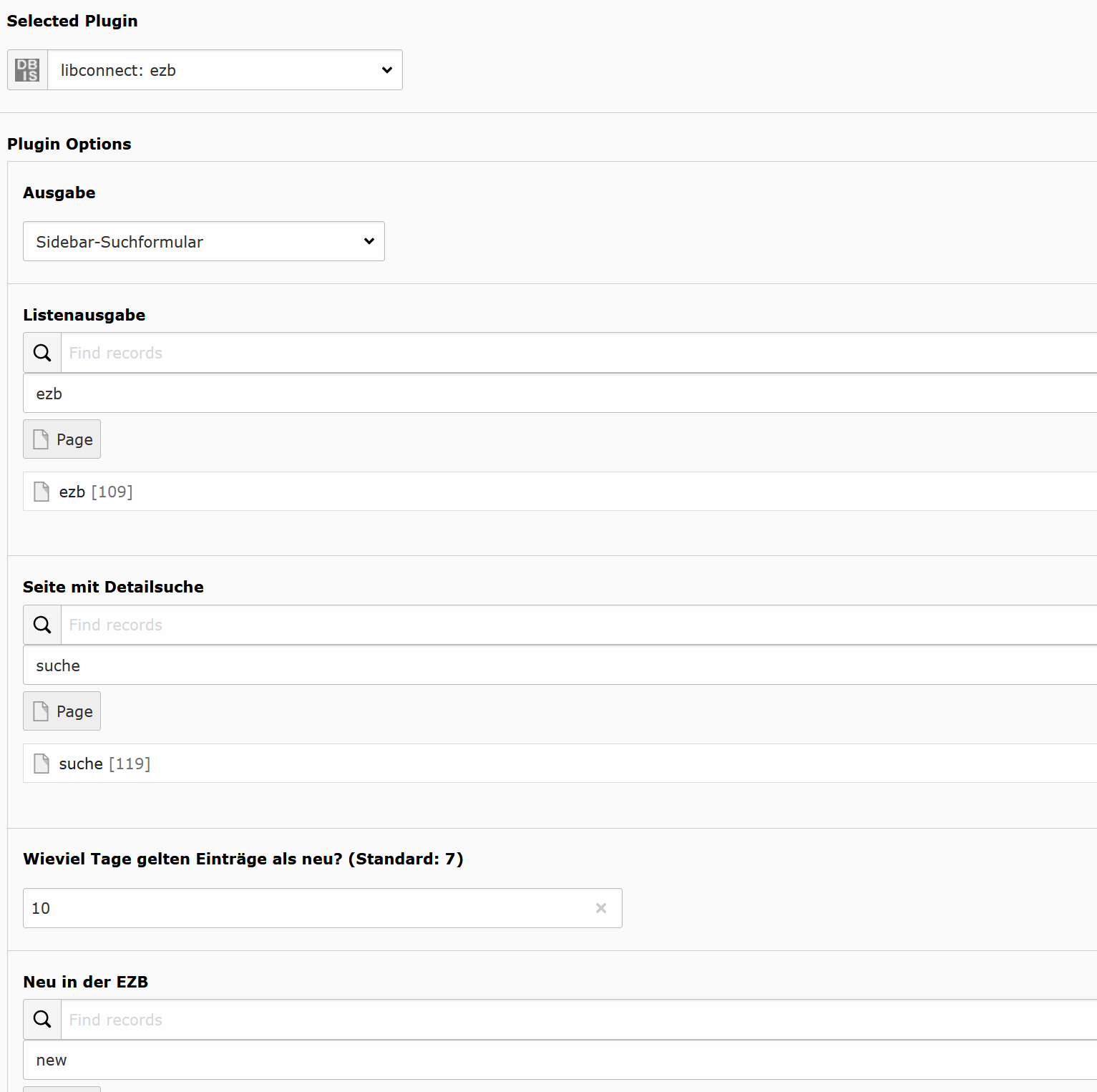
Table of Contents 

Introduction 

What does it do? 

With libconnect it is possible to display the information of Electronic Journals Library (EZB) and the Database informations system (DBIS) of the University Regensburg on an TYPO3 based website.

The visitors stay on your website and you can use your own styles.

Screenshots 

Here are some screenshots.

Adding the static template.

Adding the static template.

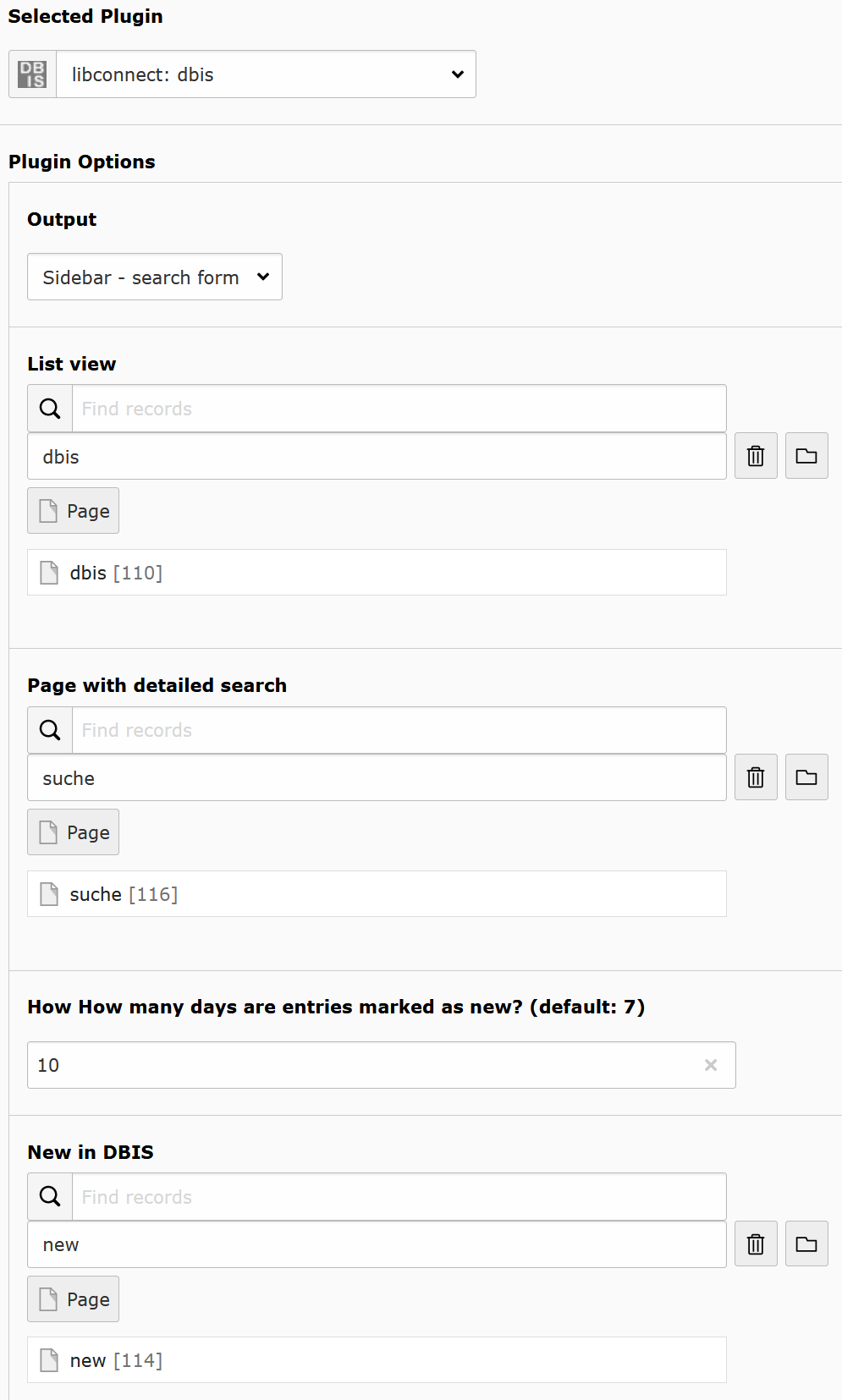
Sidebar plug-in of ezb

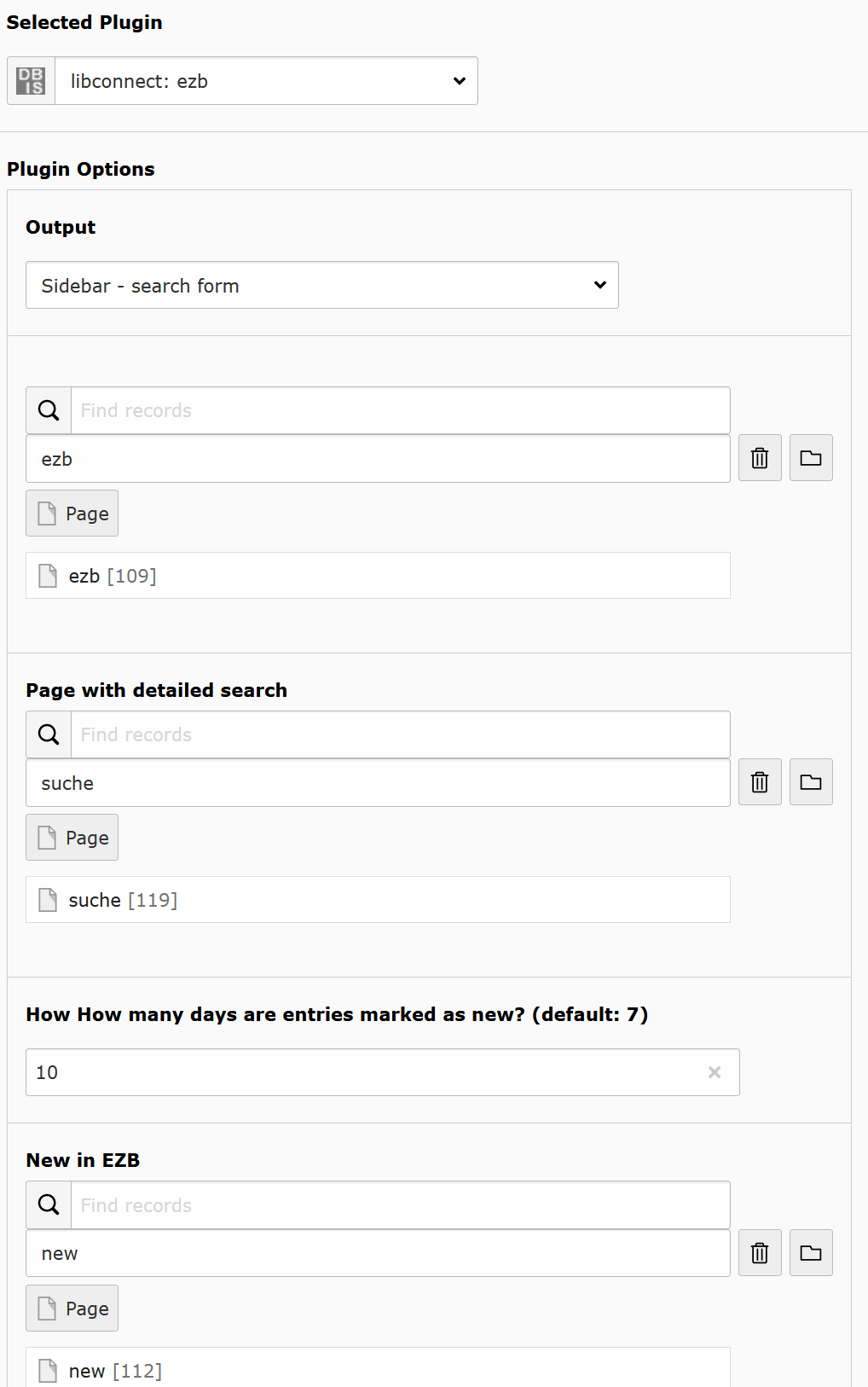
Configuring the sidebar or miniform plug-in.

Adding the static template.

Adding the static template.

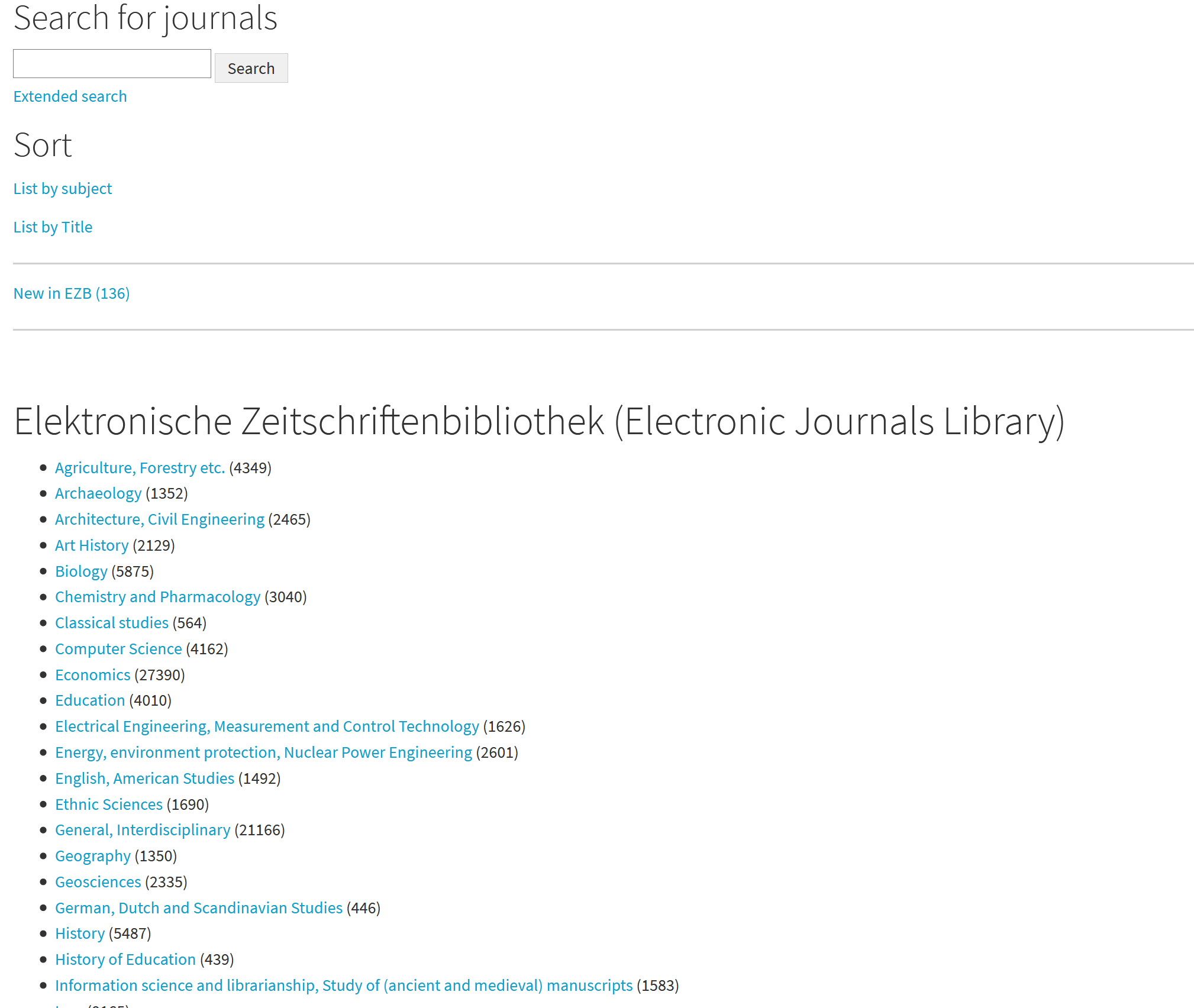
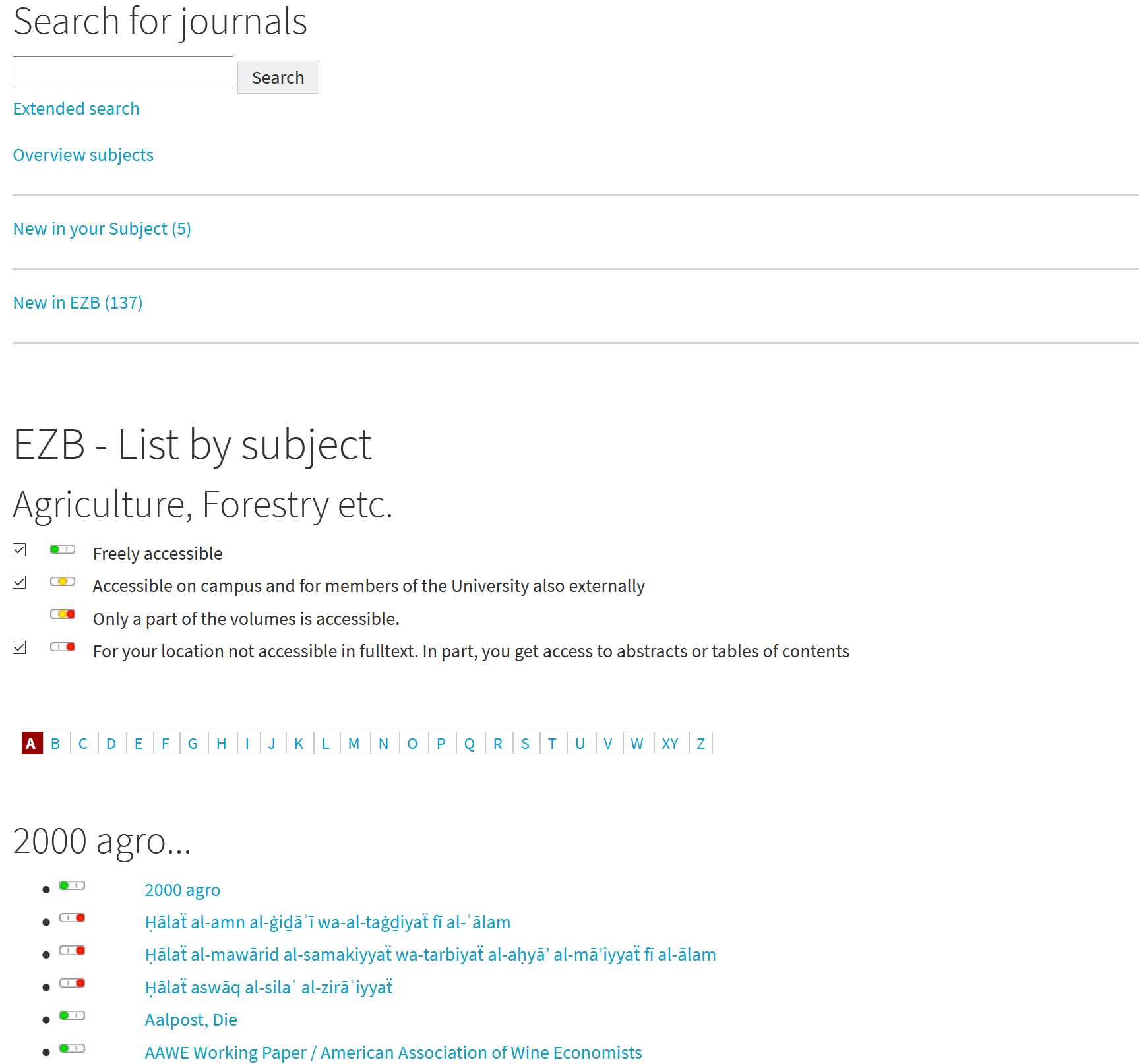
ezb list plug-in

Hers is the ezb sidebar, on top, and the list plug-in.

ezb list plug-in

Now is a subject selected.

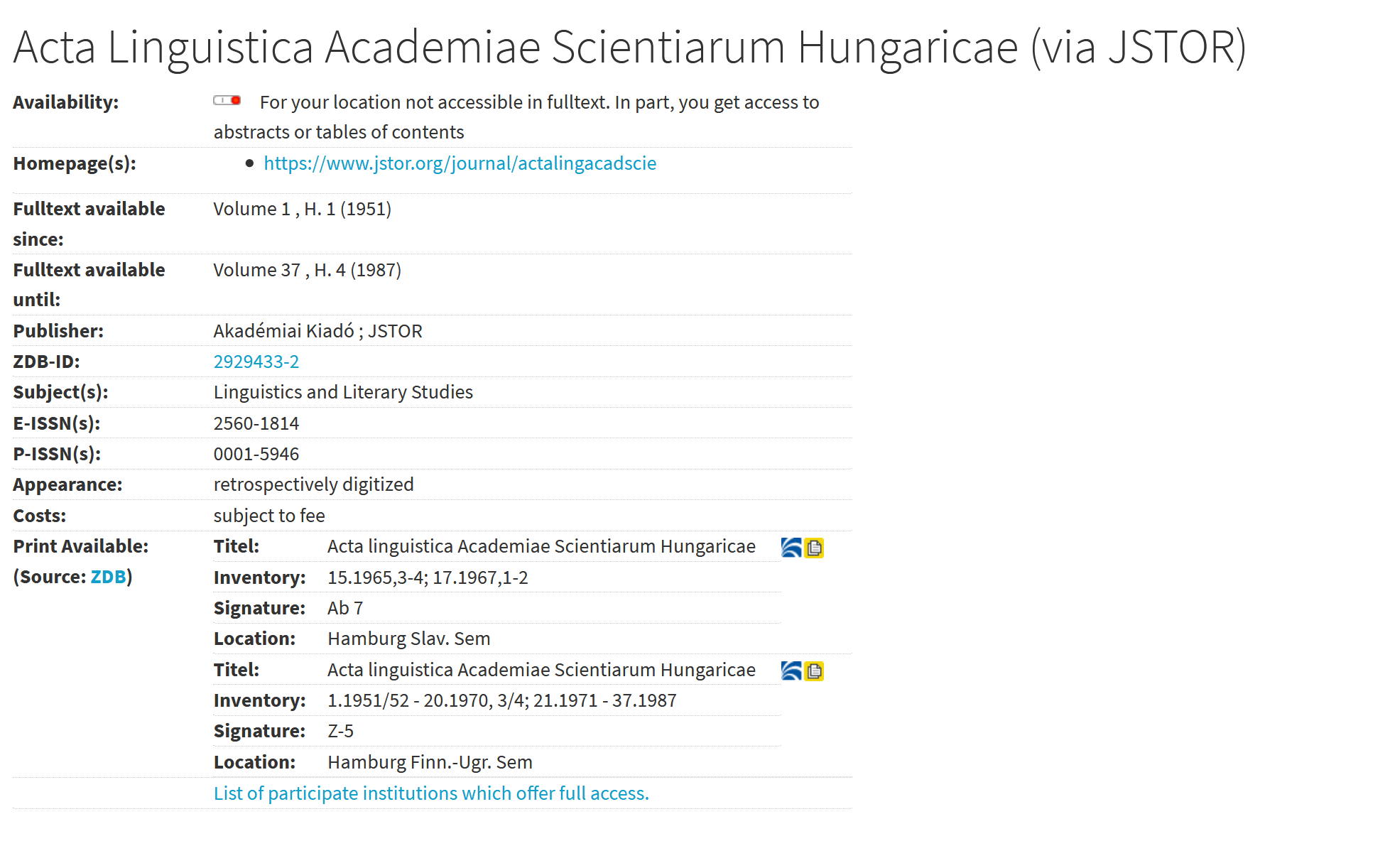
ezb details plug-in

You can see the details of a journal.

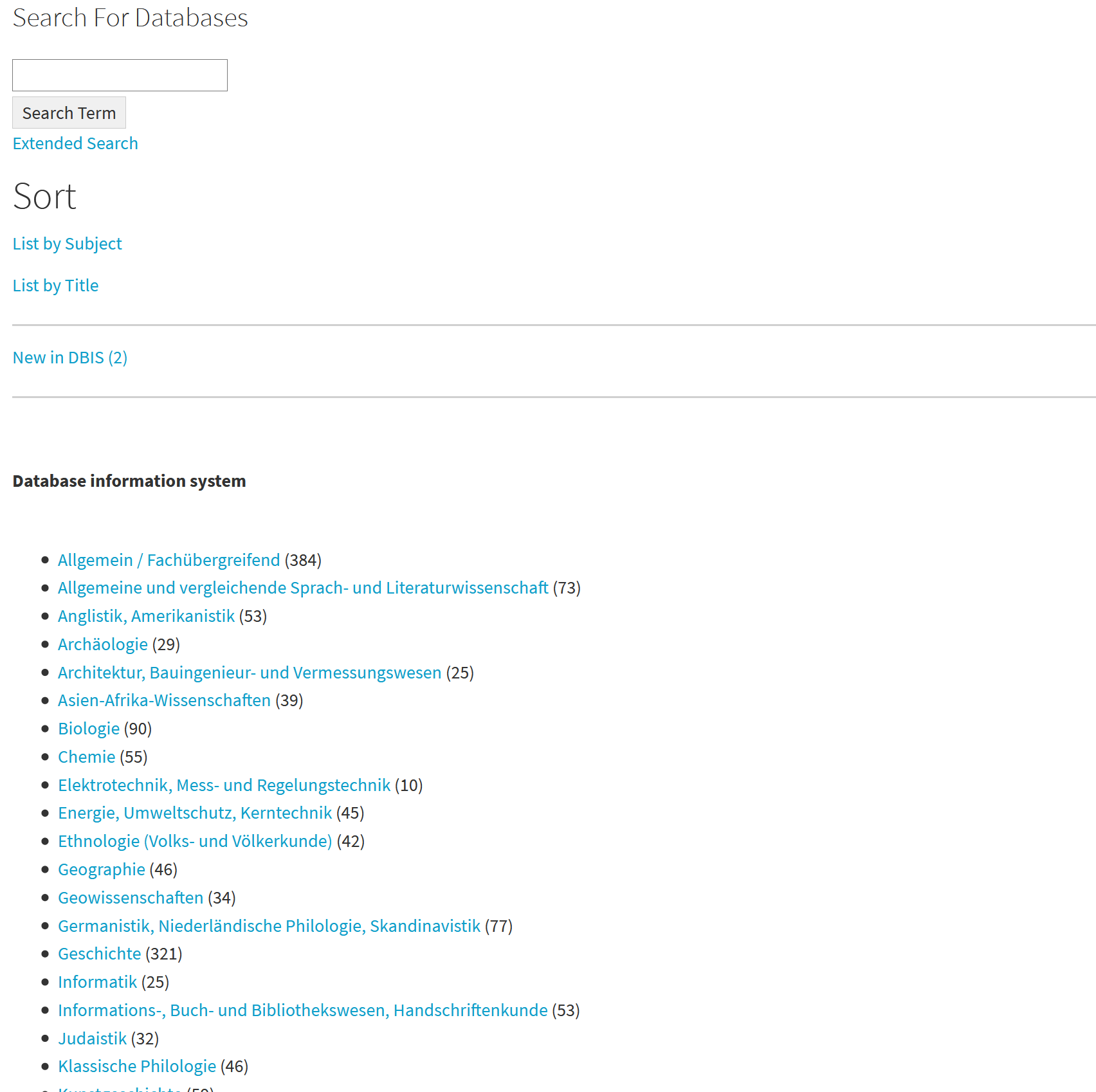
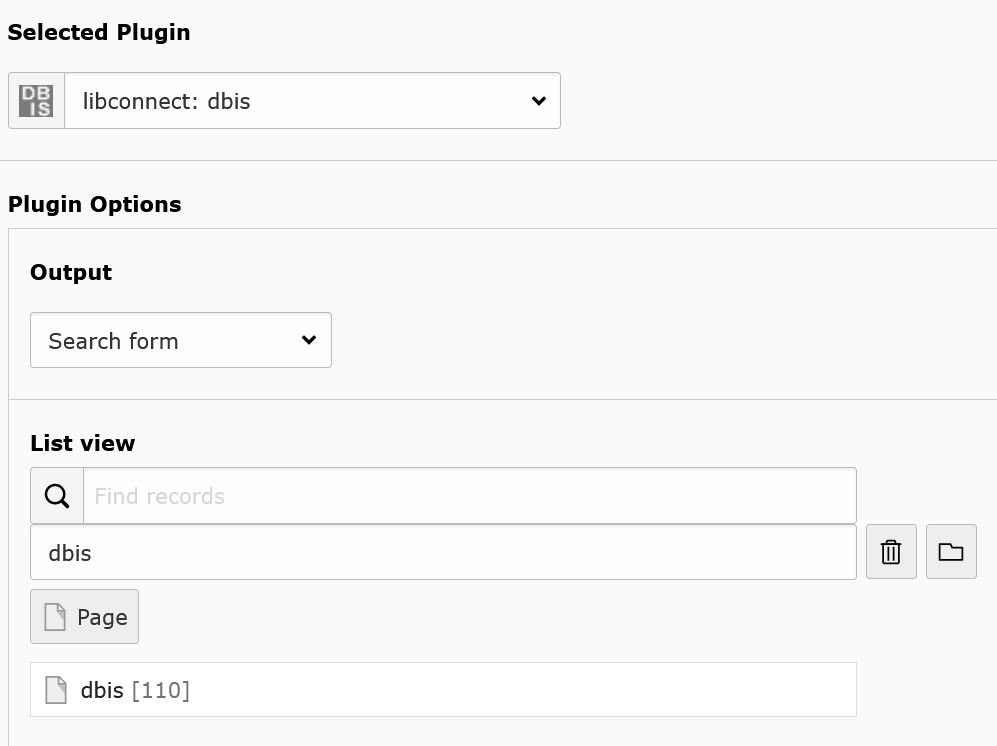
Dbis sidebar on top and list plug-in.

You can see the sidebar ton top and the list plug-in.

dbis list with selected subject

Now is a subject selected.

ezb details plug-in

You can see the details of a database.

Installation 

The installation and initial configuration of the extension is as following:

  1. Install the extension with the extension manager
  2. Include the static TypoScript configuration “libconnect (libconnect)” in your TypoScript template
  3. Now you can change in the Constant Editor the values for “ezbid” and “dbisaid” The default values are from the Staats- und Universitätsbibliothek Hamburg. Or you can do it as typoscript in the setup, like this:

    plugin.tx_libconnect {
        ezbbibid = yourId
      dbisbibid = yourId
    }
    Copied!

Configuration 

Target group: Developers, Integrators

Set zdb configuration 

You see the default values.

plugin.tx_libconnect {
    zdbsid = vid:dbid
    zdbbibid =
    zdbsigel = 
    zdbisil =
    zdbbik =
}
Copied!

Set paths to your own templates, partials and layouts 

plugin.tx_libconnect {
    view {
        templateRootPaths {
            0 = EXT:libconnect/Resources/Private/Templates/
            1 = <yourPath>
        }
        partialRootPaths {
            0 = EXT:libconnect/Resources/Private/Partials/
            1 = <yourPath>
        }

        layoutRootPaths {
            0 = EXT:libconnect/Resources/Private/Layouts/
            1 = <yourPath>
        }
    }
}
Copied!

EZB: Overwrite access information texts 

If the text of ezb is empty, it will be overwritten by configuration. If force = yes, all texts are overwritten.

plugin.tx_libconnect {
    settings {
        ezblongaccessinfos{
            force = yes
            de{
                1 = frei zugänglich
                2 = Im Campus-Netz sowie für Angehörige der Universität auch extern zugänglich.
                4 = Für Ihren Standort nicht freigeschaltet. Zum Teil bekommen Sie Zugriff auf Abstracts.
                6 = Nur für einen Teil der erschienenen Jahrgänge zugänglich.
            }
            en{
                1 = free available
                2 = On campus network and member of the university external accessible
                4 = Free for your location. Partial only access to abstracts.
                6 = Only a part of the volumes is accessible.
            }
        }

        ezbshortaccessinfos{
            de{
                1 = frei zugänglich
                2 = im Campus-Netz zugänglich
                4 = nicht frei zugänglich
                6 = nur ein Teil zugänglich
            }
            en{
                1 = free available
                2 = only on the Campus-Netz accessible
                4 = not free accessible
                6 = only a part is accessible
            }
        }
    }
}
Copied!

ZDB: filter location information 

Comma seperated list of integer. The values are location states which are dispayed.

2 = available, 3 = limited availability (moving wall, etc.), 4 = journal not available

plugin.tx_libconnect {
    settings.validStatesList = 1,2
}
Copied!

For Editors 

Target group: Editors

Libconnect is easy to use.

DBIS 

There is a list of DBIS plug-ins:

  • Top Databases
  • List
  • Detail
  • Sidebar
  • Advanced Search
  • New Databases

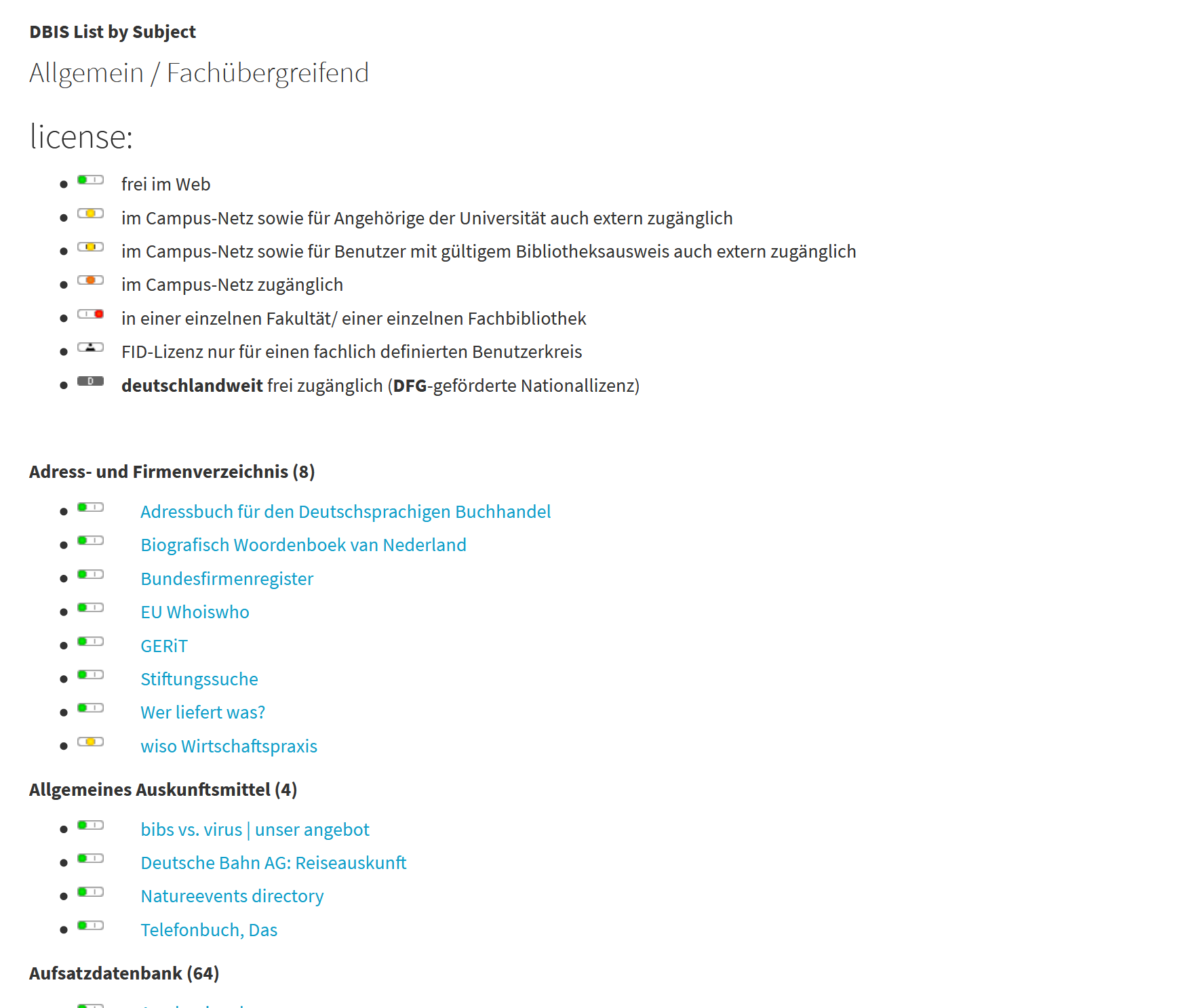
Top Databases 

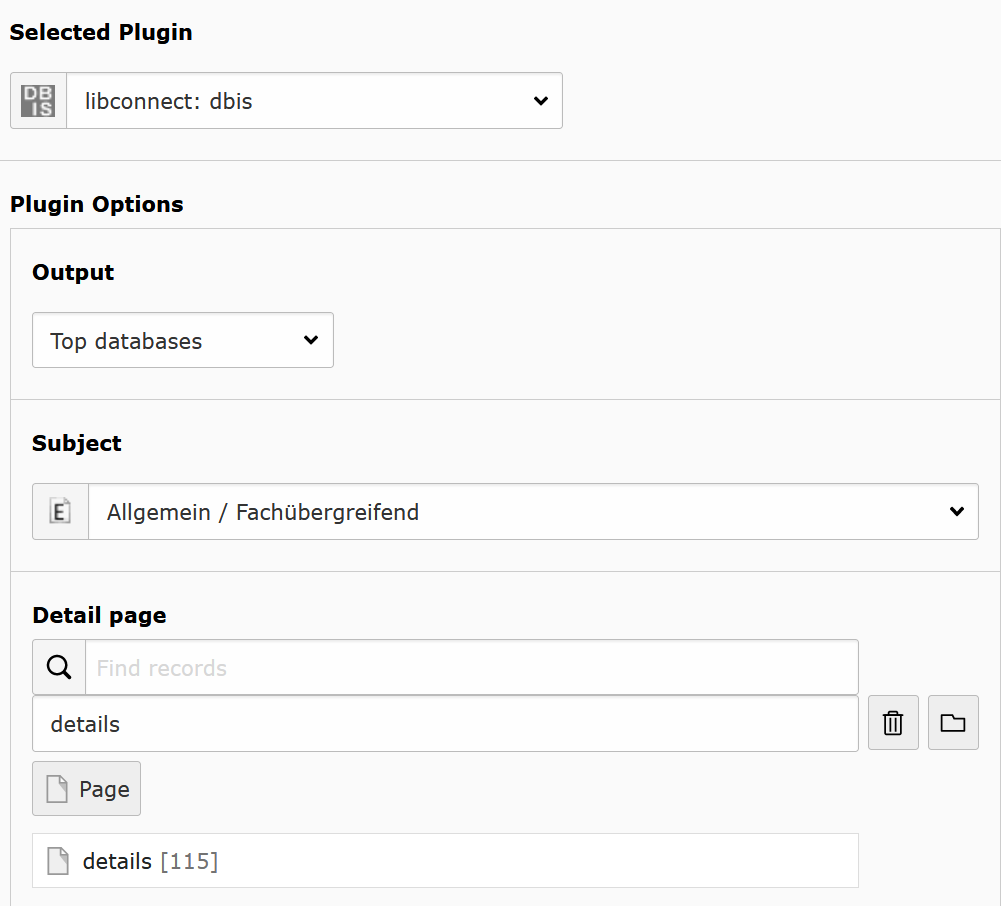
It generates a list with the top databases of a subject.

Subject: Choose a subject.

Detail page: Choose a detail page.

output as list

Configuringg the list for top databases.

List 

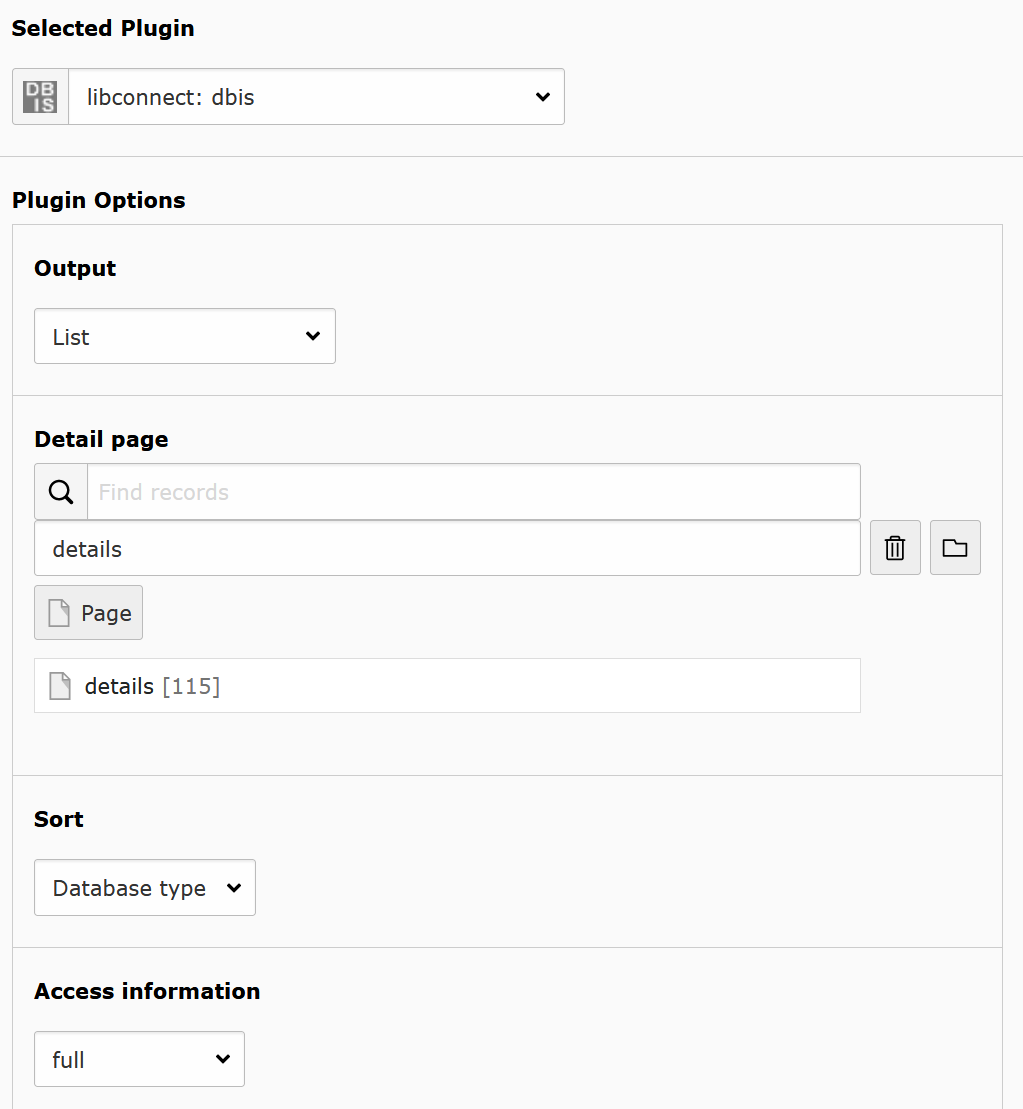
Generates a list of datbases and links to the detail page. It is also used for search results.

Detail page: Choose a detail page.

Sort: Choose the sort by database type, name, access type.

Access information : Choose which access information texts are displayed, long or short form.

output as list

Configuring the output as list.

Detail 

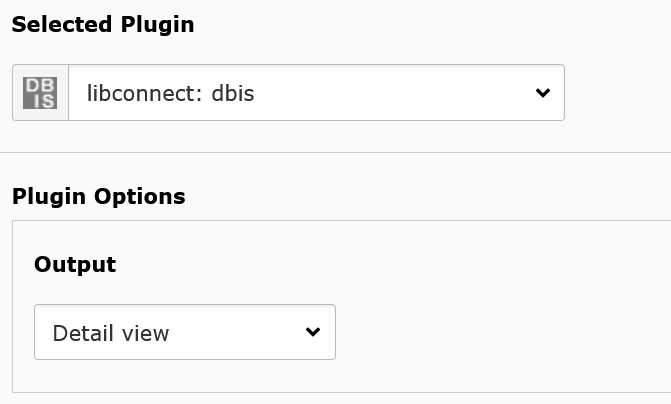
Shows the details of a database. Here is nothig to set.

output as detail view

Set output for detail view.

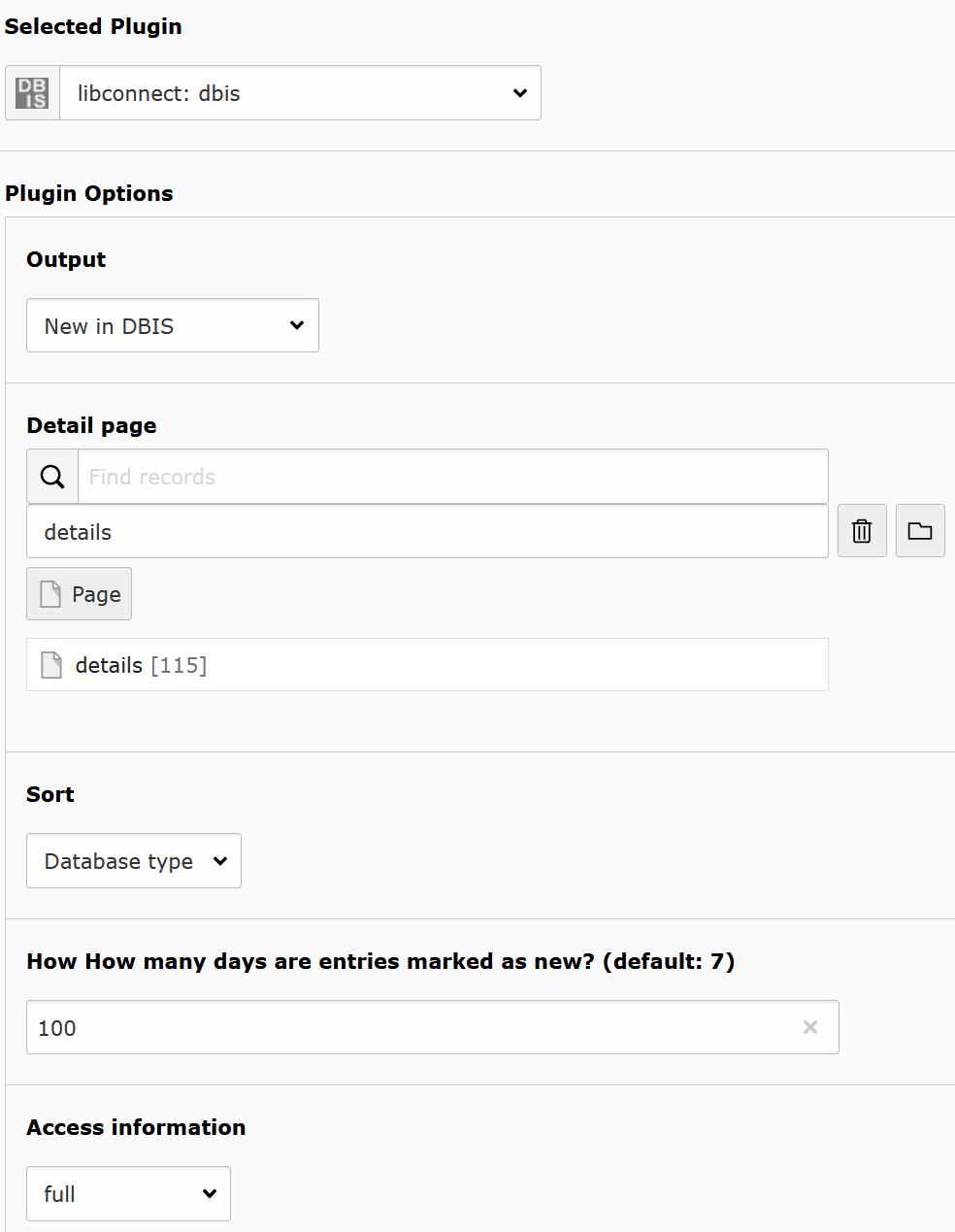
New Databases 

It generats a list with all new databases. You decide how long is a database new.

Detail page: Choose a detail page.

Sort: Choose the sort by database type, name, access type.

How How many days are entries marked as new? (default: 7): set the number of days for "Neu in DBIS" how long entries marked as new.'

Access information: Choose which access information texts are displayed, long or short form.

output as list with new entries

Configuring the list for new entries.

EZB 

There is a list of EZB plug-ins:

  • List
  • Detail
  • Sidebar
  • Advanced Search
  • New Journals
  • Participations
  • Contact

Every entry change the other available options.

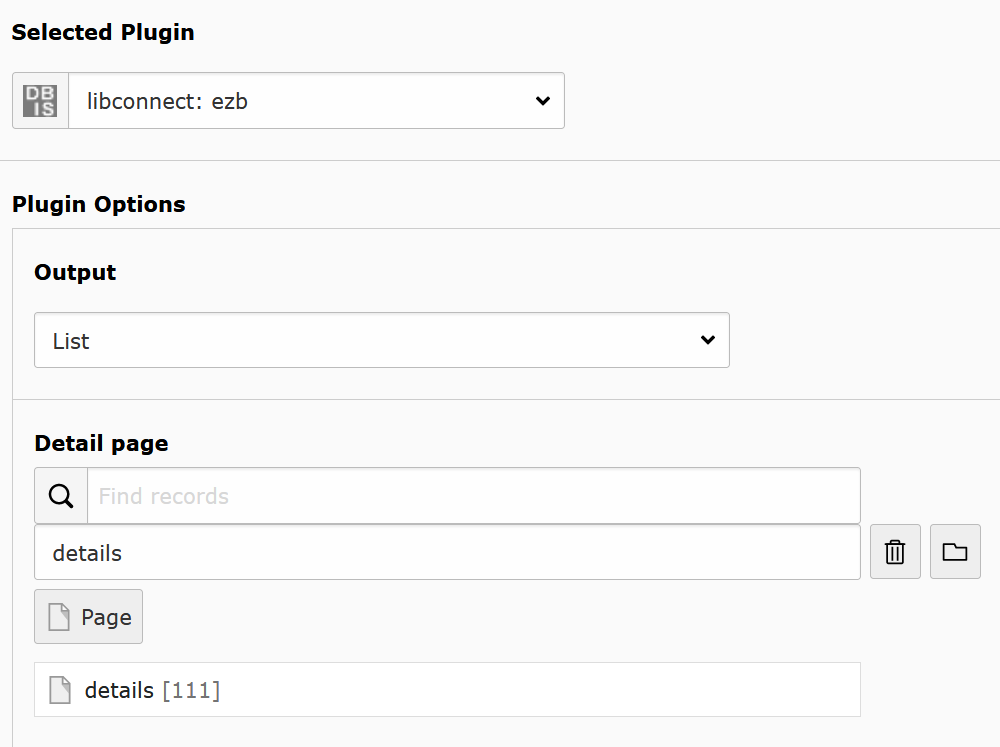
List 

Generates a list of journals and links to the detail page. It is also used for search results.

Detail page: Choose a detail page.

output as list

Configuring the output as list.

Detail 

Shows the details of a journal.

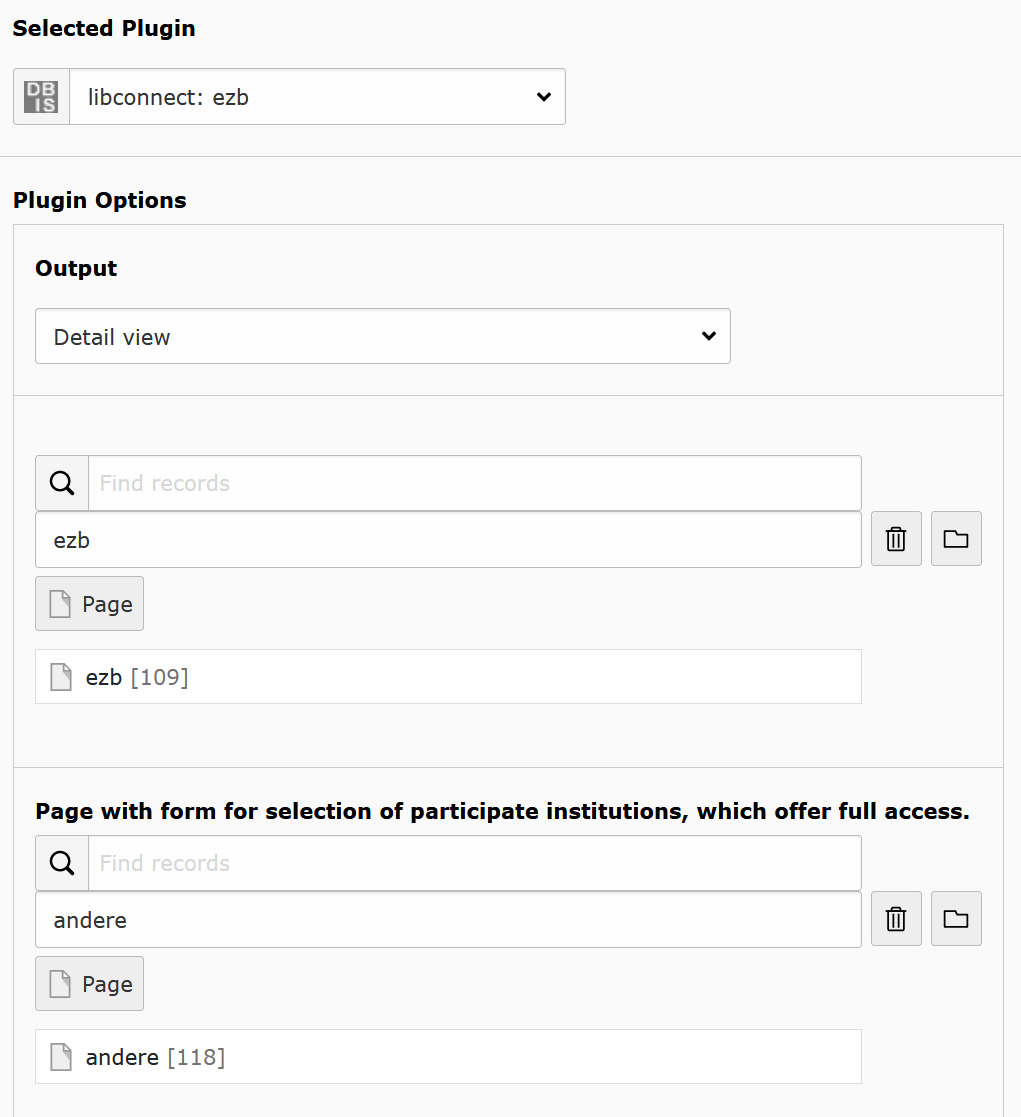
List view : set page with ezb plug-in with output as list.

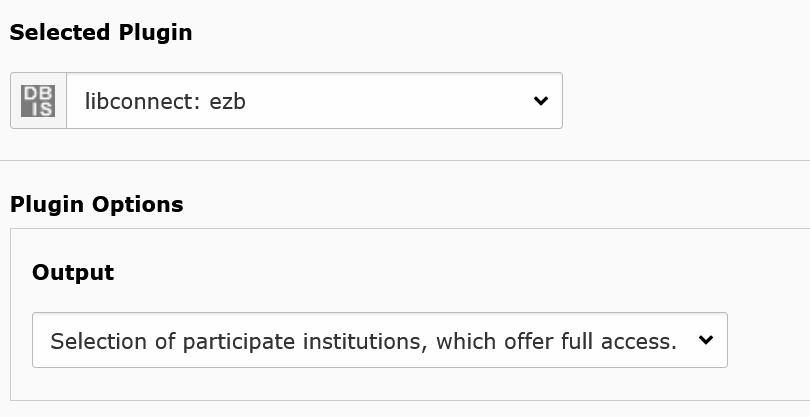
Page with form for selection of participate institutions, which offer full access.: Set page with output of "Auswahl Teilnehmer die Vollzugriff bieten". On this page, the visitor get a form of libraries with full access to this yournal. If you don´t want a page with this output, let it empty and the detail page generates a link to the form of the website https://ezb.ur.de.

output as detail view

Set output for detail view.

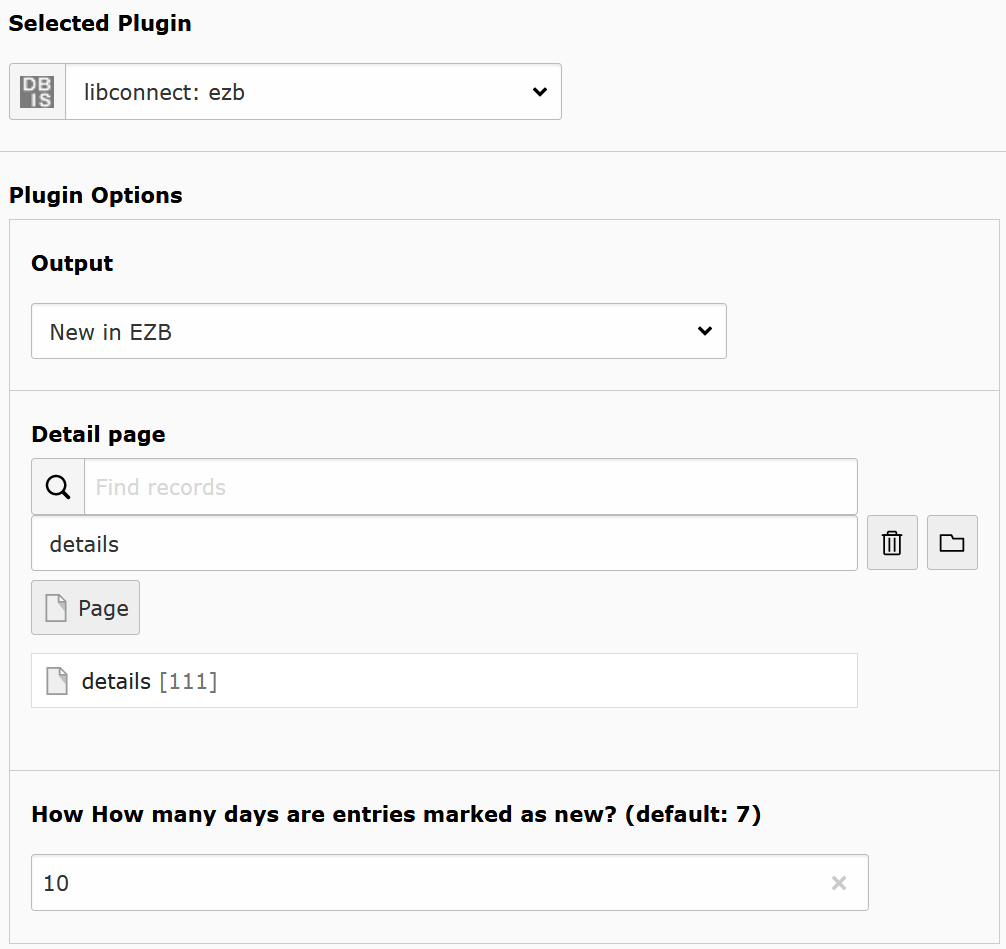
New Journals 

It generats a list with all new journals. You decide how long is a journal new.

Detail page: Choose a detail page.

How How many days are entries marked as new? (default: 7): set the number of days for "Neu in EZB" how long entries marked as new.'

output as list with new entri

Configuring the list for new entries.

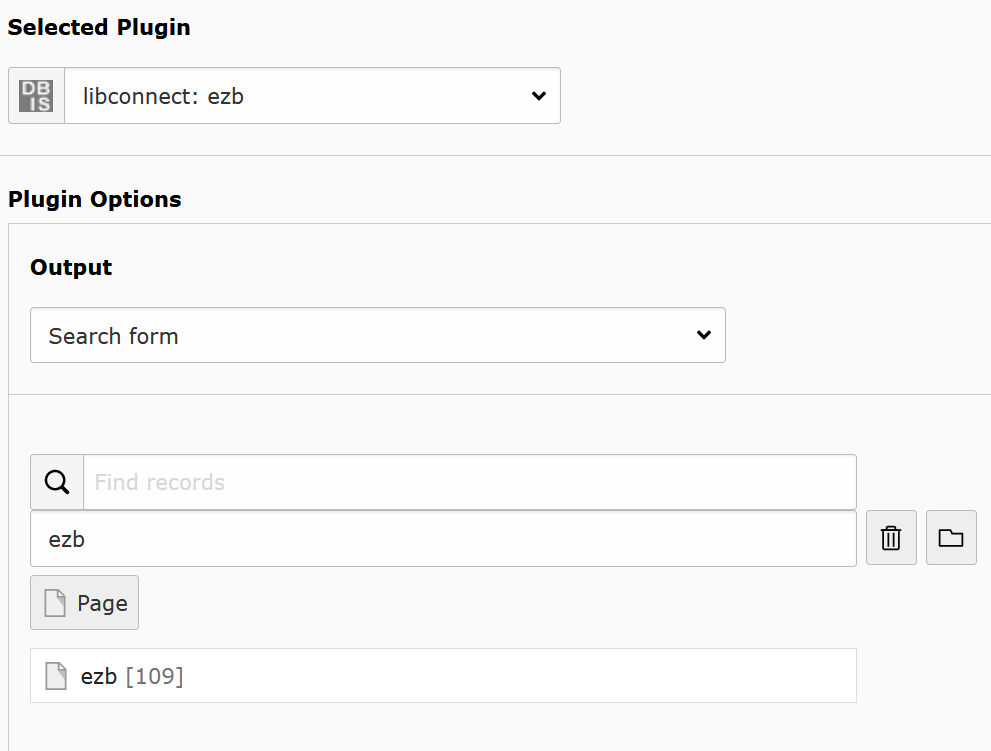
Participations 

Creates a for of libraries with full access to this yournal. The visitor choose the library and will be redirected to their page on https://ezb.ur.de.

output as list with new entries

Configuring the list for new entries.

Contact 

Shows the contact information which are set on https://ezb.ur.de. Here is nothig to set.

Known Problems 

The libconnect extension use the xml interface of regensburg. Some functions of the html website are not included in the xml interface. - There is no news link in EZB details - Example:.

EZB: title history is too slow.