SYSSY: extension for connecting TYPO3 with app.syssy.net 

Classification

syssy

Version

3.0

Language

en

Description

SYSSY is an online tool for managing and monitoring your websites. With this extension you can connect the SYSSY backend with your extension and get information about your TYPO3 system and server. Keep track of all your projects and quickly identify issues. Start right now for free and see for yourself. => syssy.net

Keywords

syssy, managing websites, monitoring websites, website manager

Copyright

2020-2022

Author

SYSSY Online GmbH

Email

office@syssy.net

License

This document is published under the Creative Commons BY 4.0 license.

Rendered

Tue, 30 Dec 2025 11:03:15 +0000

Table of Contents

Introduction 

What does it do? 

The SYSSY extensions is a way to connect your TYPO3 installation with SYSSY platform.

SYSSY is an online platform for managing and monitoring websites. We provide plugins to connect different CMS (content management systems) with SYSSY, so we can receive data about your websites and inform you if there is any problem or if any security updates are necessary in your system or on your server. On SYSSY platform you can see a list of all your projects and if there is any need for a security update in your websites.

You can connect your TYPO3 website and SYSSY to this TYPO3 extension. Just get your project API key from app.syssy.net and connect your website with SYSSY. SYSSY calls your TYPO3 website via a specific page type and fetches your TYPO3 version, a list of installed extensions and their versions and PHP and MySQL version. SYSSY is always up to date and generates a great overview of all your website projects.

Find more information on www.syssy.net.

Find our general terms and conditions here: Terms and conditions and our terms of service here: Terms of service

Features of SYSSY 

  • Monitor all your websites with just one platform
  • Permanent HTTP monitoring of your websites and emails or app notifications if problems occur
  • Regularly CMS monitoring of the CMS (TYPO3) - get informed when an update needs to be done
  • Get a list of your extensions and versions
  • Check PHP and MySQL version via SYSSY and get informed when an update needs to be done
  • Performance monitoring with Google Lighthouse including a performance history
  • History and PDF export of your data
  • SEO check of your landing page
  • GDPR check for your landing page
  • Customer management

Why SYSSY? 

SYSSY is not just another monitoring tool. SYSSY works with multiple CMS, not only TYPO3. There are plugins for WordPress, Contao, Drupal, Joomla!, PrestaShop and Magento. Out target is to give you an overview of all your web projects and import information like the security state, SEO information and performance information. A clearly arranged table shows all your projects and their status at a glance.

Screenshots 

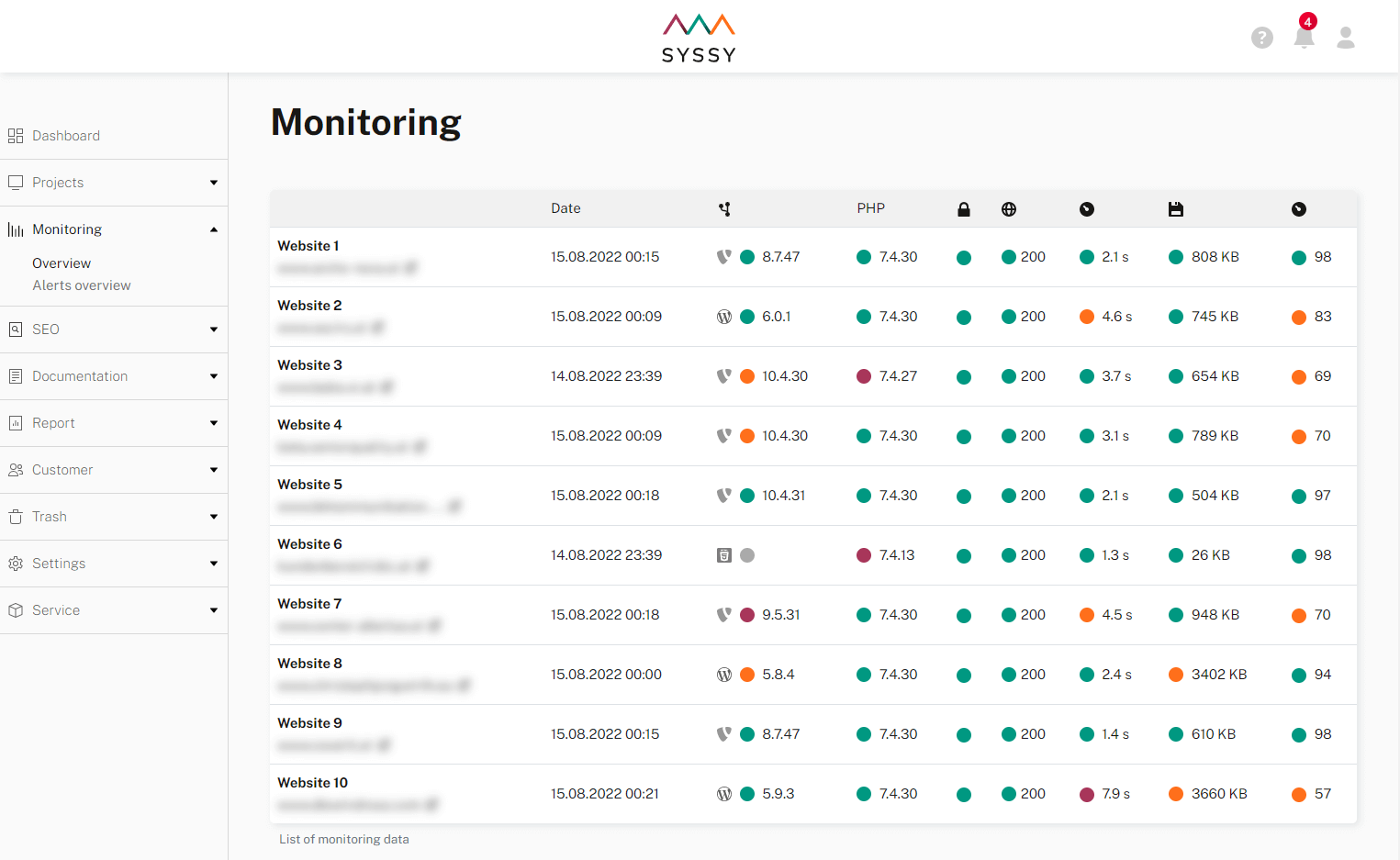
List of websites in SYSSY backend:

Screenshot of monitoring list

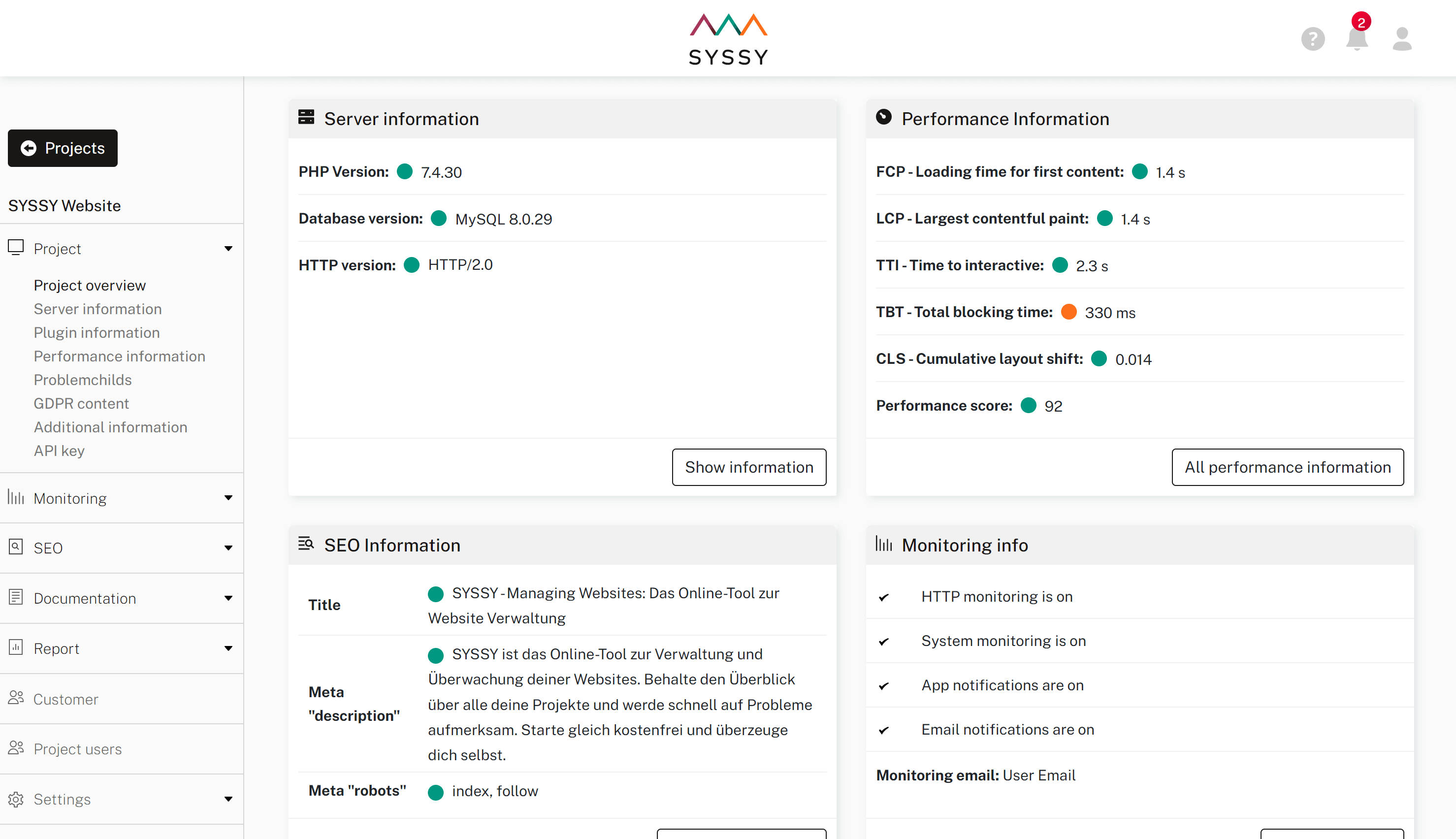
Project detail view:

Screenshot of project detail view

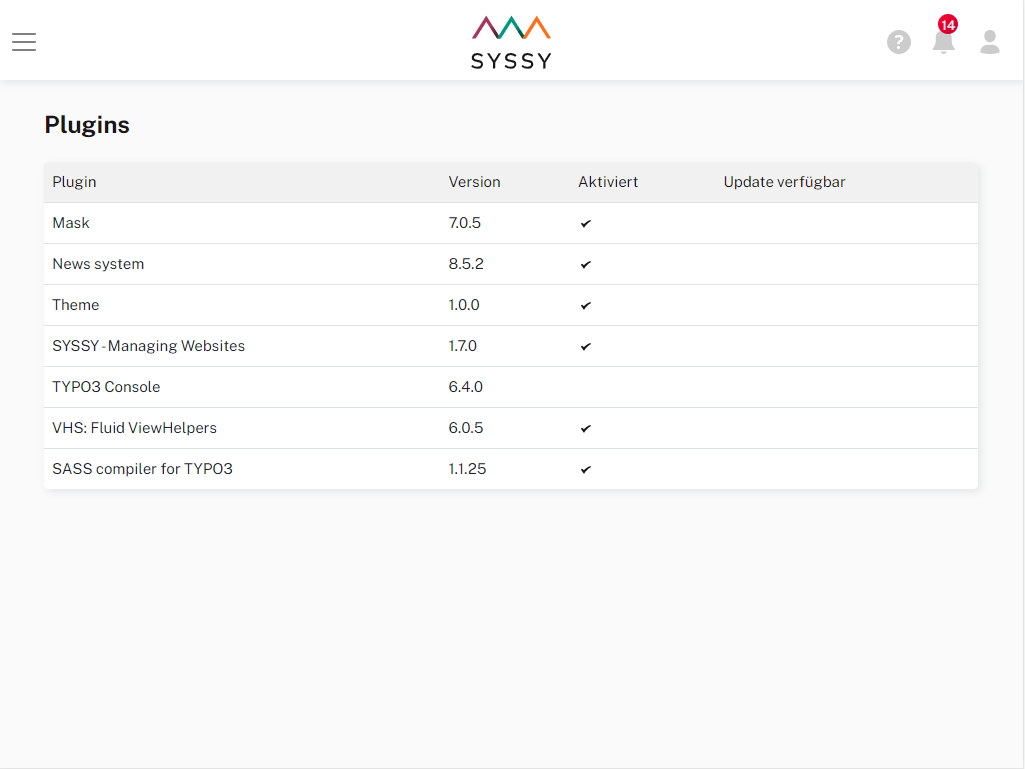
Plugin list for a single project:

Screenshot of project plugin list

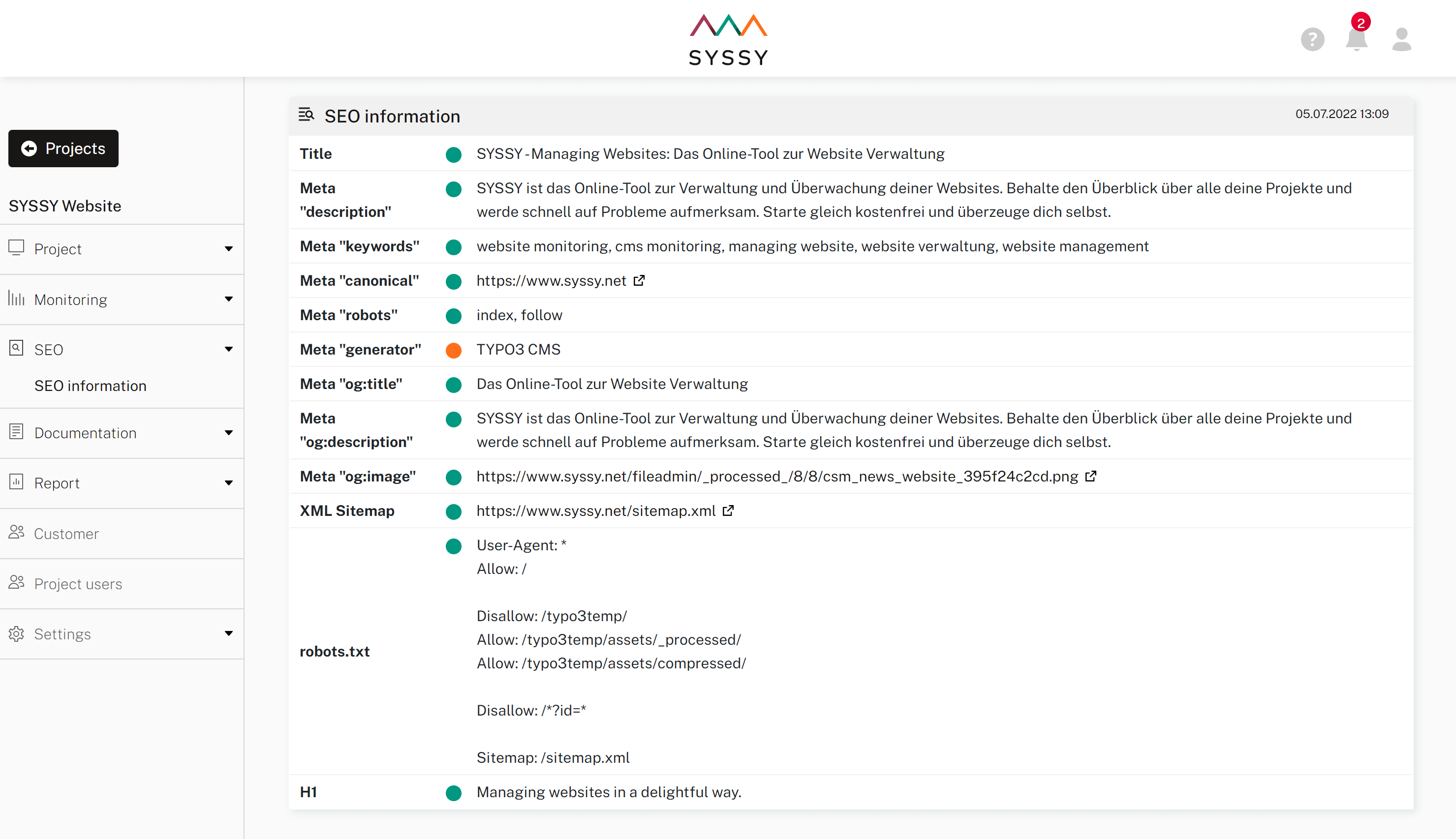
SEO information for a single project:

Screenshot of project SEO information

Installation 

Target group: Administrators

Installation via Composer 

If your TYPO3 installation uses Composer, install the latest Extension Builder through:

composer require syssy/syssy-typo3-extension
Copied!

Installation without composer / Legacy mode 

If you are working with a TYPO3 installation that does not use Composer, install the extension in the Extension Manager:

  1. Go to the Extension Manager
  2. Install the extension SYSSY
  3. Include the static template SYSSY

Configuration 

Target group: Administrators

  1. Get API key from SYSSY

    You can find your API key on app.syssy.net in your project dashboard

  2. Include Static Template "SYSSY"

    Go to Template > Root Page (Home) > Info/Modify

    Select Edit the whole template record

    Select tab Includes and add SYSSY to selected items

  3. Add TypoScript configuration (constants) for SYSSY API key

    Go to Template > Your Home Page > Constant Editor and select PLUGIN.TX_SYSSY and enter your API key in field API-key for syssy.net and go to Save

    Alternatively you can add the TypoScript to your Constants:

    plugin.tx_syssy.settings.apikey = 83dedc900894xxxxxxxxxxxxxxxxx
    Copied!
  4. Check if connection is working

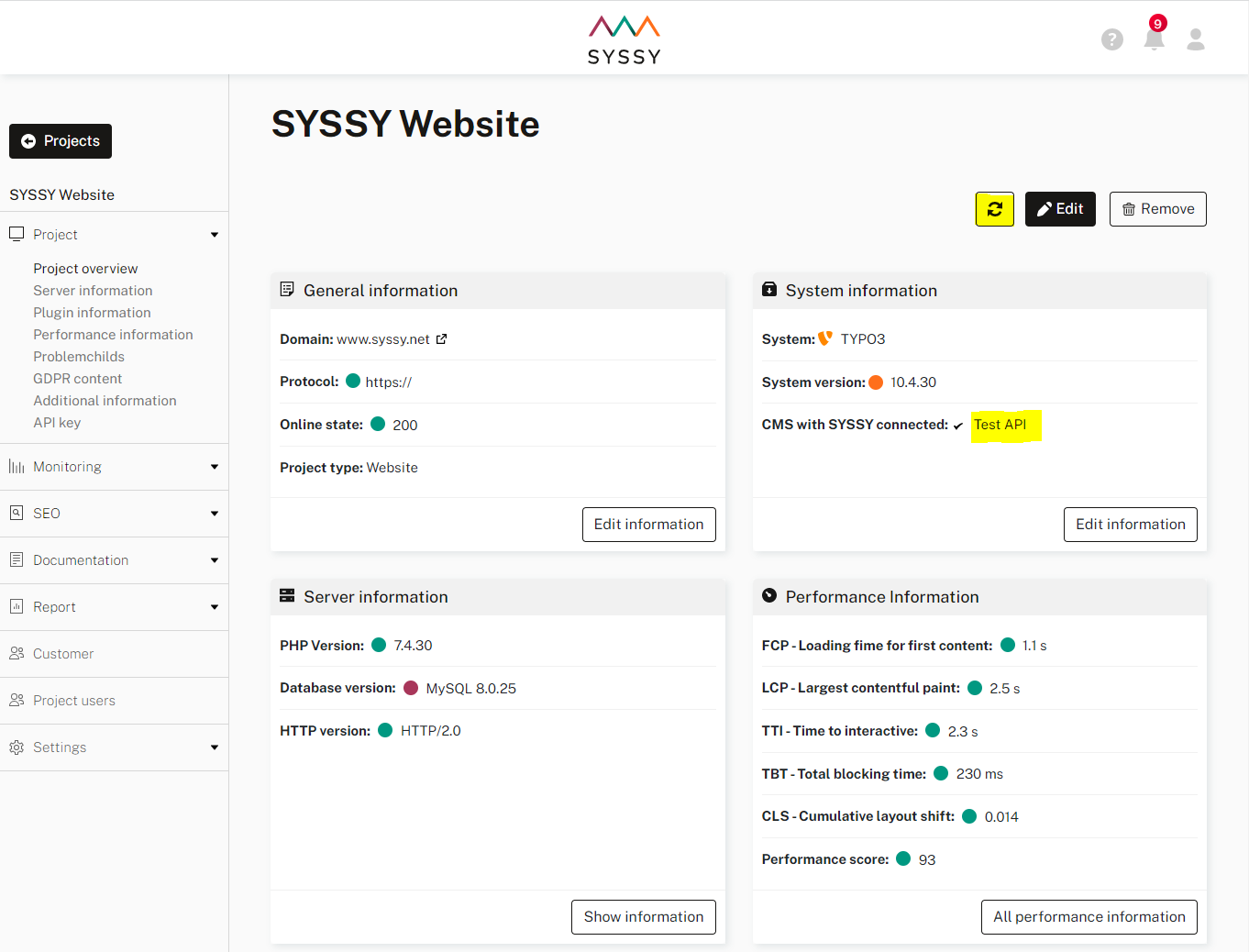
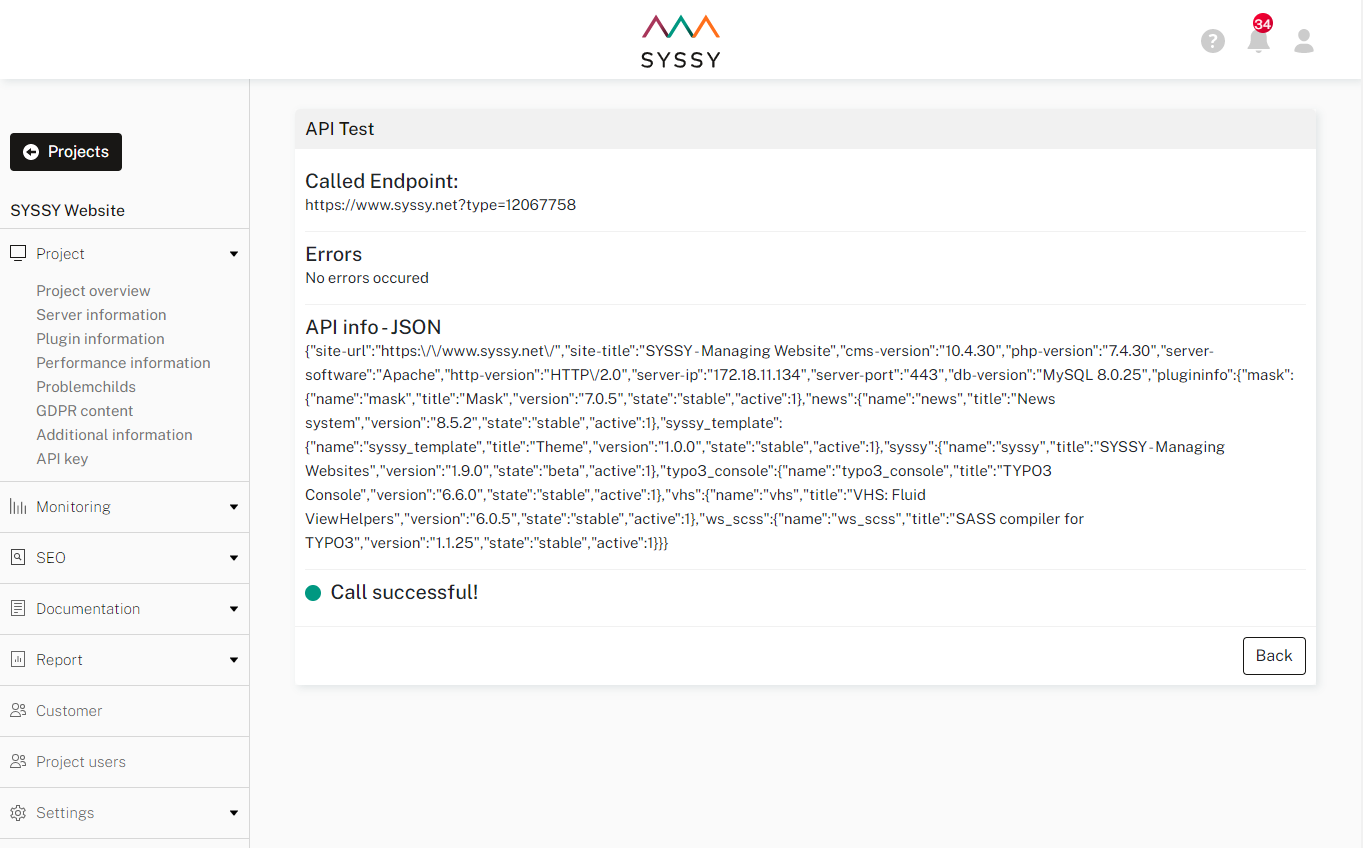
    Go to app.syssy.net and select your project. Start Remonitor for the project in project list or project dashboard or run Test API on project dashboard.

    SYSSY project dashboard:

    Screenshot of remonitoring

    Run API test in SYSSY:

    Screenshot of API Test

FAQ/Support 

Frequently Asked Questions 

How can I test if the connection works? 

Login to app.syssy.net and go to your project's dashboard.

Click the remonitoring button and check if it works.

You can also run the Test API button.

If it's not working, please recheck your API-key and check in your TYPO3 backend if the key is set.

Bug reports and feature requests 

Found a problem with this extension?

If you find any problems in this extension or the manual, please send us a mail to support@syssy.net.

If you have any feedback or feature request, please send us a mail to feedback@syssy.net.

ChangeLog 

All changes are documented on https://gitlab.com/syssy-typo3-extension/syssy. Please follow the link to know which bugs have been fixed in which version.

List of versions 

  • 3.0.3: 20th Ocotber 2023 - Rename files, update documentation
  • 3.0.2: 6th September 2023 - Bugfix
  • 3.0.1: 6th September 2023 - Bugfix extension list for composer installations
  • 3.0.0: 4th September 2023 - Support for TYPO3 12
  • 2.0.5: 26th June 2023 - Add additional project info "hostname"
  • 2.0.4: 12th May 2023 - Bugfix for TYPO3 11 and PHP 8
  • 2.0.3: 23rd February 2023 - Bugfix for TYPO3 11, Remove deprecated "TYPO3_version"
  • 2.0.2: 15th August 2022 - Update documentation and set state to stable
  • 2.0.1: 19th January 2022 - Update composer name
  • 2.0.0: 17th January 2022 - Support TYPO3 10 and 11, skip support for TYPO3 7, 8 and 9
  • 1.9.1: 6th December 2021 - Update documentation
  • 1.9.0: 5th December 2021 - Publish version to TER