
Icon & Wizard
Here you can define an icon used for the new content element and control appearance in new content element wizard.
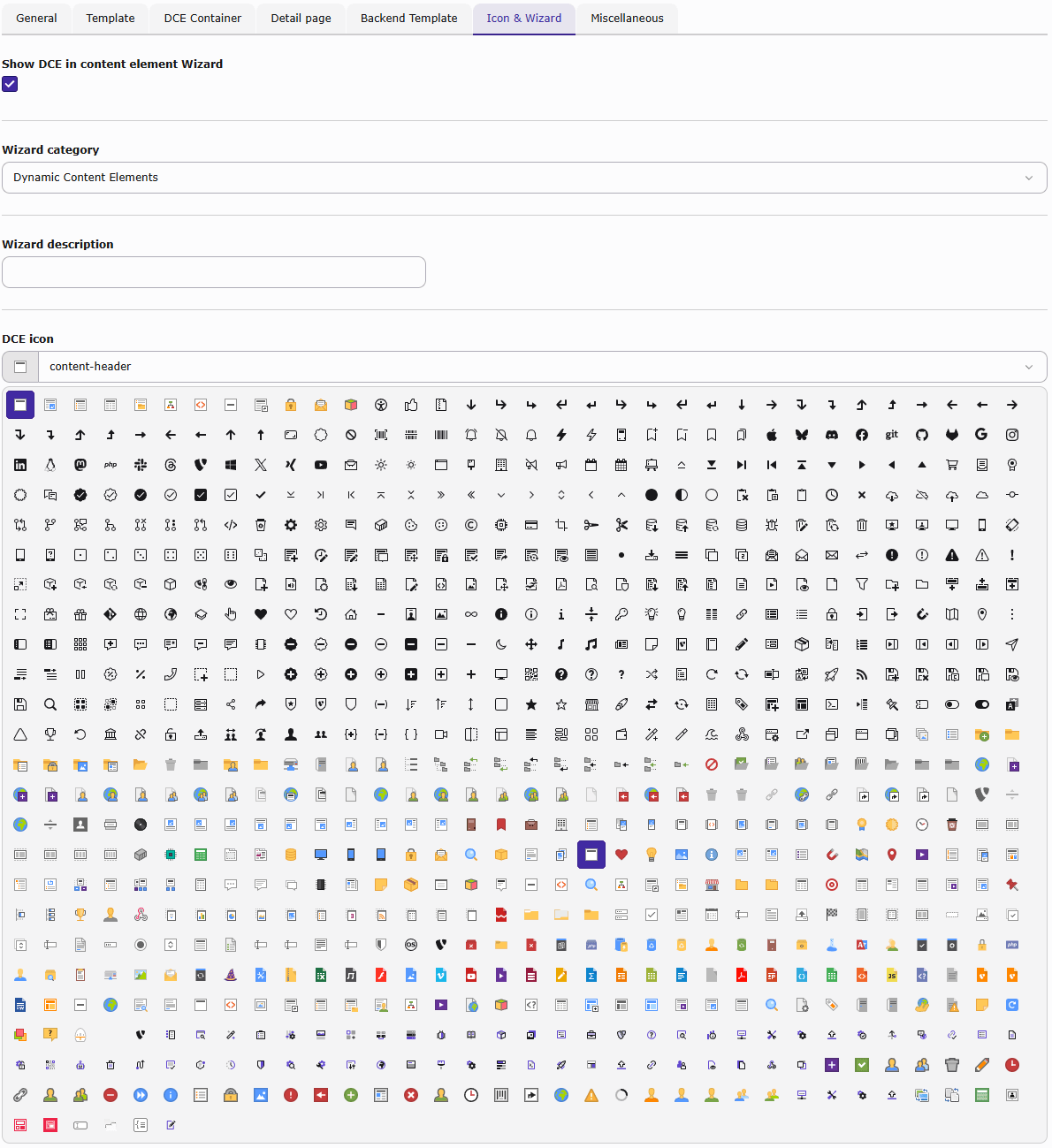
DCE icon
The icon that is displayed in front of the entry in the wizard list can be chosen from a large number of available icons. You can also choose "custom", which displays a new field to select the custom icon.
The icon also applies to CType icon.
Custom icon
If none of the included icons fits your needs, enter a valid icon resource path, preferably
EXT:your_extension/Resources/Public/Icons/YourIcon.svg. DCE does not upload the file or enforce specific dimensions.
Show DCE in content element Wizard
When this option is enabled then an entry for this DCE is added to the list of the New Content Element Wizard.
Wizard category
You can select here in which category of the wizard the DCE should appear. Besides a new category "Dynamic content elements" also the TYPO3 own categories are available.
Wizard description
This is a short description text which is shown in the wizard and should describe what is the function of this content element. It can be also be left empty.