Backend module
The Ai3 backend module is located under Web > Ai3 in the TYPO3 backend main menu. It provides three views accessible via the sub-navigation:
Dashboard
Zak_ai management
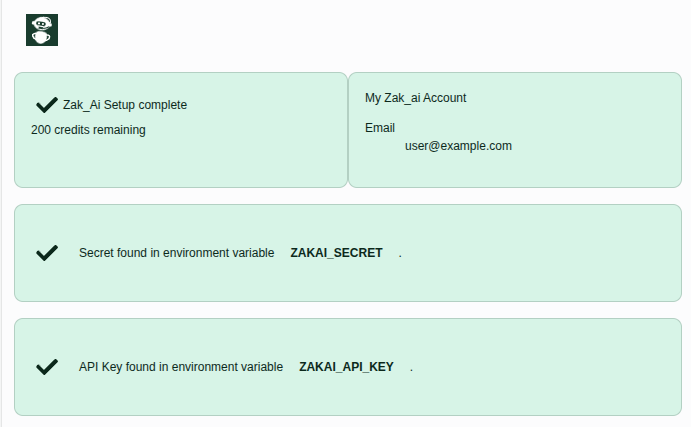
This Dashboard guides you through the Zak_ai registration process:
- Generate a Secret and Provide an e-mail address.
- Put this secret in the ``ZAKAI_SECRET'' environment variable.
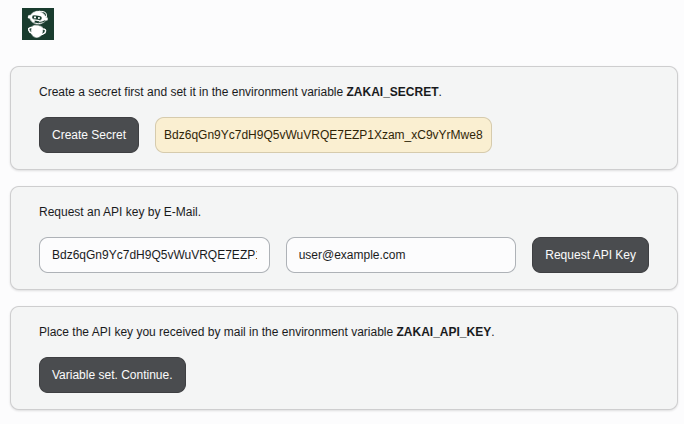
- Request API key — Sends a
POST /accountsrequest to Zak_ai. The registration status changes to Requested. Zak_ai sends an email containing your api key.
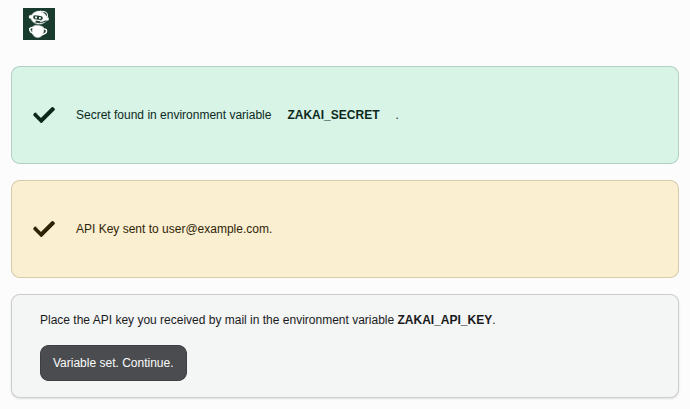
- Save API key After receiving the confirmation e-mail from Zak_ai, Put the API Key in the ``ZAKAI_API_KEY'' environment variable.
- Activate API key Click Activate API key to call
PUT /accounts. The status changes to Done.
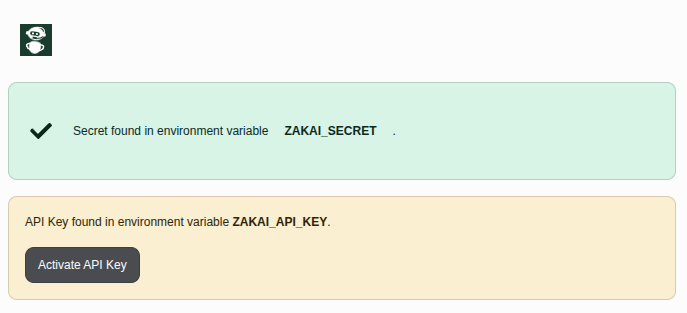
The dashboard looks like this when the registration is complete.
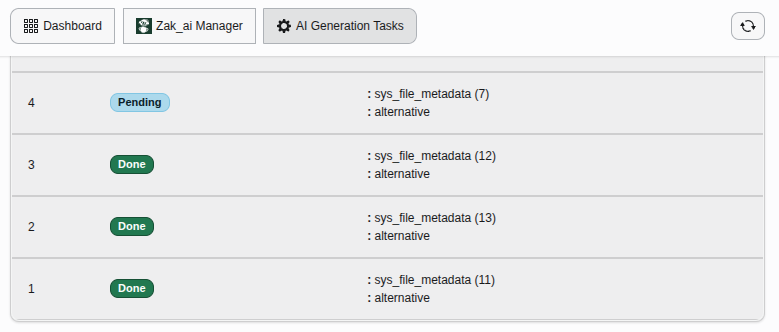
Generation task overview
This view lists all GenerationTask records stored in the database.
Each row shows the capability, target record (table / field / UID),
current status, prompt, and generated result.
This view is intended for developers to see what the queue status looks like
See Generation task for the full field reference.