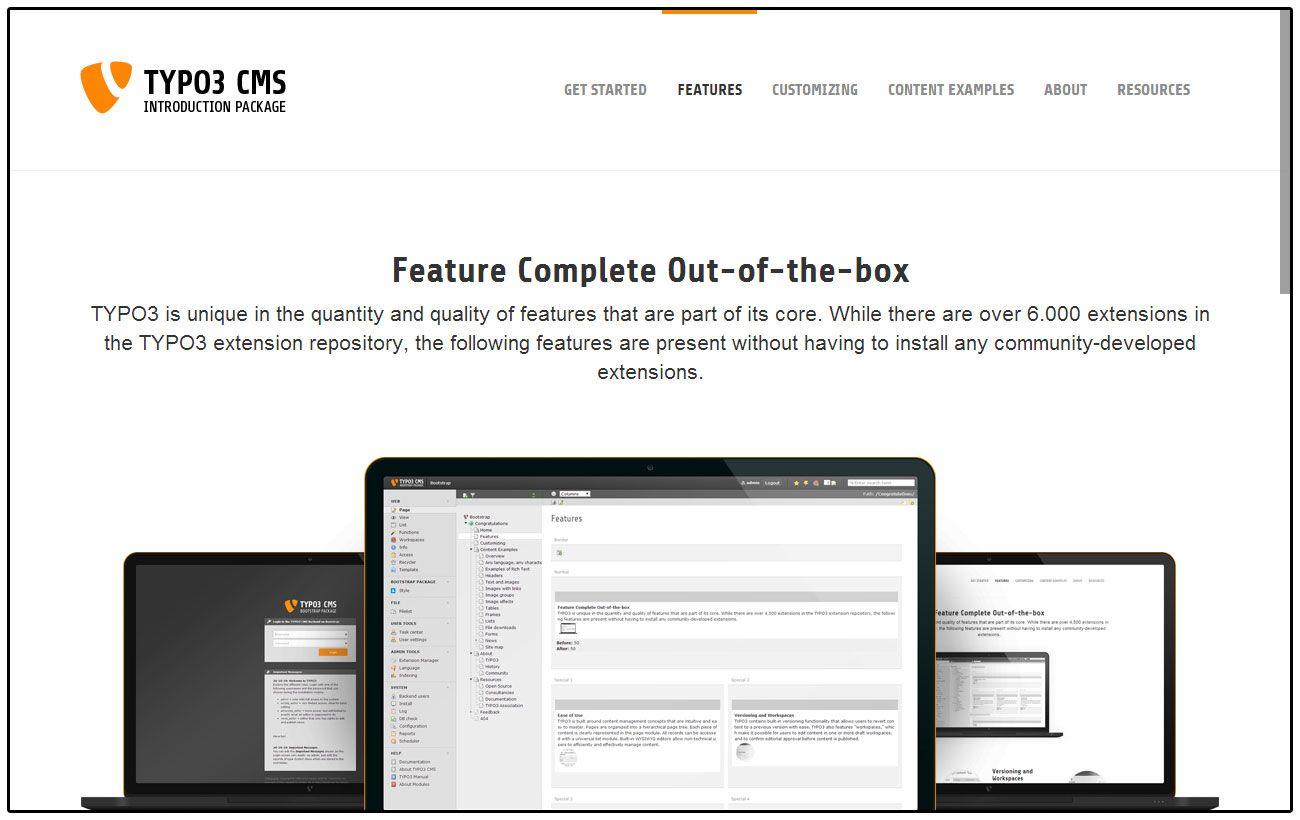
Bootstrap Package delivers a fully configured frontend theme for TYPO3, based on
the Bootstrap CSS Framework.
The goal of this package is also to give an advanced example of how modern
templating in TYPO3 CMS can be handled nicely without depending on third party
extensions. Bootstrap Package comes with a fully configurable frontend via
Site Settings.
Bootstrap Package provides its own content rendering and conflicts with the
core extension fluid_styled_content. This extension is marked as conflicting
to avoid misconfiguration.
Next Steps
After installation, follow the Quick Start guide to configure your site.
Quick Start
Follow these steps to get your Bootstrap package up and running quickly.
You do not need to have Fluid Styled Content installed, we have marked this
extension as conflicting to avoid misconfiguration.
If you really know what you are doing, it is safe to use Core content rendering
along with Bootstrap Package. But please note that we are adding more content
elements that are not supported by this system extension.
Make sure you have a root page
Create a new page or edit an existing one and set this as root page. This is done by turning on the option
Use as Root Page in the Edit Page
under Behavior > Miscellaneous.
Add the Bootstrap Package site set
When you create a root page, TYPO3 automatically creates a site configuration for it.
Edit the site and add the "Bootstrap Package: Full Package" set to include all features needed for a quick start.
The Bootstrap Package provides extension configuration options that can be
adjusted in the TYPO3 backend under Admin Tools > Settings > Extension Configuration.
Features
disableCssProcessing
Type
boolean
Default
false
Disable processing of CSS files.
Warning
If enabled, there will be no automatic processing of SCSS files in the
frontend. You will need to provide CSS files instead or handle the
processing of the SCSS files yourself.
disableGoogleFontCaching
Type
boolean
Default
false
Disable local Google Font cache. If enabled, Google Fonts will not be cached
on the server.
Image Rendering
Bootstrap Package comes with a very flexible responsive image rendering and
supports multiple variants for various device sizes. Each variant defines the
break point, width and the optional sizes for high resolution image
support.
Image variants are used to represent the breakpoints of the design. These
variants have to be defined according the definitions in the style sheet.
Bootstrap Package defines these variants by default:
The breakpoint defines the minimal device width where the width gets
applied. Having a device with a width of 1200 pixels or more uses an image width
of 1100 pixels, devices of 992 up to 1199 pixels width use an image width of
920 pixels and so on.
For each of these variants the multiplier of size 1x is set to 1, see next
section for more about the high-resolution image support:
default
breakpoint
width
sizes
1x
multiplier: 1
Example of changing the default configuration for the default variant.
There is a key called sizes in every variant that should be rendered. This
dataset consists of several entries, each with a default key for a normal
rendering (1x). This key will be added automatically, and it is always available.
It is not possible to store sizes smaller than 1. Each size contains a
multiplier, which is multiplied by the base size.
Example calculations:
Base width: 1000px
Minimum Device Pixel Ratio = 1
Multiplier = 1
Result: 1000px
Minimum Device Pixel Ratio = 1.5
Multiplier = 1.25
Result: 1250px
Minimum Device Pixel Ratio = 2
Multiplier = 1.5
Result: 1500px
Example configuration to enable high-resolution support for the default variant
for devices with a minimum device pixel ratio from 1.5 and 2.
The data for image rendering is now extended with a sub-set for high-resolution
variants. If you did not overwrite the default templates, it will just work as
soon as you add the configuration. If you have overwritten the default
templates, it will still work as before, but you need to add the new support for
high-resolution images yourself.
Please check the new updated templates and adjust your code if you want this
support.
Configuration by Variant
For each variant the following configuration options are possible:
breakpoint
width
aspectRatio
sizes
Configuration by Backend Layout
For each backend layout the following configuration options are possible
for each defined column and variant:
multiplier
gutters
corrections
Example configuration for backend layouts.
lib.contentElement.settings.responsiveimages.backendlayout {
    my_layout {                # this is the BE layout
        0 {                    # this is the column to be modified
            multiplier {
                default = 0.75
                large = 0.75
            }
            gutters {
                default = 40
                large = 40
            }
            corrections {
                default = 25
                large = 25
            }
        }
    }
}
Copied!
Configuration by Content Element
For each content element the following configuration options are possible
for each defined variant or specific property:
multiplier
gutters
corrections
Example configuration for content elements.
lib.contentElement.settings.responsiveimages.contentelements {
    my_content_element {       # this is the content element
        my_custom_property {   # this is a content element specific property, depends on the implementation and is optional
            multiplier {
                default = 0.5
                large = 0.5
                medium = 0.5
            }
            gutters {
                default = 24
                large = 24
                medium = 24
            }
            corrections {
                default = 25
                large = 25
                medium = 25
                small = 50
                extrasmall = 50
            }
        }
    }
}
Copied!
Configuration options explained
Options for variants:
Property
Data Type
Description
breakpoint
integer
Defines the minimal width in pixels of the
device
width
integer
Defines the effective width in pixels for
images for this variant
aspectRatio
float
Optional, defines the default aspect ratio
which will override all previously defined
ratios on image level
sizes
array
Optional, defines the available high resolution
image multiplier for a minimal device pixel
ratio per variant
Options for backend layouts and content elements:
Property
Data Type
Description
multiplier
integer
The width is multiplied with this value
gutters
integer
This value is added to the width before
applying the multiplier and substracted
afterwards
corrections
integer
This value is added as last step to the width
after all other calculations
The options gutters and corrections are needed if you want to be pixel
perfect. Means if you have a 1 pixel outline for example and want this to be
subtracted from the width you can do this kind of corrections late in the
calculation process.
Example Accordion:
Here a correction is added to remove the inner padding of the container.
Example Card Group:
The border is substracted here.
Crop Variants
The Bootstrap Package predefines some cropping variants which can easily be changed
or extended by your sitepackage.
The following crop variants are defined by default:
16:9, for a fixed ratio
4:3, for a fixed ratio
1:1, for a fixed ratio
NaN, for a free ration
Routing
Pagination
Paginated content elements — the gallery is the one the package ships —
carry the pagination in two query arguments:
paginate[id]
Identifier of the pagination that is being paged. The gallery builds
it out of its uid, for example gallery-8793.
paginate[page]
Page number. It is absent on the first page.
One pagination is addressed at a time. Every other paginated element on
the page stays on its first page, which is also all a speaking URL can
express.
Every pagination link ends in the anchor of the element it pages, so a
new page starts at that element instead of at the top of the document.
The site set bootstrap-package/pagination is part of the Full
Package and rewrites both arguments into the path:
/gallery/tag-3/gallery-8793/page-2
Copied!
Without it the arguments stay in the query string and drag a cache hash
along:
A site configuration takes precedence over the sets it depends on, so
only the keys that should differ have to be written into the site's own
routeEnhancers. Templates of your own that call
bk2k:data.paginate with an identifier of another shape need the
requirement widened:
Keep that pattern as narrow as the identifiers in use. Every value it
matches is a page of its own and gets its own cache entry.
Two properties carry the clean URL and are worth keeping when the
enhancer is adjusted: static on the identifier and the
StaticRangeMapper on the page number. An argument that has neither
stays dynamic, and a cache hash returns to the URL.
The range decides how many pages are reachable through the path. Beyond
its end the pagination falls back to the query string.
Settings
Bootstrap Package was built to be as adjustable as possible, so nothing is fixed
and everything can be configured through settings. The settings are grouped into
logical categories and can be modified in the site configuration.
Bootstrap Package provides multiple Site Sets that can be used individually or
combined. The "Full Package" set includes all features for a quick start.
Available Site Sets
Bootstrap Package provides the following Site Sets:
Bootstrap Package: Full Package - Includes all sets for a complete setup
The Full Package set (bootstrap-package/full) provides the main configuration
options for your site. It includes settings for logo, navigation, contact
information, social media, and more.
If enabled the variables defined in your SCSS files will be overridden with the ones defined as Site Settings
Backend Layouts
The Backend Layouts set (bootstrap-package/backend-layouts) provides
backend layout configurations. Each backend layout can be individually
enabled or disabled via settings.
Enable the default backend layout with border, content before/after, main content and footer columns.
backendlayout.simple
Type
bool
Default
true
Label
Enable Simple Layout
Category
Bootstrap Package > Backend Layouts
Enable the simple backend layout with border, content before/after and main content columns.
backendlayout.2_columns
Type
bool
Default
true
Label
Enable 2 Columns Layout
Category
Bootstrap Package > Backend Layouts
Enable the 2 columns (75/25) backend layout.
backendlayout.2_columns_25_75
Type
bool
Default
true
Label
Enable 2 Columns 25/75 Layout
Category
Bootstrap Package > Backend Layouts
Enable the 2 columns (25/75) backend layout.
backendlayout.2_columns_50_50
Type
bool
Default
true
Label
Enable 2 Columns 50/50 Layout
Category
Bootstrap Package > Backend Layouts
Enable the 2 columns (50/50) backend layout.
backendlayout.2_columns_offset_right
Type
bool
Default
true
Label
Enable 2 Columns Offset Right Layout
Category
Bootstrap Package > Backend Layouts
Enable the 2 columns offset right backend layout.
backendlayout.3_columns
Type
bool
Default
true
Label
Enable 3 Columns Layout
Category
Bootstrap Package > Backend Layouts
Enable the 3 columns backend layout.
backendlayout.special_feature
Type
bool
Default
true
Label
Enable Special Feature Layout
Category
Bootstrap Package > Backend Layouts
Enable the special feature backend layout.
backendlayout.special_start
Type
bool
Default
true
Label
Enable Special Start Layout
Category
Bootstrap Package > Backend Layouts
Enable the special start backend layout.
backendlayout.subnavigation_left
Type
bool
Default
true
Label
Enable Subnavigation Left Layout
Category
Bootstrap Package > Backend Layouts
Enable the subnavigation left backend layout.
backendlayout.subnavigation_left_2_columns
Type
bool
Default
true
Label
Enable Subnavigation Left 2 Columns Layout
Category
Bootstrap Package > Backend Layouts
Enable the subnavigation left with 2 columns backend layout.
backendlayout.subnavigation_right
Type
bool
Default
true
Label
Enable Subnavigation Right Layout
Category
Bootstrap Package > Backend Layouts
Enable the subnavigation right backend layout.
backendlayout.subnavigation_right_2_columns
Type
bool
Default
true
Label
Enable Subnavigation Right 2 Columns Layout
Category
Bootstrap Package > Backend Layouts
Enable the subnavigation right with 2 columns backend layout.
Bootstrap 5
The Bootstrap 5 set (bootstrap-package/bootstrap-5) provides SCSS variables
that allow you to customize the Bootstrap framework. These settings override
the default Bootstrap variables when compiling SCSS.
The Content Elements set (bootstrap-package/content-elements) provides
settings for content element rendering, including templates, headers, lightbox,
media, and more.
Referrer policy handed to embedded online media, for example strict-origin-when-cross-origin or no-referrer. Empty leaves the referrer policy of the site in place.
The Cookie Consent set (bootstrap-package/cookie-consent) provides a
configurable cookie consent banner. For more information visit
https://cookieconsent.insites.com/
If you specify "top" or "bottom", we assume that a full width "banner" is required. If however you specify a horizontal direction, we assume that a corner popup is required (which we call "floating").
page.theme.cookieconsent.static
Type
bool
Default
false
Label
Static Position
Category
Bootstrap Package > Cookie Consent
The popup uses position fixed to stay in one place on the screen despite any scroll bars. This option makes the popup position static so it displays at the top of the page. A height animation has also been added by default so the popup doesn’t make the page jump, but gradually grows and fades in.
page.theme.cookieconsent.content.href
Type
string
Label
Privacy Police
Category
Bootstrap Package > Cookie Consent
Insert a full Link to the privacy police page or a page uid from your current TYPO3 System.
page.theme.cookieconsent.revokable
Type
bool
Default
false
Label
Revokable
Category
Bootstrap Package > Cookie Consent
If set true, revoke button is displayed every time. If false, revoke button is only displayed for advanced compliance options (opt-in and opt-out) and in countries that require revokable consent. The latter can be disabled by regionalLaw.
page.theme.cookieconsent.location
Type
bool
Default
false
Label
Location Detection
Category
Bootstrap Package > Cookie Consent
Location is simply a tool for getting the two letter country code that the user is in.
page.theme.cookieconsent.law.countryCode
Type
string
Label
Country Code
Category
Bootstrap Package > Cookie Consent
Rather than getting the country code from the location services, you can hard code a particular country into the tool.
page.theme.cookieconsent.law.regionalLaw
Type
bool
Default
true
Label
Regional Law
Category
Bootstrap Package > Cookie Consent
If false, then we only enable the popup if the country has the cookie law. We ignore all other country specific rules.
The informal confirmation does not require any further adjustments to your JavaScript. The Opt-In and Opt-Out options are not out-of-the-box solutions, manual adjustments to your software are necessary. For your support we provide the events bk2k.cookie.enable, bk2k.cookie.disable and bk2k.cookie.revoke. These events allow you to let your application react to them and to set or remove cookies accordingly. The cookie that contains the current status is called cookieconsent_status.
page.theme.cookieconsent.cookie.expiryDays
Type
number
Default
365
Label
Expiry Days
Category
Bootstrap Package > Cookie Consent
The cookies expire date, specified in days (specify -1 for no expiry)
Google Font
The Google Font set (bootstrap-package/google-font) enables Google Fonts
integration.
We check the source code according to the our Coding Guidelines. To reformat
the code automatically, you can use PHP CS Fixer as follows:
composer cgl
Copied!
Local environment
The extension comes with a ready to use DDEV Local configuration. Type
ddev start in the extension root folder to start the Docker container.
ddev launch will open the browser and head to the testing website. You can
use ddev launch typo3 to get directly to the backend.
composer install resolves the newest TYPO3 release the extension
declares. The local installation runs on the TYPO3 development major
instead, which composer typo3:dev resolves without touching
composer.json:
ddev composer typo3:dev
Copied!
Build the frontend files
When you change any of the SCSS files, the combined and minified versions
of the CSS have to be rebuilt.
You can run them like this:
cd Build
npm ci
npm run build
Copied!
Then commit any changes to files in folder Resources/Public/Css. If you
omit any of these steps the pipeline of the automatic checks fails for
"build-frontend".
License
This project is released under the terms of the MIT license.
Slack
You can connect directly with us on Slack, the preferred instant
communication platform of TYPO3 CMS developers. If you already have access to
the TYPO3 Slack platform join the #bootstrap-package channel. If you don't have
access yet, you can register at my.typo3.org.
X
=
If you have any questions about this project or just want to talk:
Send a tweet @benjaminkott.
Sitemap
Index
Reference to the headline
Copy and freely share the link
This link target has no permanent anchor assigned.The link below can be used, but is prone to change if the page gets moved.