
For editors: usage
- Open the File list module and edit the metadata of a file (or open the file resource in the Media module).
- Switch to the SEO tab, enable Do not index in search engines and save.
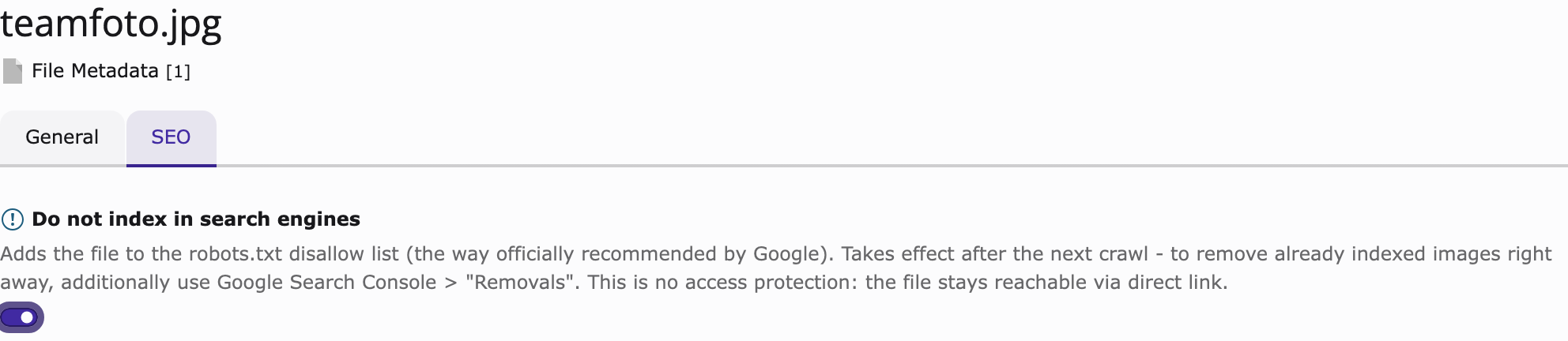
The checkbox on the SEO tab of the file metadata form.
That's it. The file's robots. entries appear immediately — no cache
flush needed:
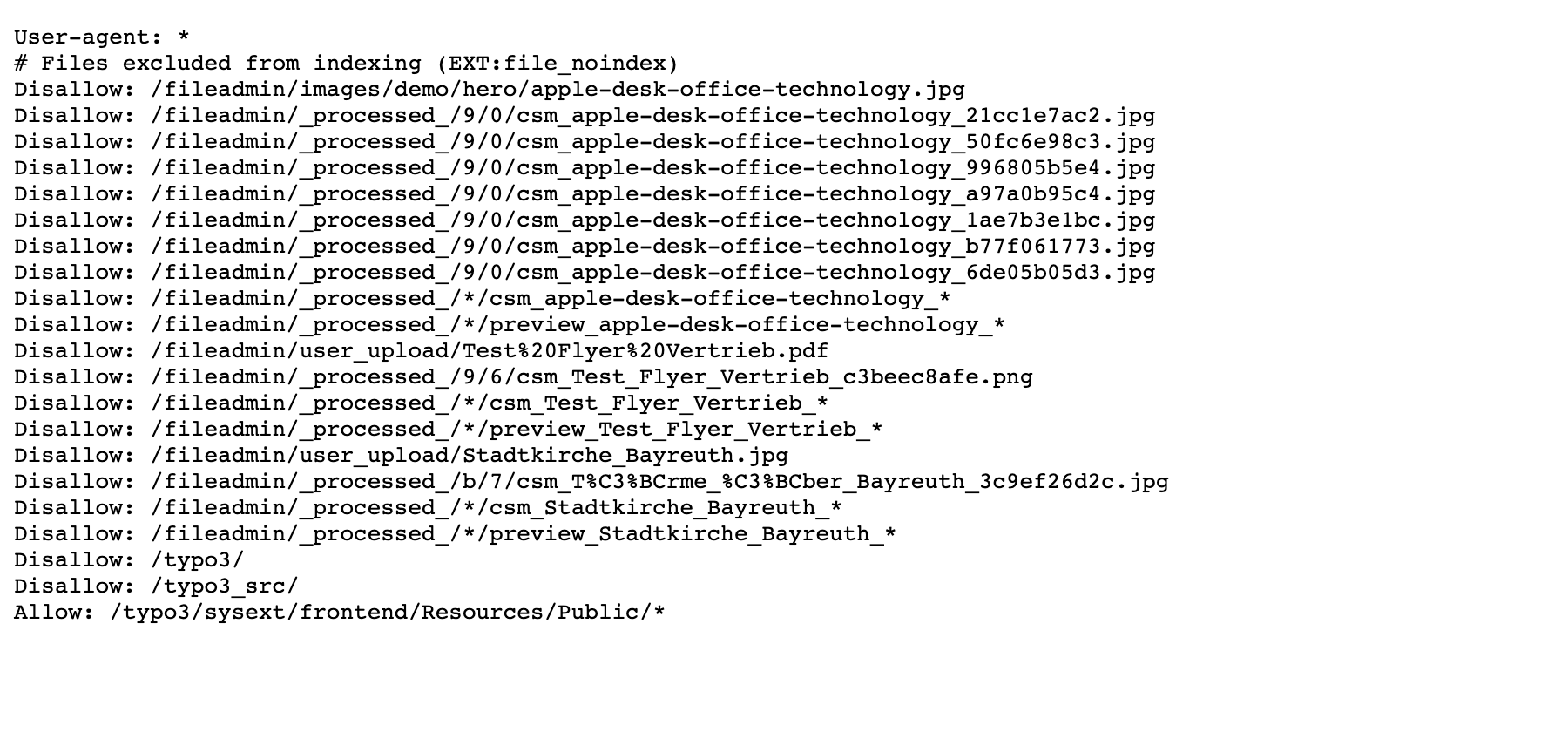
The generated robots. with the disallow entries for the marked
file and its processed variants.
Unticking the box removes the entries just as immediately.
Important
Already indexed images disappear only after the next crawl (days to weeks). For immediate removal, additionally use Google Search Console > Removals.