

Dashboard Widget
The dashboard widget can be placed to the TYPO3 backend dashboard. It shows the current environment regarding the configuration.
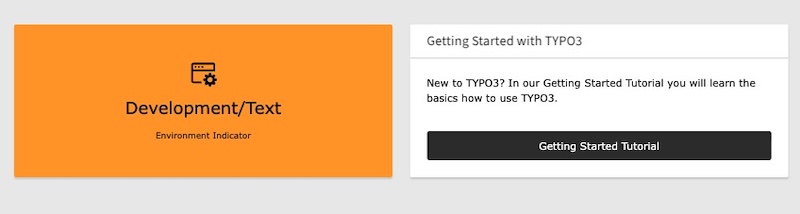
Dashboard Widget Example
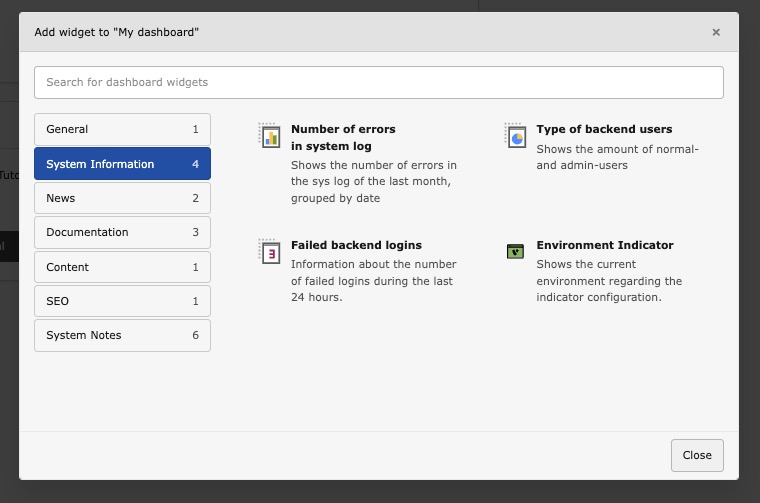
Dashboard Widget Selection
Note
Unlike most other indicators, this one is part of the default
configuration presets only for the Development* application
context, not for Testing* or the production-related contexts. To
show it elsewhere, register it yourself as shown below.
The widget is registered with its own icon (identifier environment-), which is shown in the widget selection dialog:

You can adjust the widget configuration in your ext_:
use KonradMichalik\Typo3EnvironmentIndicator\Configuration\Handler;
use KonradMichalik\Typo3EnvironmentIndicator\Configuration\Indicator;
use KonradMichalik\Typo3EnvironmentIndicator\Configuration\Trigger;

Handler::addIndicator(
    triggers: [
        new Trigger\ApplicationContext('Development/Text')
    ],
    indicators: [
        new Indicator\Backend\Widget([
            'color' => '#bd593a',
        ])
    ]
);Additional optional configuration keys:
text(string): The text of the widget. Default is the application context.icon(string): The icon of the widget. Default isinformation-.application- context text(string): The text size of the widget. Default isSize 20px.description(string): An optional description shown as an additional paragraph in the widget body. Plain text only (HTML is escaped). Default is empty.
The dashboard widget can not disappear, if no configuration is set. It is always shown in the backend dashboard.
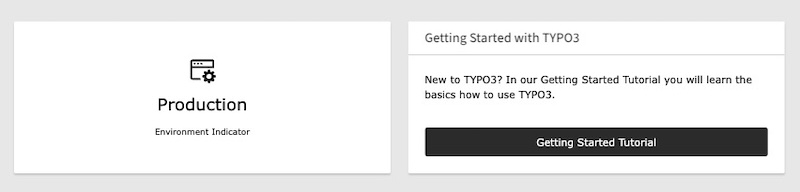
Dashboard Widget Production Example