
Backend module
Web > Semantic Suggestion shows what the scheduler task stored. It never computes anything itself, so opening it is safe on a production site.
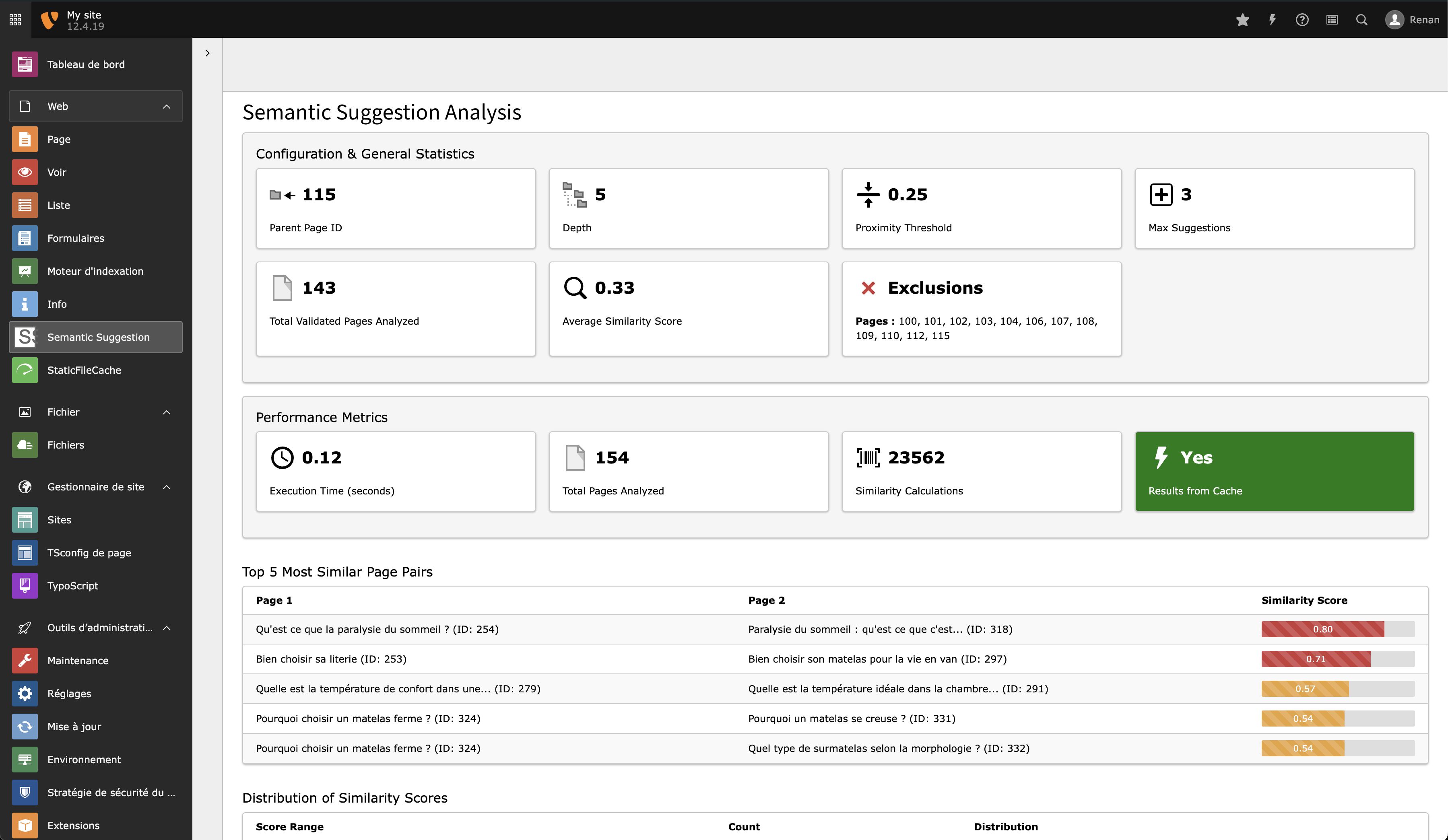
Analysis selector, configuration reminder and statistics.
The page tree is hidden on purpose: the module works on one analysis at a time, picked from a dropdown.
What it shows
| Section | Content |
|---|---|
| Analysis selector | One entry per site, grouped by root_page_id, with the number of pages
and of stored pairs. Every task of a site appears as a single analysis,
whichever subtree each one started from. |
| Configuration reminder | The display settings in effect: quality level, maxSuggestions,
excludePages, excerptLength. |
| Statistics | The five most similar pairs, the five pages with the most links, the score distribution, and the totals — all computed with the display filters applied, so they reflect what visitors actually see. |
| Language statistics | Distribution of the analysed pages over the site's languages. |
| Performance metrics | Module execution time and the number of stored pairs above the display threshold. |
Each section can be switched off in TypoScript — see TypoScript.

Access control
- Administrators see every analysis of the instance.
- Other backend users see only the analyses of sites they hold a webmount on. A webmount on a subpage resolves to that page's site, so an editor mounted on one section still sees their whole site's analysis — and nothing from other sites.
- The
rootPageIdURL argument is validated against that same list, so it cannot be used to reach another site's data.
A user with no webmount inside any configured site sees an empty module.
Note
Module access itself is granted the usual way, per backend user group (Access Lists > Modules > Web > Semantic Suggestion).