
Fields
With this extension the powermail Fields get 1 extra field in the extended tab:
Salesforce field name
Depending on your configuration in Salesforce WebToLead, enter the fieldname of the WebToLead-Form
Note
If a Field's data should NOT be transmitted to Salesforce, leave this field empty.
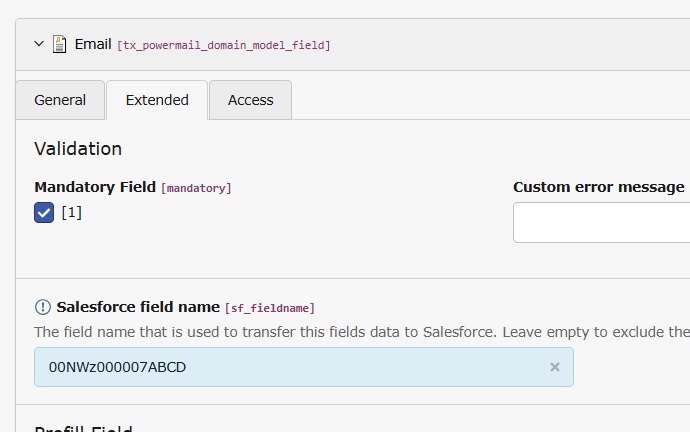
Configuration in a Field
Transmitting specific values
For select, multiselect, checkbox or radio fields, make sure the correct values are submitted.
The values that are transmitted to Salesforce must exactly match the values configured in WebToLead.
Example 1
A typical data protection checkbox should only transfer the value 1 when checked
Enter the checkbox text followed by |1:
By checking this checkbox I say that I checked the Lorem ipsum data protection|1
Example 2: A single select box with some very specific values
We use the same approach, enter the labels followed by | and the value that should be transmitted:
– Keine –|
Produkt 1|Product_Value_foo
Produkt 2|Product_Value_bar
Produkt 3|Product_Value_baz