
Page layouts
Das comes with a set of page layouts that cover any possible scenario:
- Home
- Interior
- Interior with left column
- Interior with left column (inheriting content)
- Interior with right column
- Interior with right column (inheriting content)
- Interior with left and right columns
- Interior with left and right columns (only left inheriting content)
- Interior with left and right columns (only right inheriting content)
- Interior with left and right columns (both inheriting content)
- Only content (without header and footer)

Content areas
The available content areas depend on each page layout.
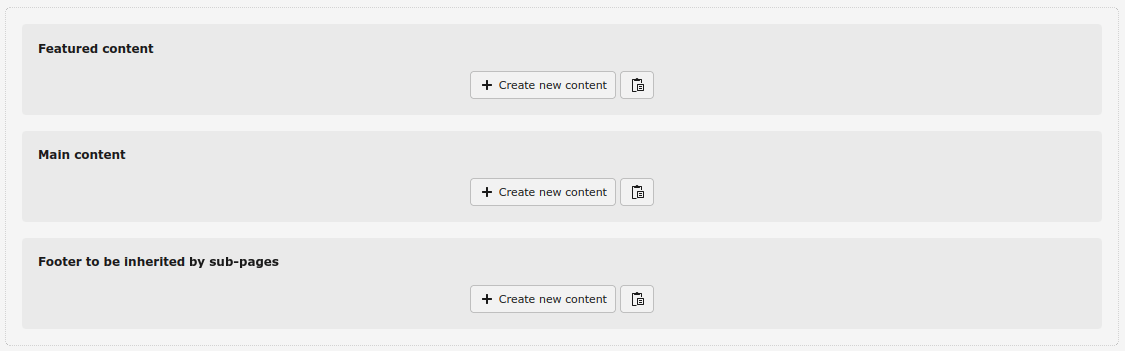
- Home: With Featured content, Main content and Footer to be inherited by sub-pages
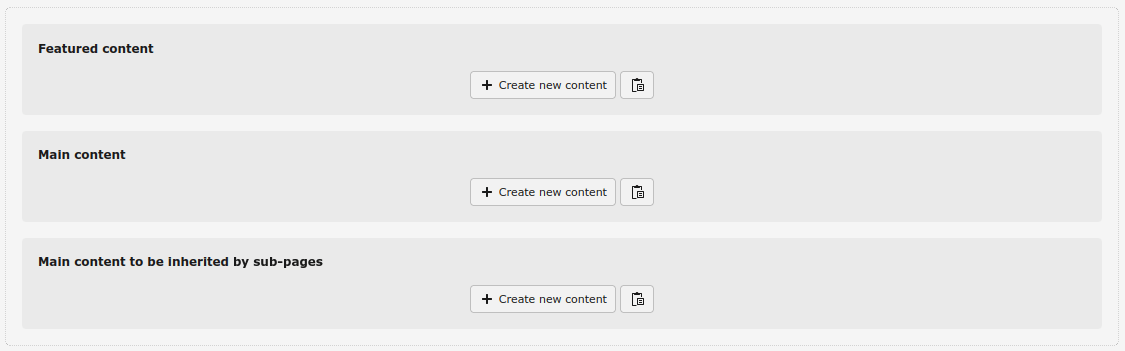
- Interior: With Featured content, Main content and Main content to be inherited by sub-pages
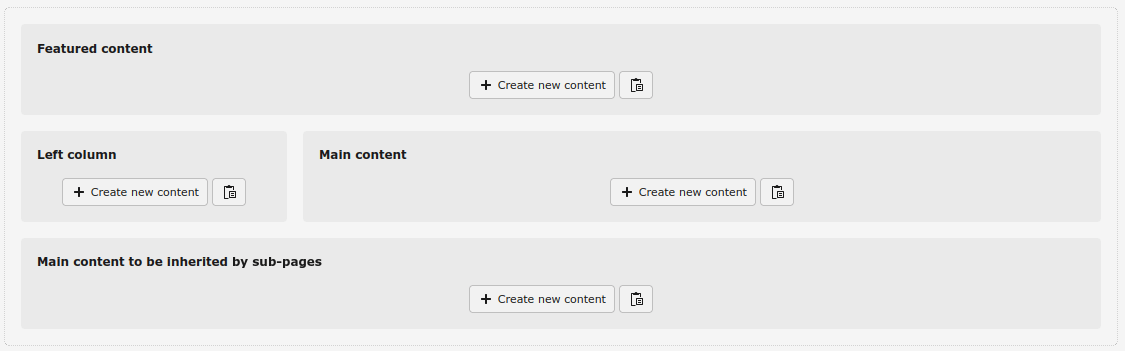
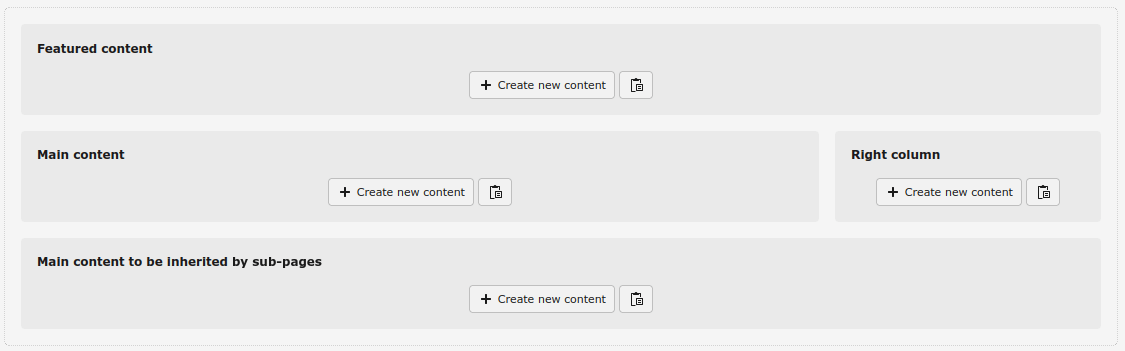
- Interior with left or/and right column: With Featured content, Left or/and Right column, Main content and Main content to be inherited by sub-pages. There are variants to slide the content from the left and right columns, so if a page doesn't have any content on the column/s TYPO3 climbs the page tree until it finds a page with content in the column/s and renders it
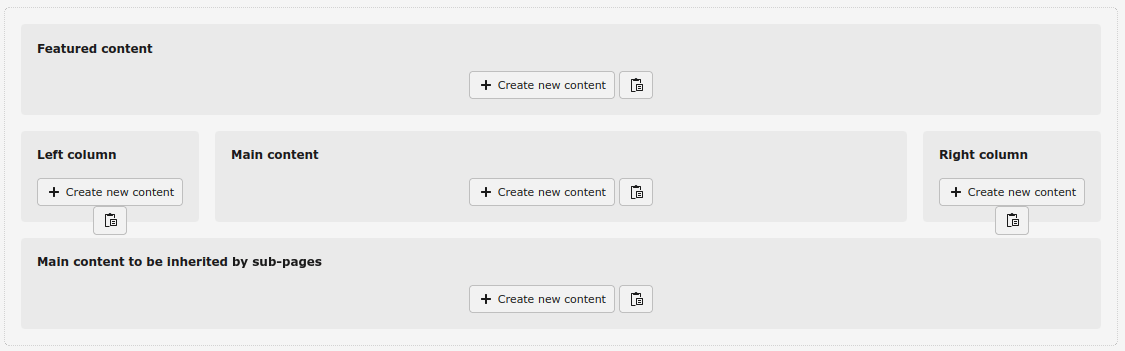
- Only content: With Featured content, Main content and Main to be inherited by sub-pages, that will be rendered without header, navigation bar, breadcrumb and footer
These are the content areas:
- Featured content: the one immediately under the navigation bar (before or after the breadcrumb). It's meant for some highlight content (carousel, banner…), usually full width
- Main content: for the main content of the page
- Main content to be inherited by sub-pages: for the main content to be inherited by its sub-pages
- Left/Right column: for the content to be shown in the left and right columns, which can be inherited by sub-pages
- Footer (only in the Home layout): for the content to fill the footer of the page, inherited by all sub-pages