
Page Performance Bar
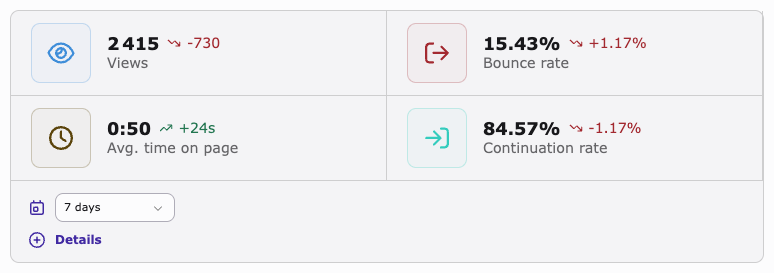
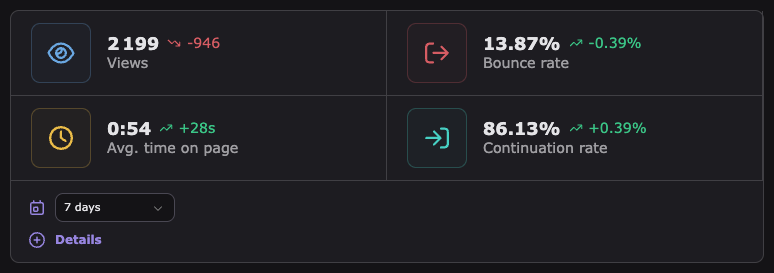
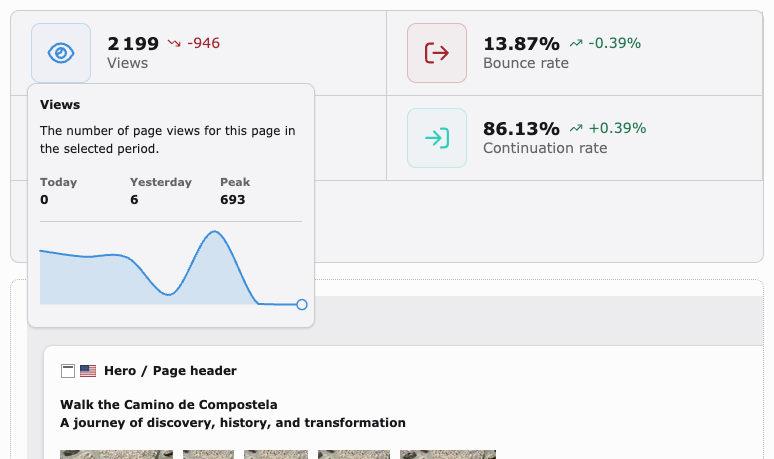
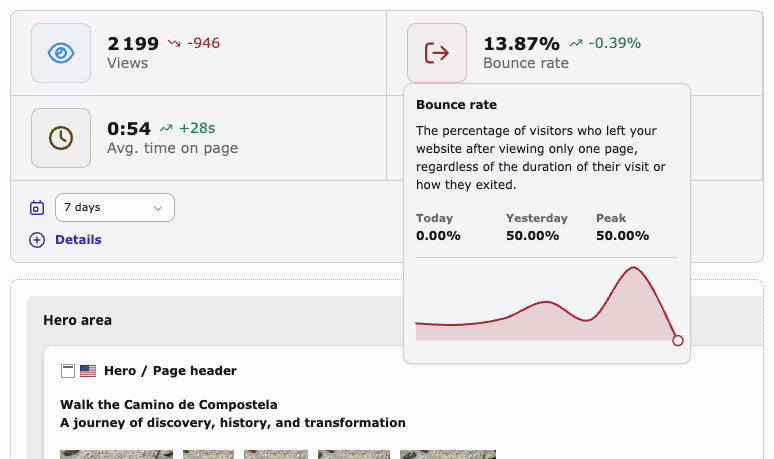
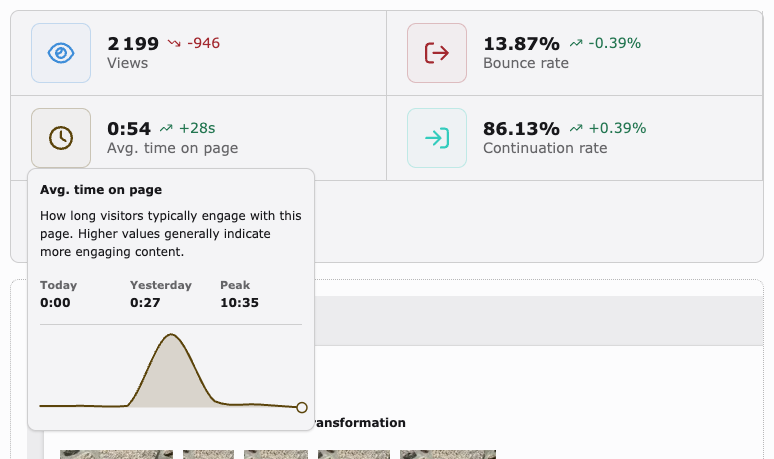
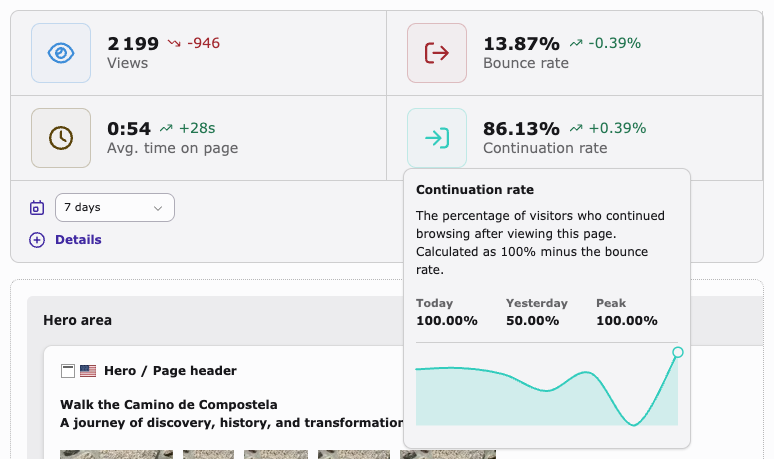
The Page Performance Bar appears above the page content in the Web → Page module. It shows analytics metrics for the currently viewed page:
- Page views with sparkline and trend vs. previous period
- Bounce rate with sparkline and trend
- Average time on page with sparkline and trend
- Continuation rate (100 − bounce rate) with sparkline and trend
A period selector and a direct link to the full analytics dashboard are included in the bar.
The bar loads asynchronously — a lightweight skeleton is shown immediately, and the actual data is fetched via AJAX once the page has loaded. The bar is hidden in language-comparison mode.
Note
The period selector values come from the dashboardPeriods Extension Manager setting.