
Toolbar
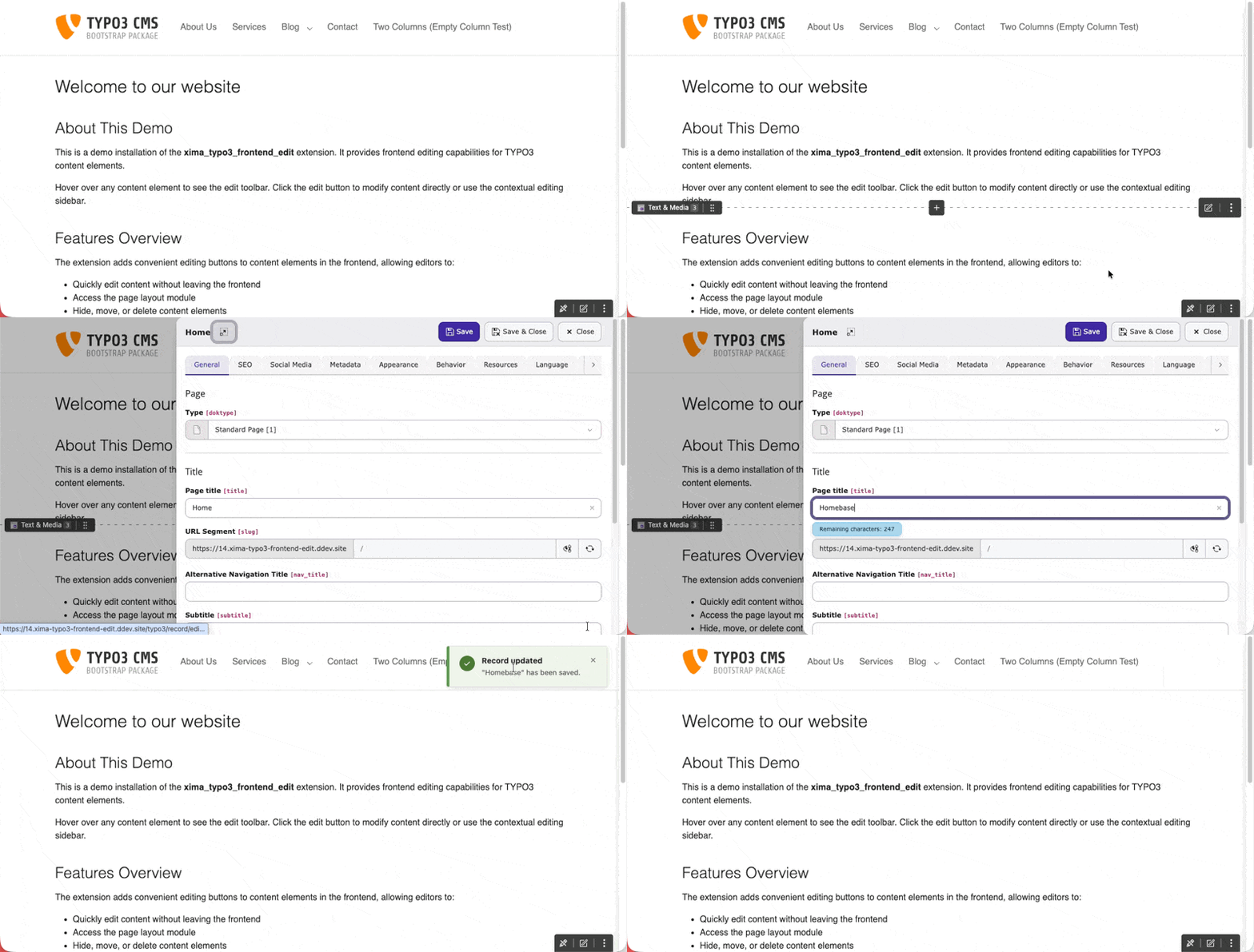
The Toolbar provides quick access to page-level actions. It appears at a configurable position on the screen (default: bottom-right).
Actions
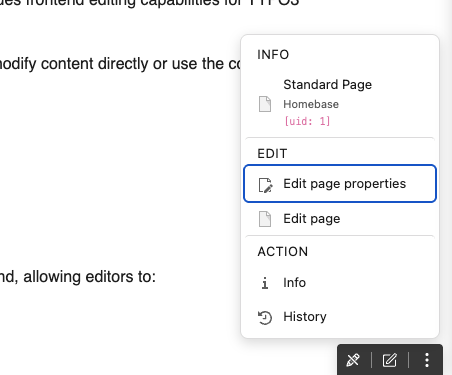
The Toolbar includes:
- Toggle - (eye icon) Enable or disable frontend editing for the current session
- Edit page properties - Open the current page properties
- Edit page - Open the page module in the backend
- Info - Display page information
- Move - Reorder page
Position
You can configure the Toolbar position via Site Settings:
frontendEdit:
  toolbarPosition: 'bottom-right'
Copied!
Available positions:
top-left,top-center,top-rightbottom-left,bottom-center,bottom-rightleft-top,left-center,left-bottomright-top,right-center,right-bottom
Disabling Frontend Edit
You can temporarily disable frontend editing by clicking the toggle button in the Toolbar. This setting is stored per user and persists across sessions.
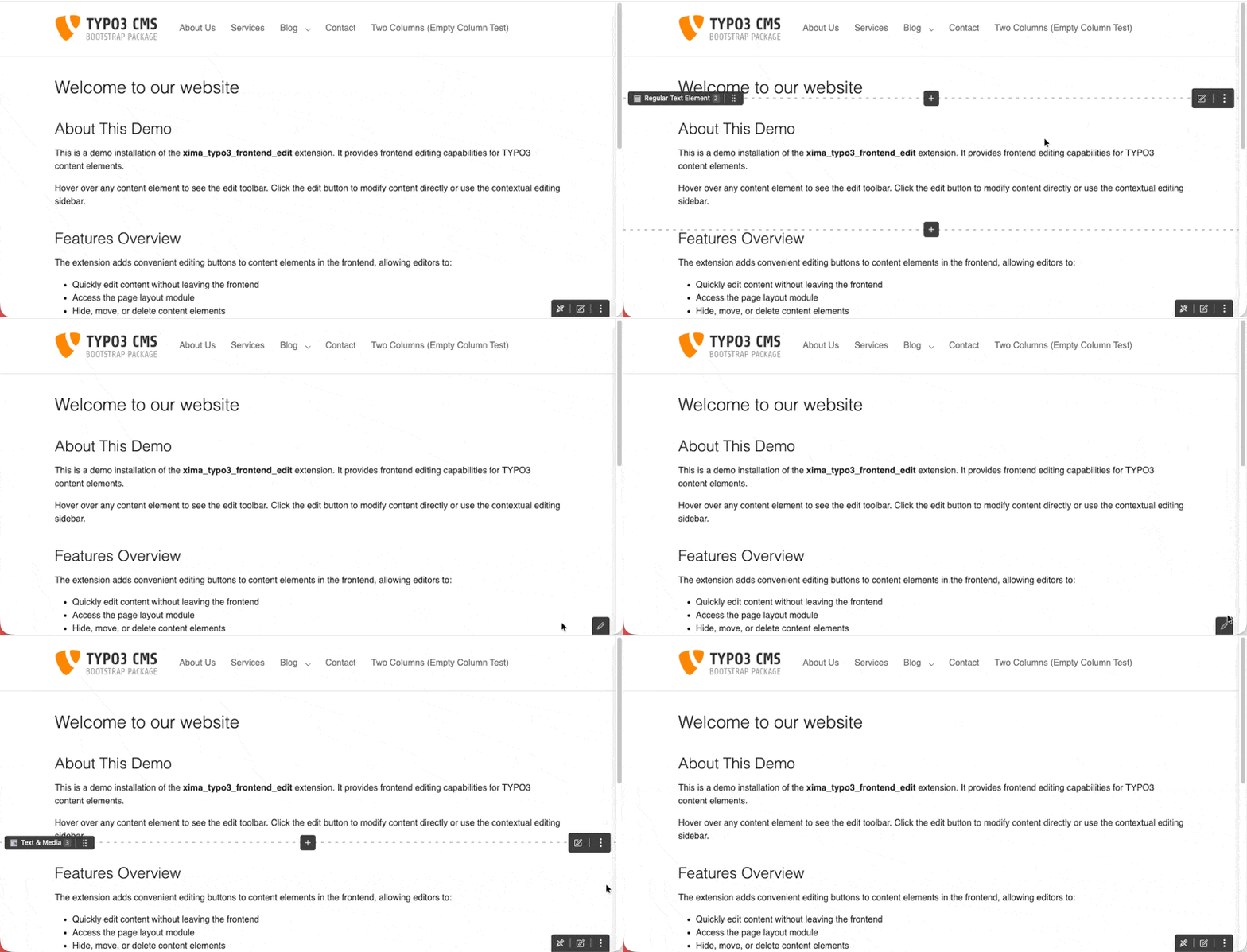
Disabling frontend editing via the toolbar toggle
To disable the Toolbar entirely, set showStickyToolbar: false in the
Site Settings.