
Customizing the Camino theme
Frontend color schemes
There are four different color schemes to choose from.
Caramel Cream

Ocean Breeze

Forest Mist

Violet Velvet

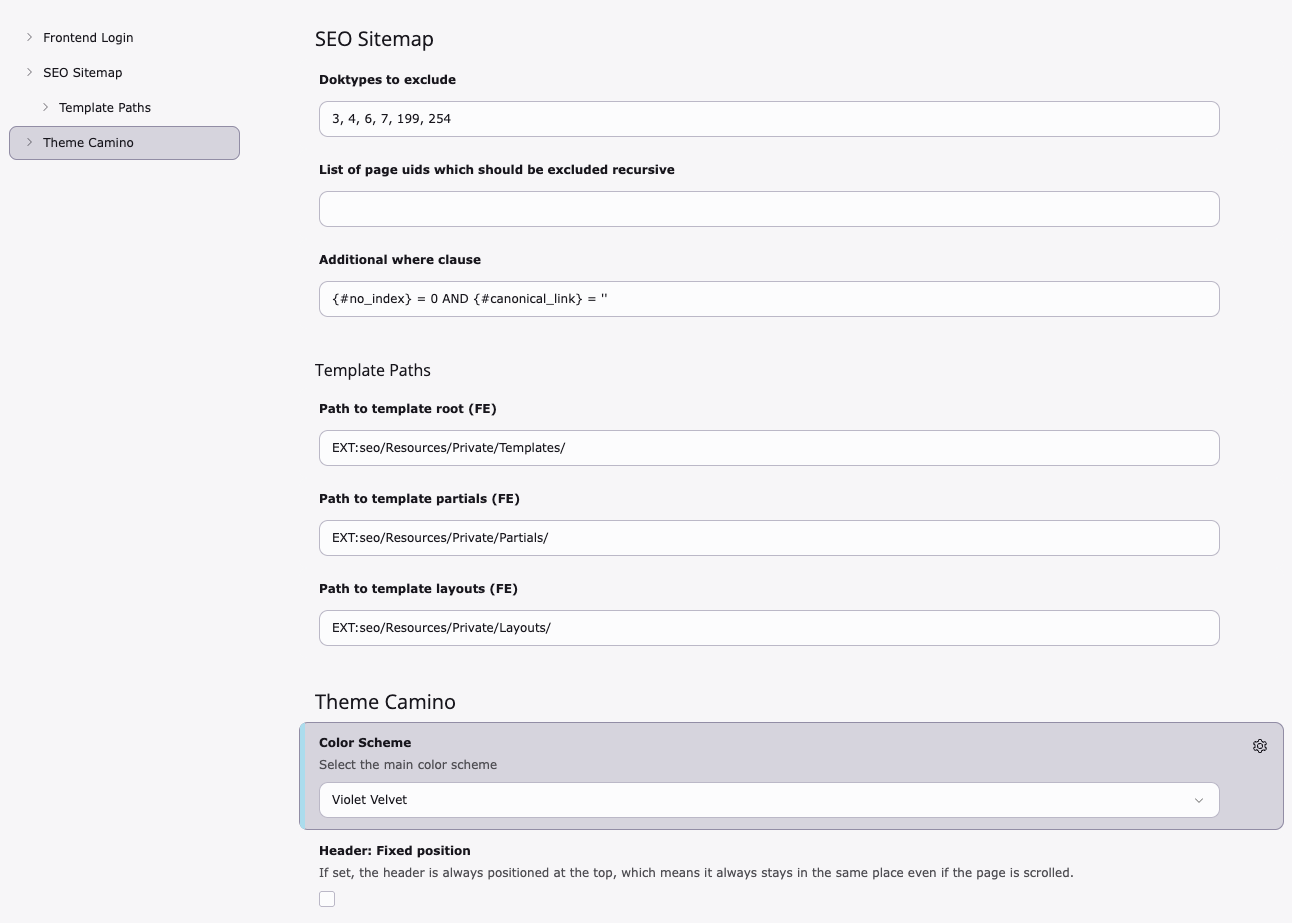
How to change the color scheme
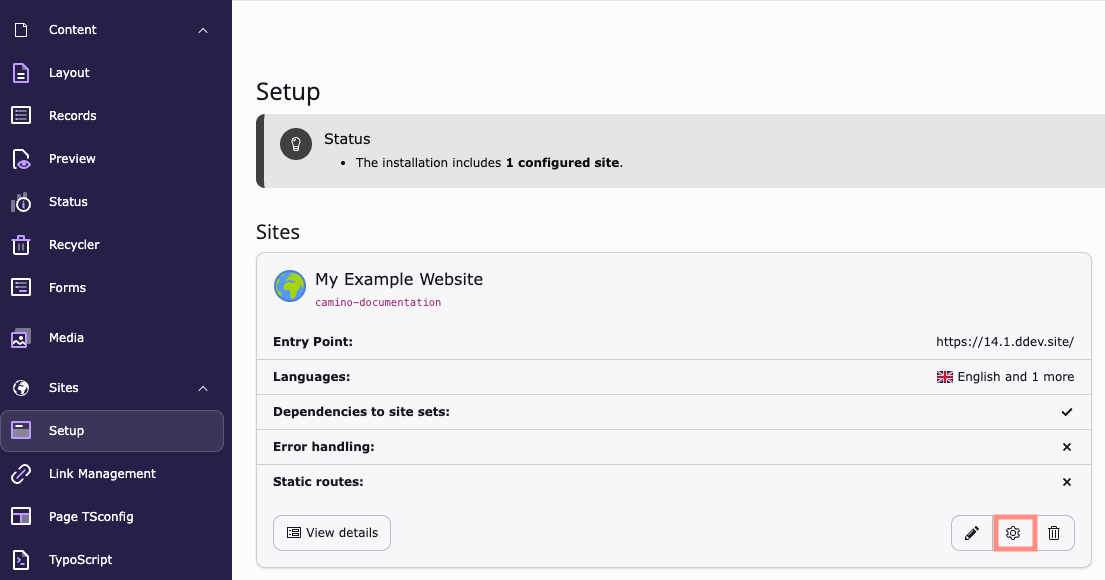
Sites > Setup > Edit Site Settings (cog icon)
Theme Camino > Color Scheme
Add a custom logo
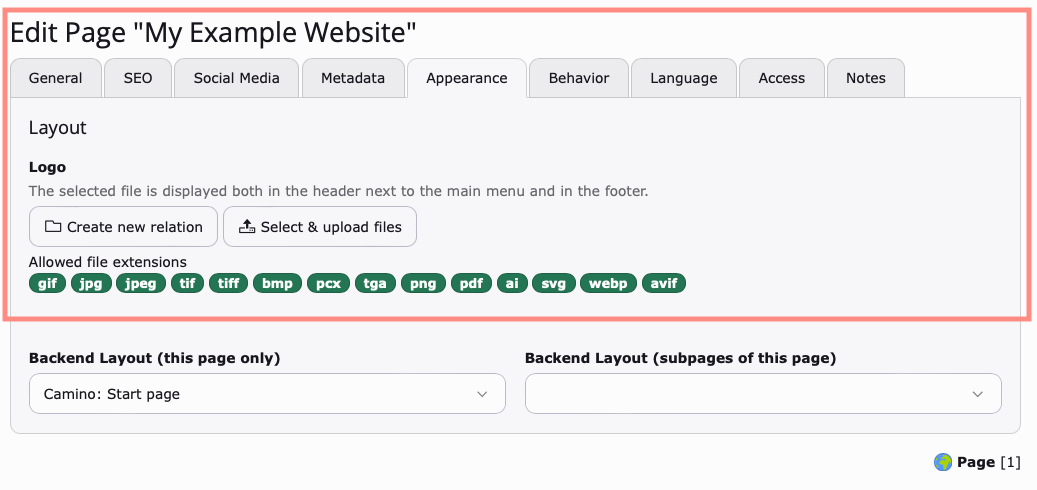
The Camino logo is at the top of page and in the footer.
To change the logo, select the root page of your site: Root Page > Page Properties > Appearance > Logo
Save your changes. Then clear the cache.