
Standalone access
The standalone app at /t3vault/ can be opened without TYPO3. This is
intended for disaster recovery when the CMS is broken.
Enable marker
Standalone password login is locked until a marker file exists (same idea as
TYPO3's ENABLE_). Like TYPO3, the marker lives outside
the web root:
var/t3vault/ENABLE_T3VAULTRules:
- File missing → login locked
- File contains
KEEP_FILE→ permanently enabled - Otherwise → enabled for one hour after the file's modification time; the window is extended on every authenticated request (sliding window)
- Ten failed login attempts consume the marker (logged in
var/)t3vault/ state/ auth. log
After a successful standalone login the marker is removed (unless it contains
KEEP_FILE).
Warning
KEEP_FILE keeps the password login endpoint permanently reachable from the
internet. Use it for local development only — never on a production or
staging system. Without it, the marker is consumed on login and the exposure
window stays minimal.
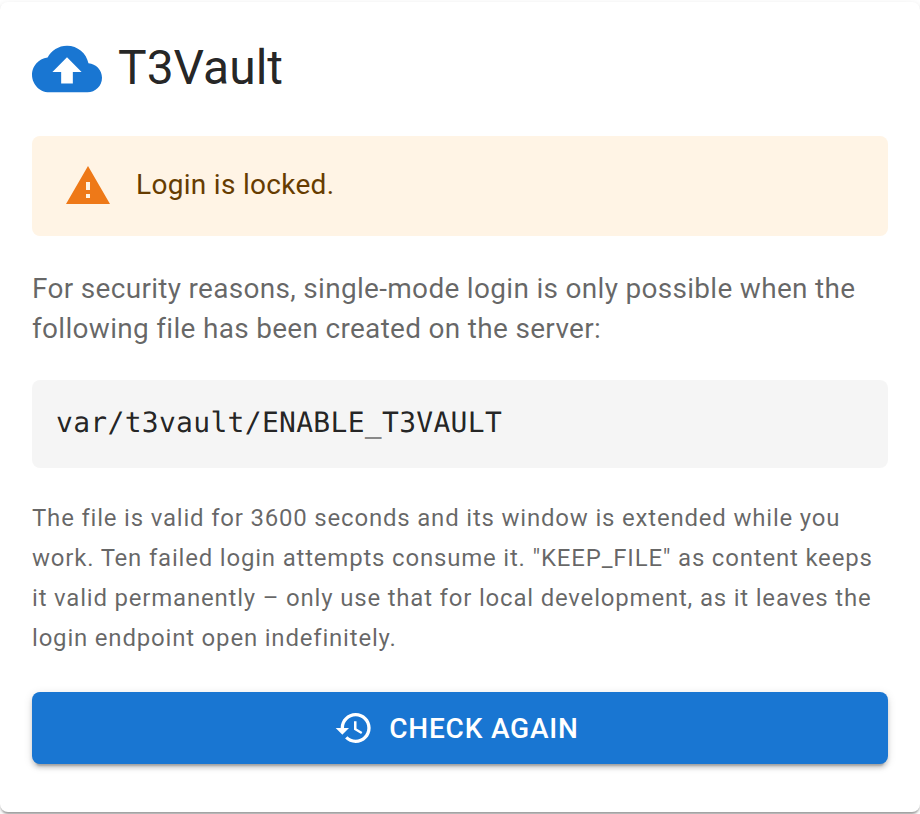
Standalone login stays locked until the enable marker exists.
Note
A marker in the old location public/ is
deliberately ignored: the web server user can write there, so any file-write
flaw in the web context could open the login window. The lock screen points
this out when it finds such a leftover file.
Tip
Create the file via SSH or SFTP, then open /t3vault/ in the browser
and log in with the standalone password set in the backend module.
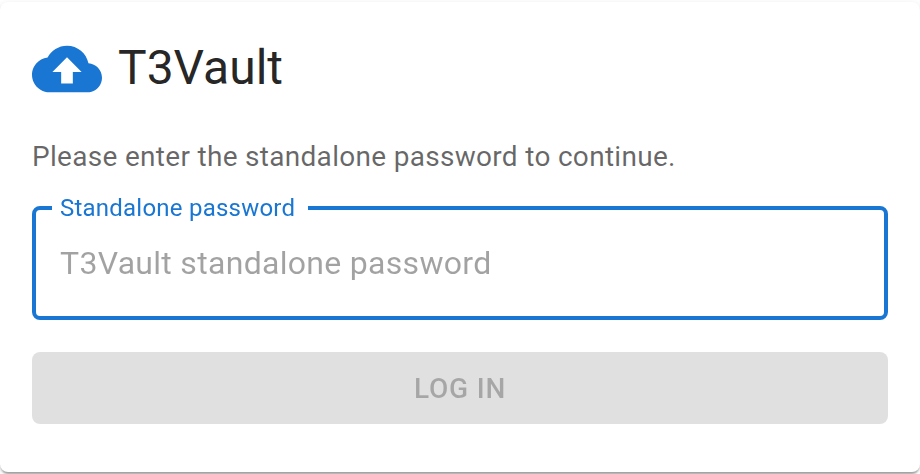
Password login used for disaster recovery outside the TYPO3 backend.
Backend SSO
When you open the module while logged in as a TYPO3 administrator, T3Vault
issues a short-lived one-time claim ticket (?sso=… on the iframe URL). The
embedded app redeems it via /auth/backend-claim and receives a backend
session — without ENABLE_T3VAULT or the standalone password. The ticket is
opaque, single-use and TTL-bound (not the former HMAC bt in the URL).