
Managing providers
Providers represent connections to AI services. Each provider stores an API endpoint, encrypted credentials, and adapter-specific settings.
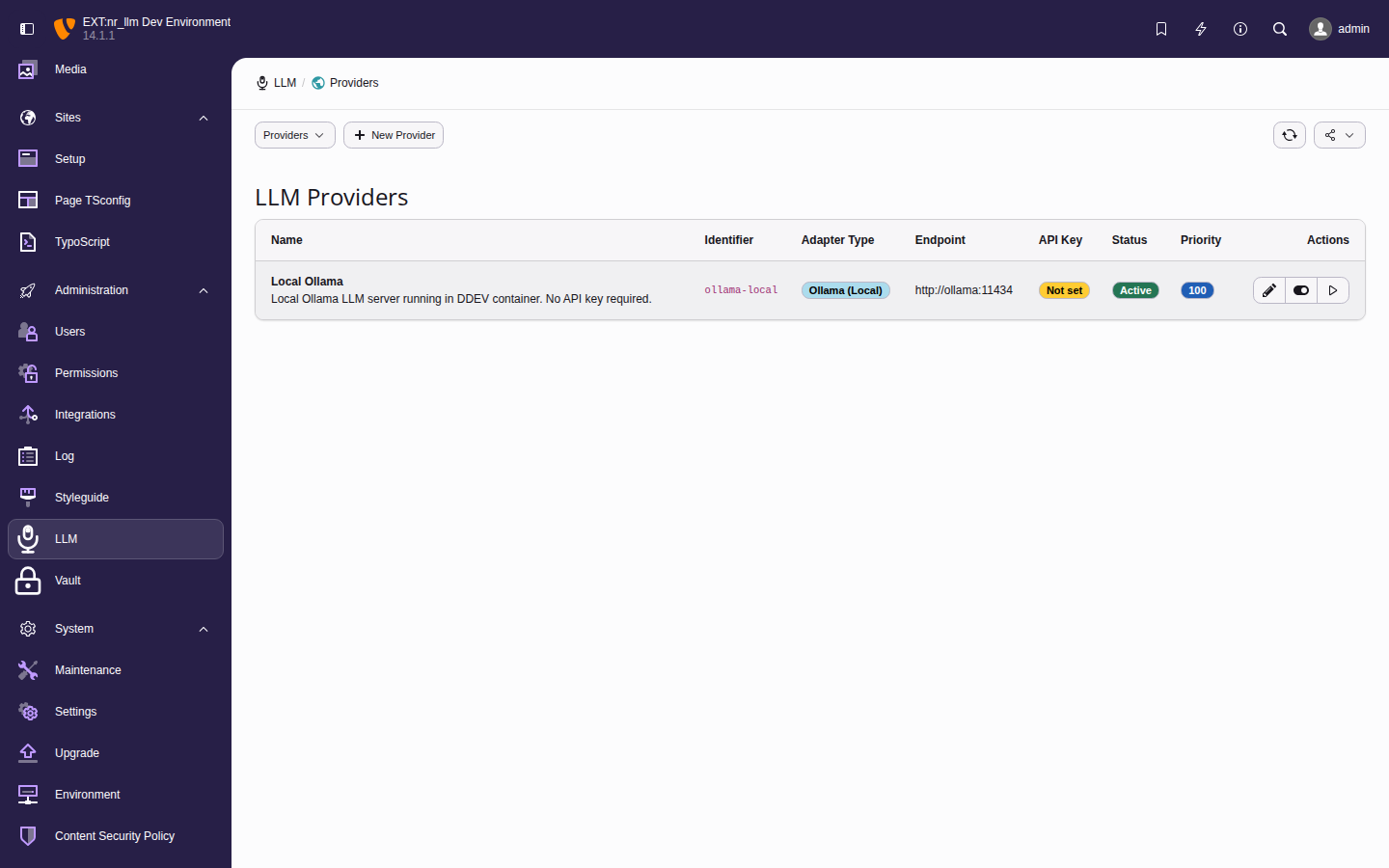
The provider list with connection status indicators and action buttons.
Adding a provider
- Navigate to AI > Setup > Providers.
- Click Add Provider.
-
Fill in the required fields:
- Identifier
- A unique slug for programmatic access
(e.g.,
openai-prod,ollama-local). - Name
- A display name for the backend
(e.g.,
OpenAI Production). - Adapter Type
- Select the provider protocol. Available
adapters:
openai,anthropic,gemini,ollama,openrouter,mistral,groq,azure_openai,custom. - API Key
- Your API key. Stored securely via nr-vault envelope encryption. Leave empty for local providers like Ollama.
- Optionally set the endpoint URL, organization ID, timeout, and retry count.
- Click Save.
Tip
Use the Setup wizard for guided first-time setup — it auto-detects the provider type from your endpoint URL.
Setting the key from the command line
An unattended install cannot operate the
wizard.
nrllm: does the
same job for a provider record that already
exists, reading the key from STDIN:
printf '%s' "$OPENAI_API_KEY" | \
vendor/bin/typo3 nrllm:provider:set-key openaiThe key is never accepted as an argument — that would put it in the process list and the shell history. A terminal is refused rather than read, so a provisioning script fails visibly instead of hanging on a prompt.
Running it again for the same provider replaces
the stored key and keeps the identifier, so
anything already referring to that identifier —
including
providers.openai.apiKeyIdentifier in the
extension configuration, which the speech and
image services read — keeps working. See
ADR-124.
Testing a connection
After saving a provider, click Test Connection to verify the setup. The test makes an HTTP request to the provider API and reports:
- Connection status (success or failure).
- Available models (if the provider supports listing).
- Error details on failure.
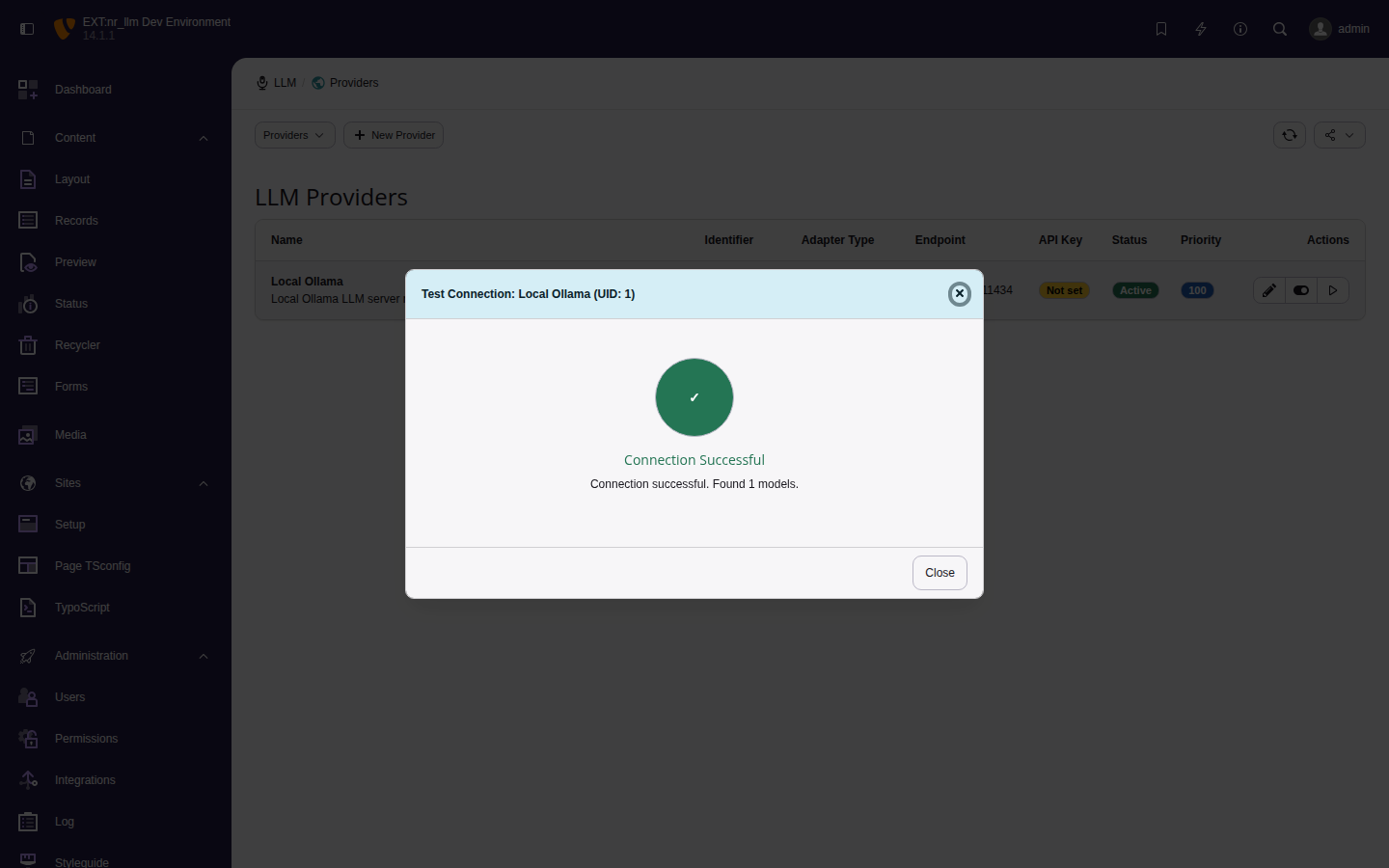
Successful connection test for the Local Ollama provider.
Note
Self-hosted endpoints (such as Ollama) reached through a hostname that resolves to a private or loopback address are subject to the SSRF protection built into nr-vault's HTTP client. If a connection test fails with a "disallowed IP range" error, add the endpoint host to the TYPO3 HTTP allowlist:
$GLOBALS['TYPO3_CONF_VARS']['HTTP']['allowed_hosts'][] = 'ollama';The request-time allowlist is honored by nr-vault 0.6.1 and later.
Endpoints given as an IP literal (for example
http://127.0.0.1:11434) are not affected.
Editing and deleting providers
- Click a provider row to edit its settings.
- Use the Delete action to remove a provider. Models linked to a deleted provider become inactive.