
Logging in to TYPO3 backend
With TYPO3, an editor's work is done via the backend and having an active backend account is required.
Enter your domain name into the address bar of your browser and
append /typo3 to the end of it to access the backend login page.
For example: http://.
Note
Since TYPO3 v13, a custom entry point for the TYPO3 backend can be
customized. If the path /typo3 does not work, consult the
project's documentation or ask your administrator for the correct backend
URL.
Check that JavaScript and cookies are enabled in your browser as they are required by TYPO3's backend.
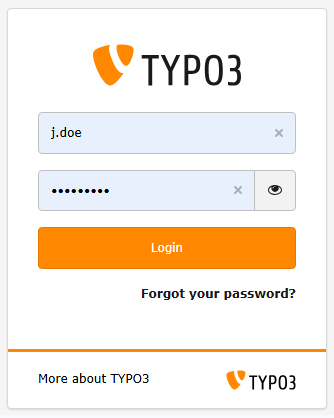
The TYPO3 backend login screen
The password can be displayed in clear text by clicking the "eye" symbol once something has been typed in the password field.
Warning
Revealing login credentials is always a security risk. Please use this feature with caution when nobody can watch your input, either remotely or by looking over your shoulders!
Troubleshooting: Forgot password for backend login
The following example only works if your installation's administrator has enabled the password reset feature and if your backend account has a valid email address set. It also requires that your TYPO3 installation is able to send mails. Contact your installation's administrator if in doubt.
-
Click on Forgot your password?
Go to the backend login page and select Forgot your password?.
-
Enter your email address
Use the same email address that you provided during registration.
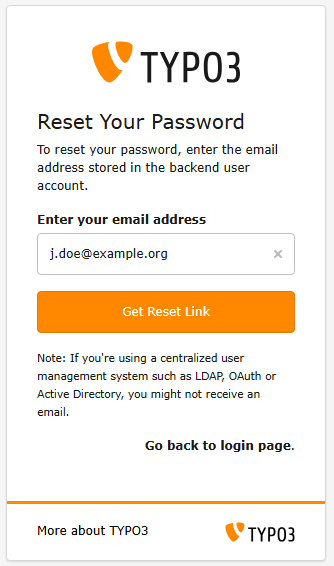
Click on Forgot your password?
-
Open the email and follow the link
If you did not receive the email, check your spam folder and double-check that the entered email address is correct.
-
Enter the new password
After you clicked on the password recovery link in the email you received you can enter a new password. The new password has to respect the password policy requirements configured by the administrator of your installation.
Troubleshooting: Login does not work
- Check if JavaScript is enabled in your browser.
- Check the credentials are correct and valid.
- If your IP address changes you might be automatically logged out.
Backend and Install Tool are locked for maintenance
If the administrator locked your TYPO3 installation for maintenance purposes, you will see one of the following error messages:
Warning
TYPO3 is in maintenance mode at the moment. Only administrators are allowed access.
or
Backend and Install Tool are locked for maintenance. [BE][adminOnly] is set to "-1".
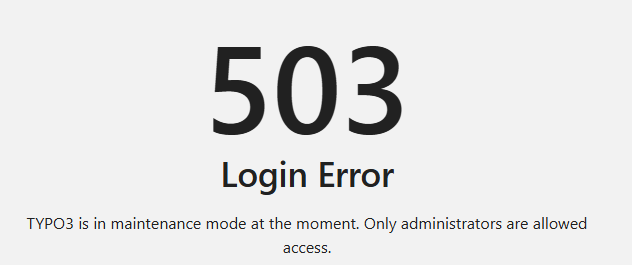
The backend login is locked for maintenance.
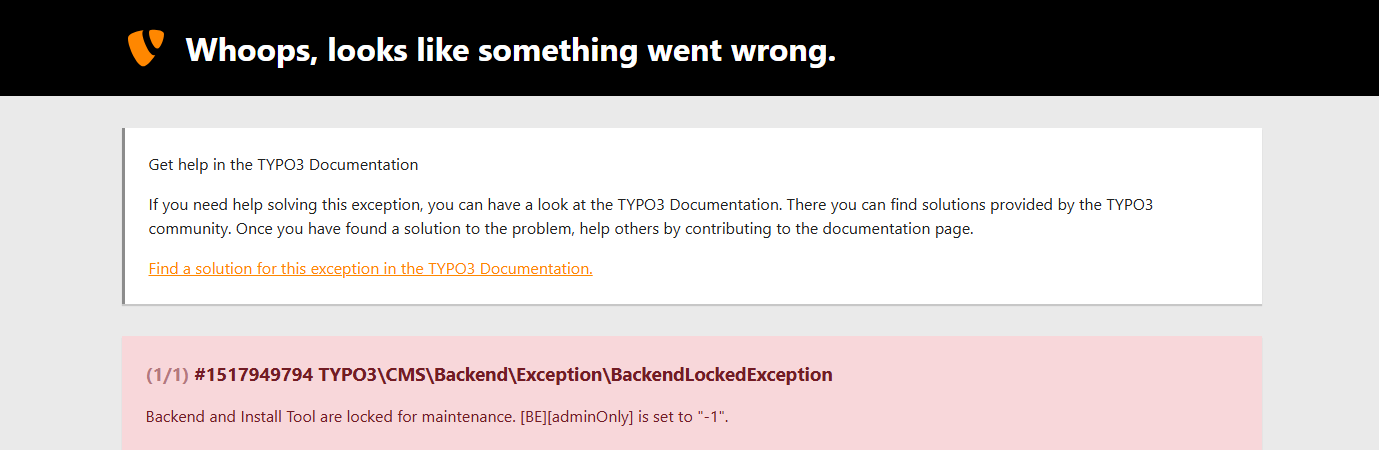
The backend login is locked for maintenance, including for administrators.
This message can only be removed by an administrator or integrator / programmer of the TYPO3 installation.
Too many failed logins
After a certain amount of failed login attempts within a short time span the TYPO3 backend will be automatically locked to prevent brute force login attempts and other security relevant attacks:
Warning
The login is locked until 2024-12-31 10:58 due to too many failed login attempts from your IP address.
Wait until after the mentioned time before you retry. Contact your administrator if the problem persists.
Login dialog reloads, no error message displayed
This can happen if the login cookies are incorrectly set. Try deleting your cookies in the browser. If this does not help, inform your administrator.
Login trouble shooting for administrators
In case you are the administrator yourself you can find more trouble shooting options in TYPO3 Getting Started, Troubleshooting common TYPO3 backend login problems.