
Finishers
Any number of "finishers" can be added to a form. Finishers are actions that will be executed once the form has been submitted by a user.
In the following chapter, each finisher and its function will be explained. Not all finishers can be added via the form editor. There are some finishers that can only be added by integrators/ administrators. The following finishers are available by default:
- Email to sender (form submitter)
- Email to receiver (you)
- Redirect to a page
- Delete uploads
- Confirmation message
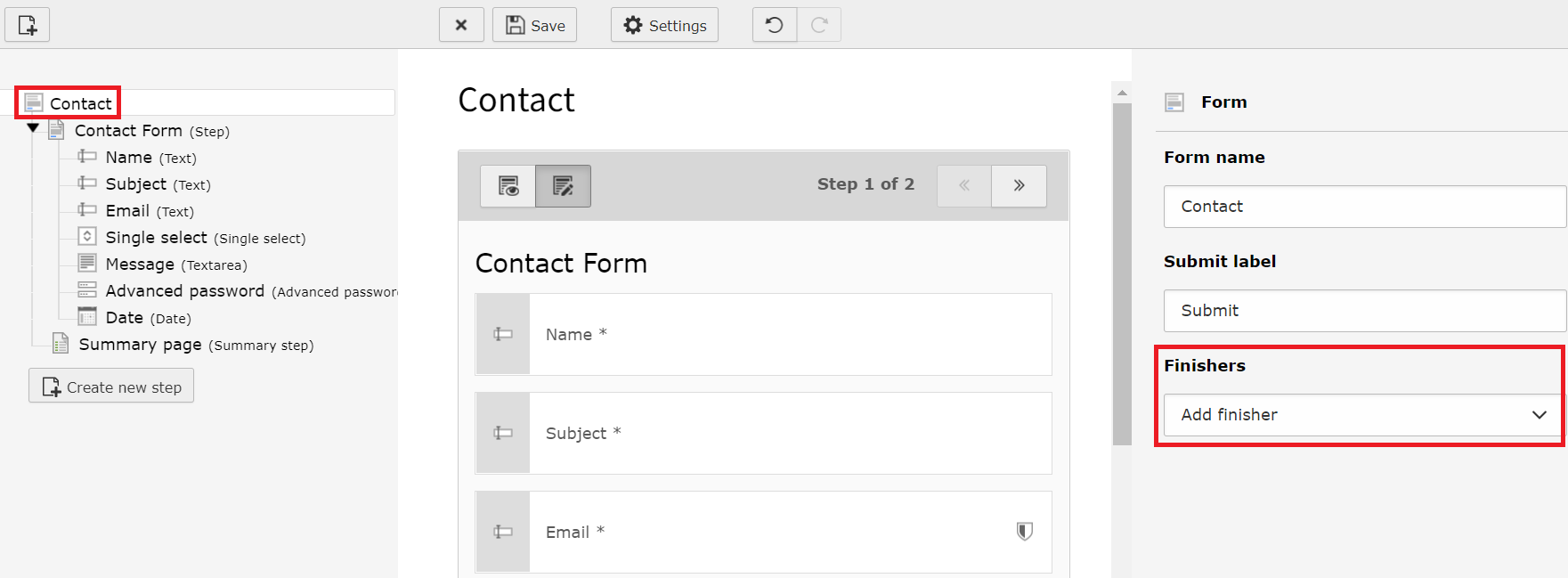
Form editor - add new finishers
Important
Finishers are executed in the order that they appear in your form definition.
This is particularly important for the Redirect finisher. Make sure
this finisher is the very last one to be executed. The Redirect finisher
stops the execution of all subsequent finishers in order to perform the redirect.
Finishers defined after the Redirect finisher will be ignored.